
Sleeve : lecteur musique FLAC
Sans perte, sur NAS ou cloud
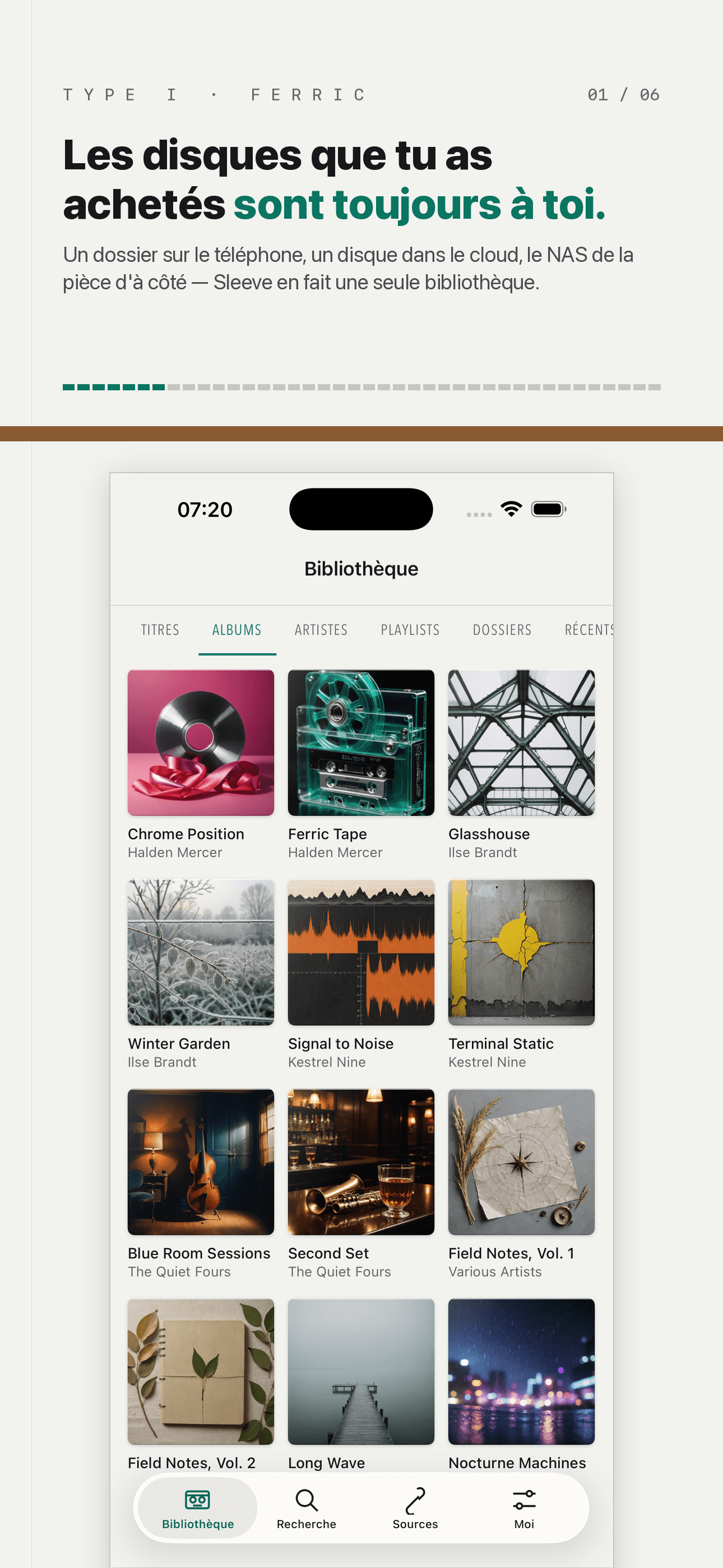
La musique qui vous appartient vraiment est déjà quelque part : un dossier sur votre iPhone, un disque dans le cloud, un NAS qui ronronne dans la pièce d'à côté. Sleeve la lit là où elle est et vous la rend sous la forme d'une seule bibliothèque.
Votre musique est déjà quelque part : un dossier, un disque, un NAS dans la pièce d'à côté. Sleeve la lit là où elle est et vous la rend en une seule bibliothèque.
Core Features
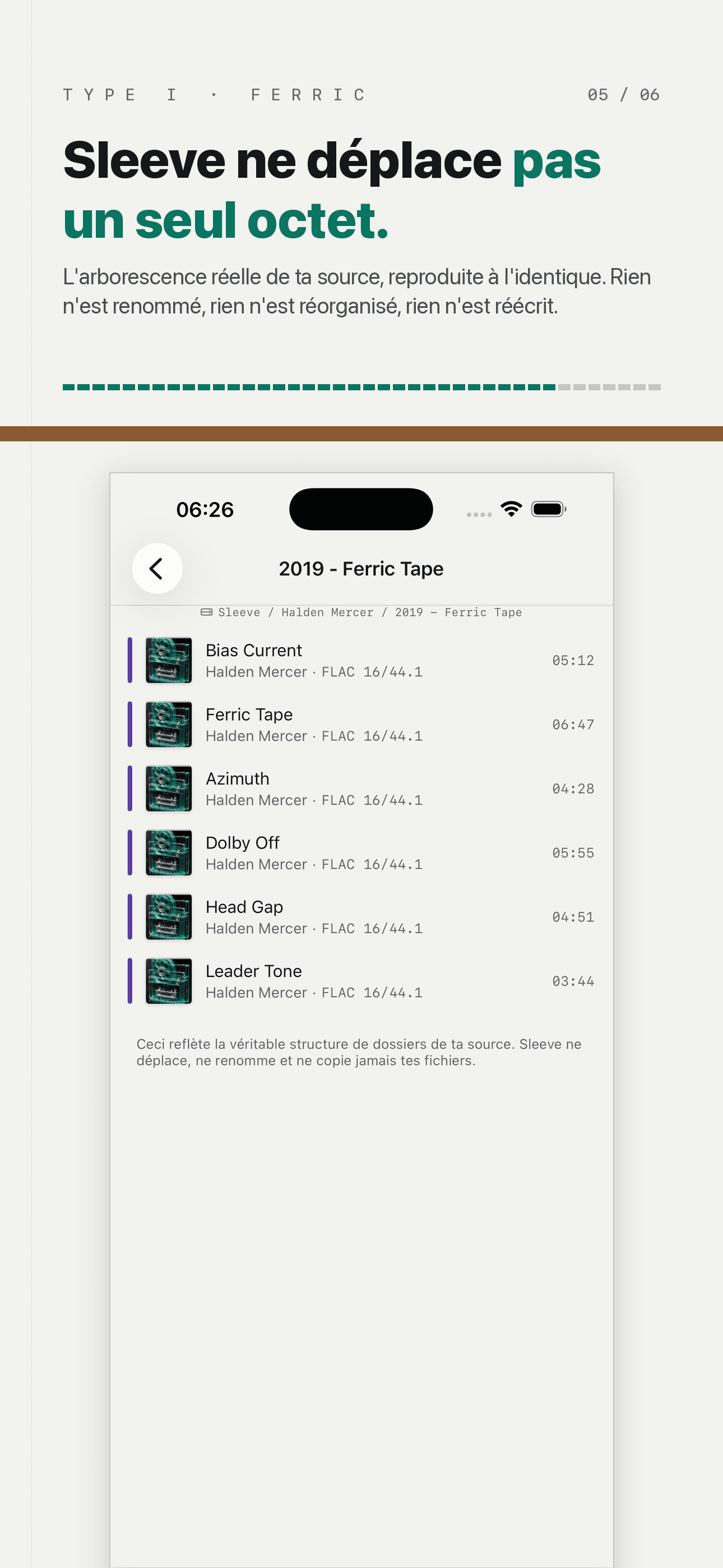
Read In Place, Never Copied
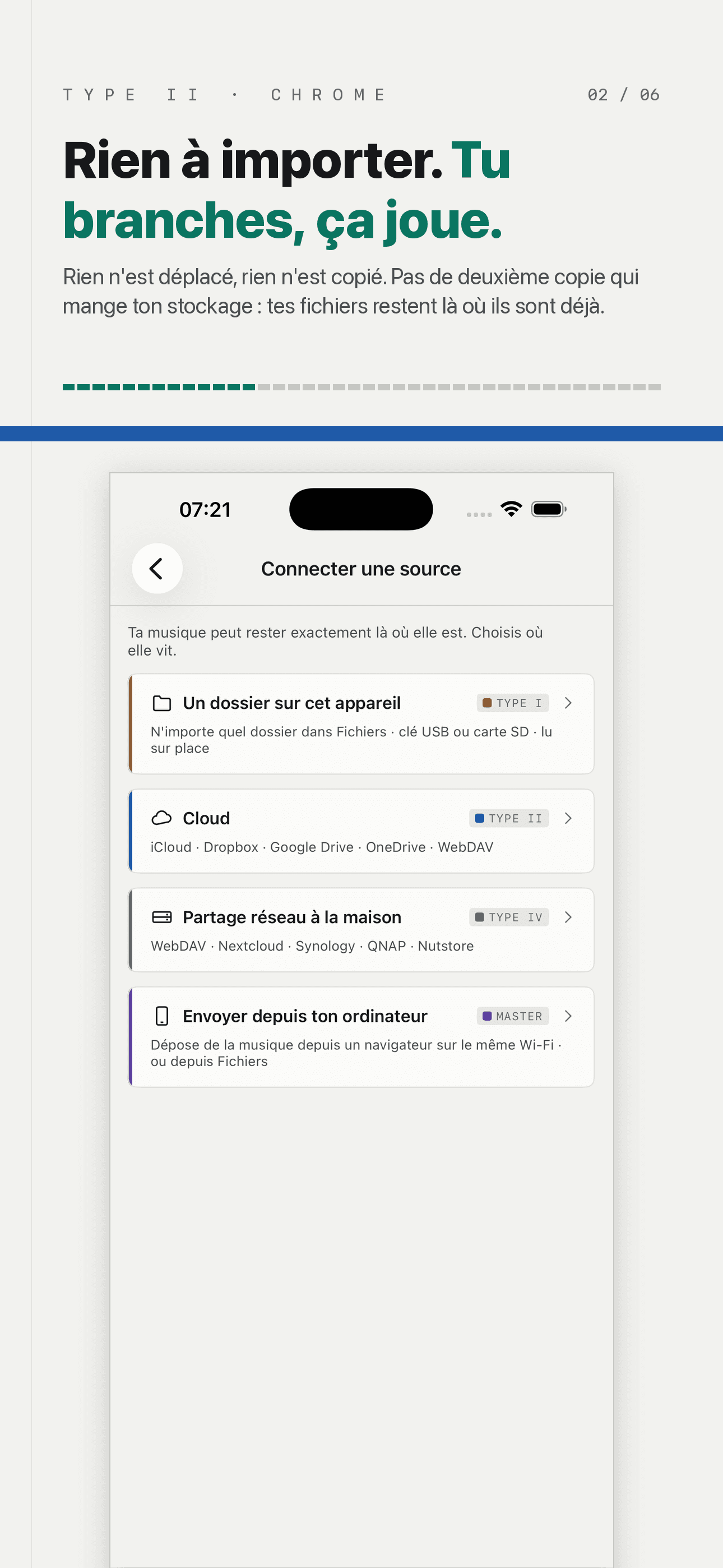
There is no "import" — only "connect a source". The library is a view onto sources you already have, not a second copy you feed it, so it costs no storage and never drifts from your originals.
Folder, Cloud, NAS
Any folder in Files, a USB stick or SD card, iCloud / Dropbox / Google Drive / OneDrive, and the WebDAV share at home — Nextcloud, Synology and QNAP all speak it. Merged into one library, each source showing its own online state and offline footprint in plain sight.
Lossless, And Honest About It
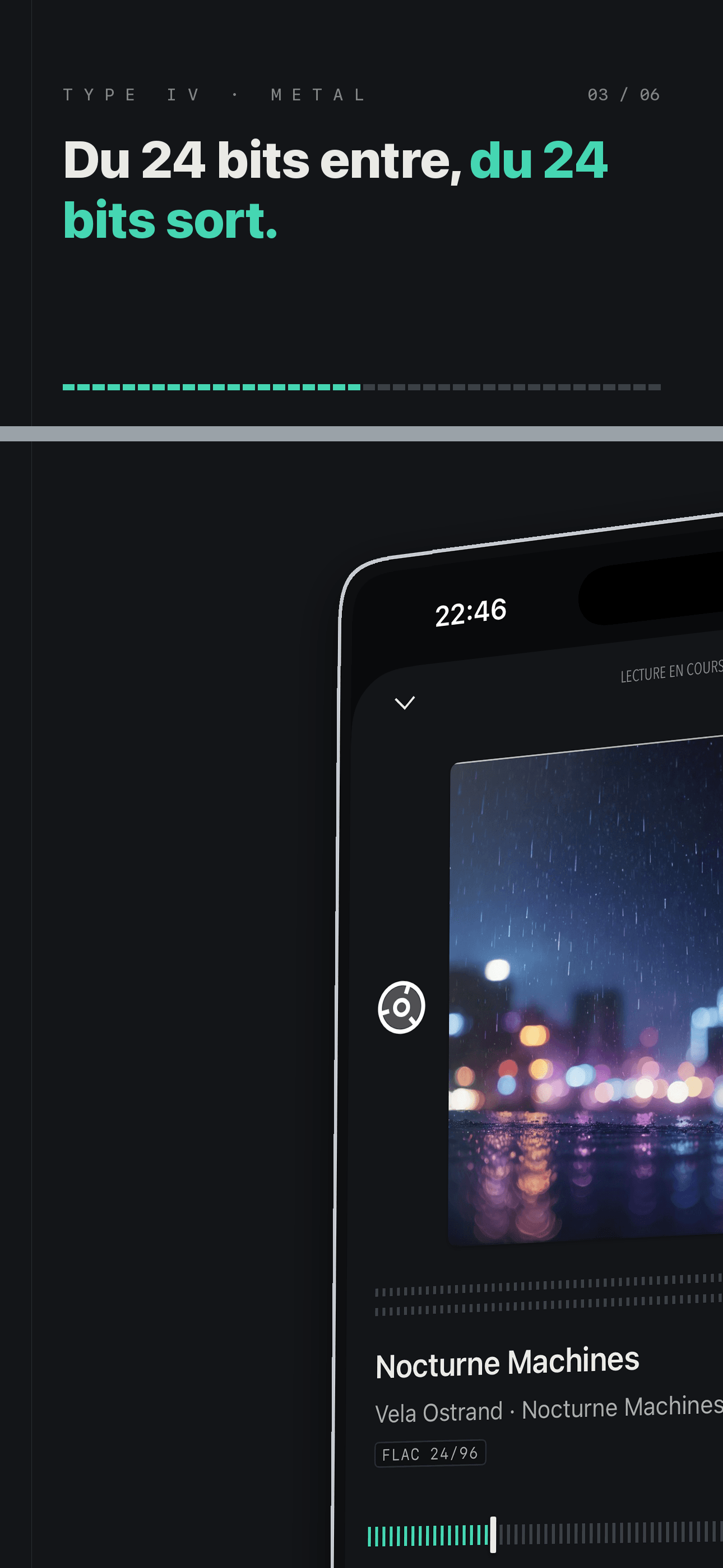
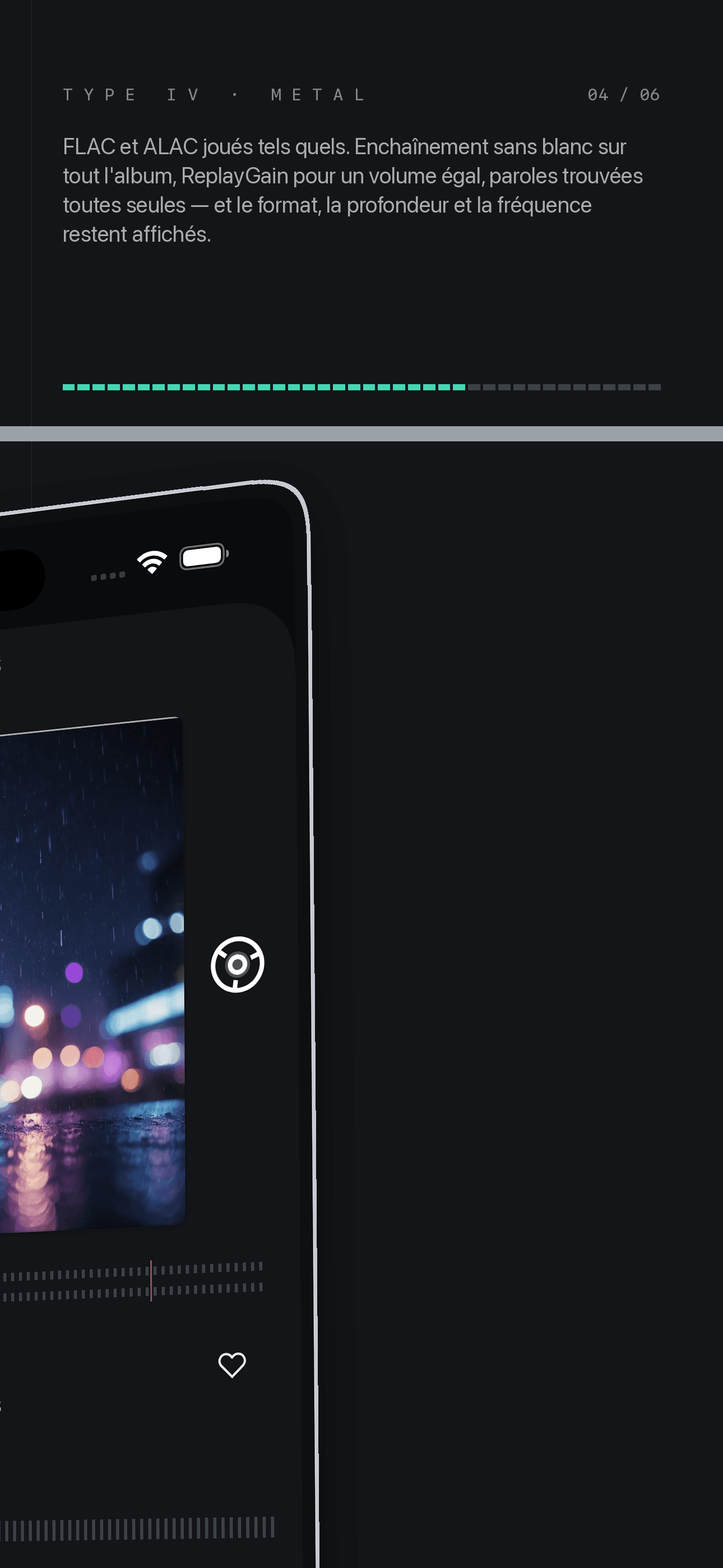
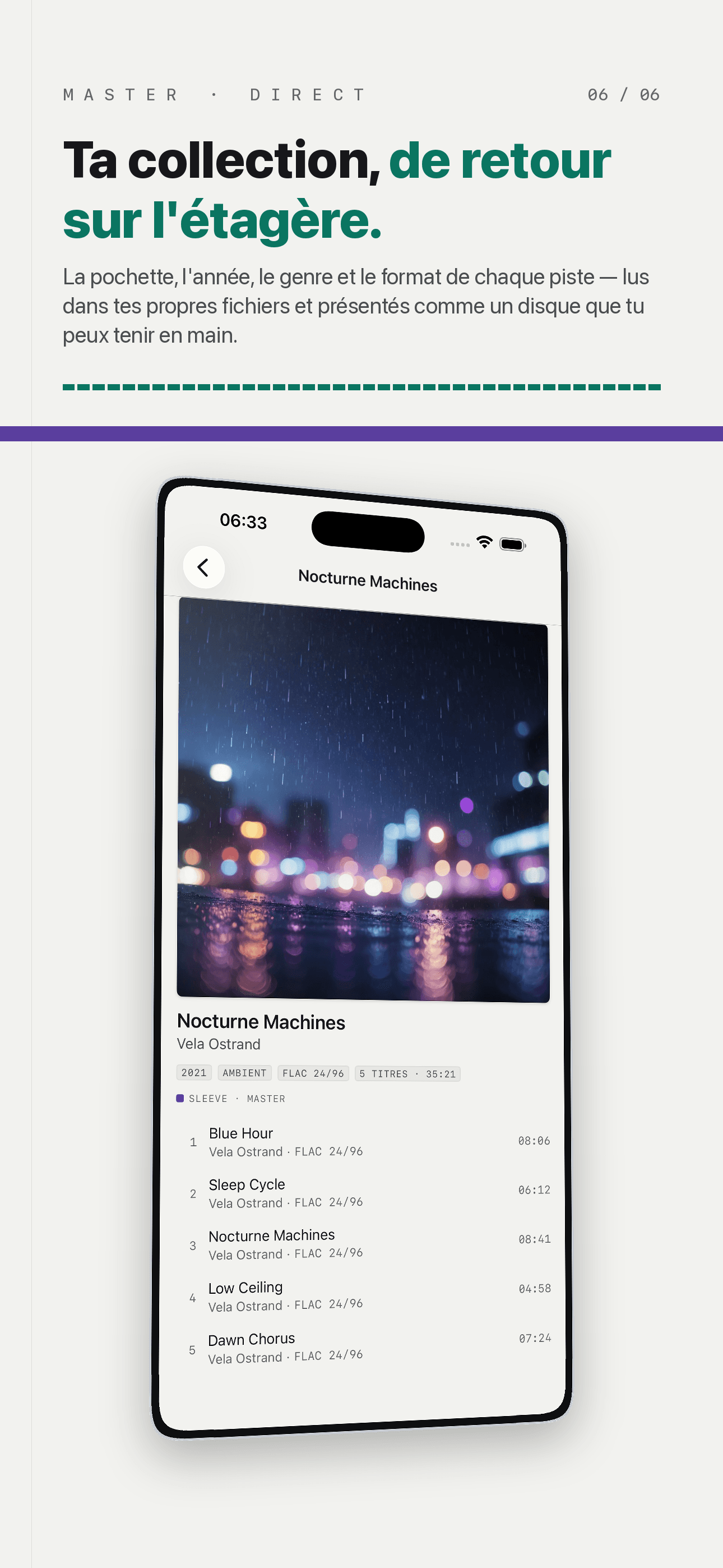
FLAC and ALAC played as they are, gapless across an album, ReplayGain for even loudness, a ten-band EQ. Format, bit depth and sample rate stay on screen instead of hiding two levels down.
No Ads, No Account
No third-party ad or tracking SDKs — not one line. This is not a setting, it is a premise of the product. Play history, files and playlists stay on your device, and the app does not know who you are.
Plans
Sleeve Pro à vie
Un paiement. Sources et listes illimitées.
Sleeve Pro annuel
Renouvelé chaque année. Sources illimitées.
FAQ
What is Sleeve?
Sleeve is a music player for the music you already own. Point it at a folder on this device, a cloud drive, or the WebDAV share on your home NAS, and it reads those files where they are and presents them as one library — albums, artists, songs, playlists, and the real folder tree. It plays FLAC and ALAC without re-encoding, plays gapless across an album, and matches lyrics automatically. There are no ads and no account.
Do I have to import or upload my music?
No. Sleeve has no "import" action at all — only "connect a source". Nothing is moved, nothing is copied, and no second copy is stored, so connecting a source costs you no extra storage and your files never drift from the originals. The library is a view onto sources you already have. If you later rename or reorganise something at the source, Sleeve mirrors it; it never renames or reorganises anything itself.
Which sources can I connect?
Four kinds. A folder on this device — anything in Files, including a USB stick or SD card. A cloud drive — iCloud Drive, Dropbox, Google Drive or OneDrive, all reached through Files. A network share at home over WebDAV, which Nextcloud, Synology, QNAP and most NAS boxes speak. And sending music straight from a computer over the same Wi-Fi, or dropping it in from Files. SMB is not supported in this version. The free version connects one source; Sleeve Pro removes that limit.
Which audio formats does Sleeve play?
FLAC, ALAC, AAC, MP3, WAV and AIFF, played as they are with no re-encoding. Albums play gapless, ReplayGain tags are honoured so tracks from different sources sit at a consistent loudness, and a ten-band equaliser is available. The format, bit depth and sample rate of the playing track stay visible on the Now Playing screen — a 24-bit / 96 kHz FLAC says so — rather than being hidden two levels down.
Are there ads, and do I need an account?
There are no ads, and there is no account. Sleeve contains no third-party advertising or tracking SDKs — not one line. That is not a setting you turn off; it is a premise of the product. There is no sign-up and no user table, so the app does not know who you are. Play counts, playlists and playback positions stay on your device.
What does Sleeve Pro unlock, and how much is it?
Sleeve Pro is a one-time purchase — not a subscription — and it is a Universal Purchase covering iPhone and iPad. It unlocks exactly two things: connect as many sources as you like (the free version connects one), and create as many smart playlists as you like (the free version allows two). Nothing else is behind it. Playback, lossless, gapless, ReplayGain, the equaliser, lyrics, artwork matching, the offline cache and tag editing are all in the free version and always will be — the paywall is the point where your library outgrows one source, not a hostage taken from the basics.
What happens when a source goes offline?
Tracks you play from a cloud drive or a network share are kept in a local cache, so what you have listened to recently keeps playing when the NAS is asleep or you are out of Wi-Fi. The cache has a size limit you choose in Me → Cache, along with how much it is currently using and a button to clear it. A source that is unreachable says so on the Sources tab rather than quietly returning nothing, and music stored on this device — a local folder, or files you sent over from your computer — always plays regardless.
Where do lyrics and cover art come from?
Lyrics come from LRCLIB, matched by title, artist, album and track length. Cover art is looked up from MusicBrainz and Apple's iTunes catalogue, then fetched from the Cover Art Archive or Apple. Both are optional network lookups and both have a switch in the Me tab — turn them off and Sleeve reads only the tags and artwork already embedded in your files. Nothing about your library is uploaded either way.
I bought Pro before — how do I get it back on a new device?
Sign in to the same Apple ID and open Me → Sleeve Pro → Restore Purchase. Because Sleeve Pro is a Universal Purchase and a one-time buy, it restores on every device on that Apple ID, including a device you buy years later, with nothing further to pay.
Something is wrong — how do I get help?
Open Me → Feedback in the app and describe what happened; the report carries your device model and app version so we can reproduce it, and nothing from your library goes with it. You can also write to [email protected]. If a source stopped working, the source's detail page shows its last error and the last successful sync, which is usually the fastest way to see what changed.
Guides & tutorials
- Does Sleeve Copy or Import Your Music? No — It Reads In PlaceSleeve has no import step. It reads FLAC, ALAC, MP3 and the rest where they already sit — a folder, iCloud, Dropbox or a WebDAV NAS — so nothing is duplicated, storage cost is zero, and renames at the source propagate.
- Stream Lossless from a NAS: WebDAV, the Cache, and When the NAS Sleeps | SleeveHow Sleeve streams FLAC, ALAC and the rest from a NAS over WebDAV without copying anything, what the local cache covers when the Wi-Fi drops, what it costs, and how it compares to SMB or AirPlay.
- Music Player With No Ads and No Account | SleeveSleeve embeds no third-party ad or tracking SDKs and has no sign-up, so there is no user table. What it does send, what stays on your device, and where the free tier ends.