
Encore: Foto's die je vergat
De diavoorstelling is al klaar
Je mooiste dagen staan allang op deze iPhone. Alleen opent niemand ze ooit nog.
Het diner dat tot twee uur duurde. De ochtend dat je veertig keer afdrukte. Een licht waarvoor je stopte. Het staat er nog - Encore vond het en speelde het af.

Core Features
Nine Kinds of Story, Not a Folder
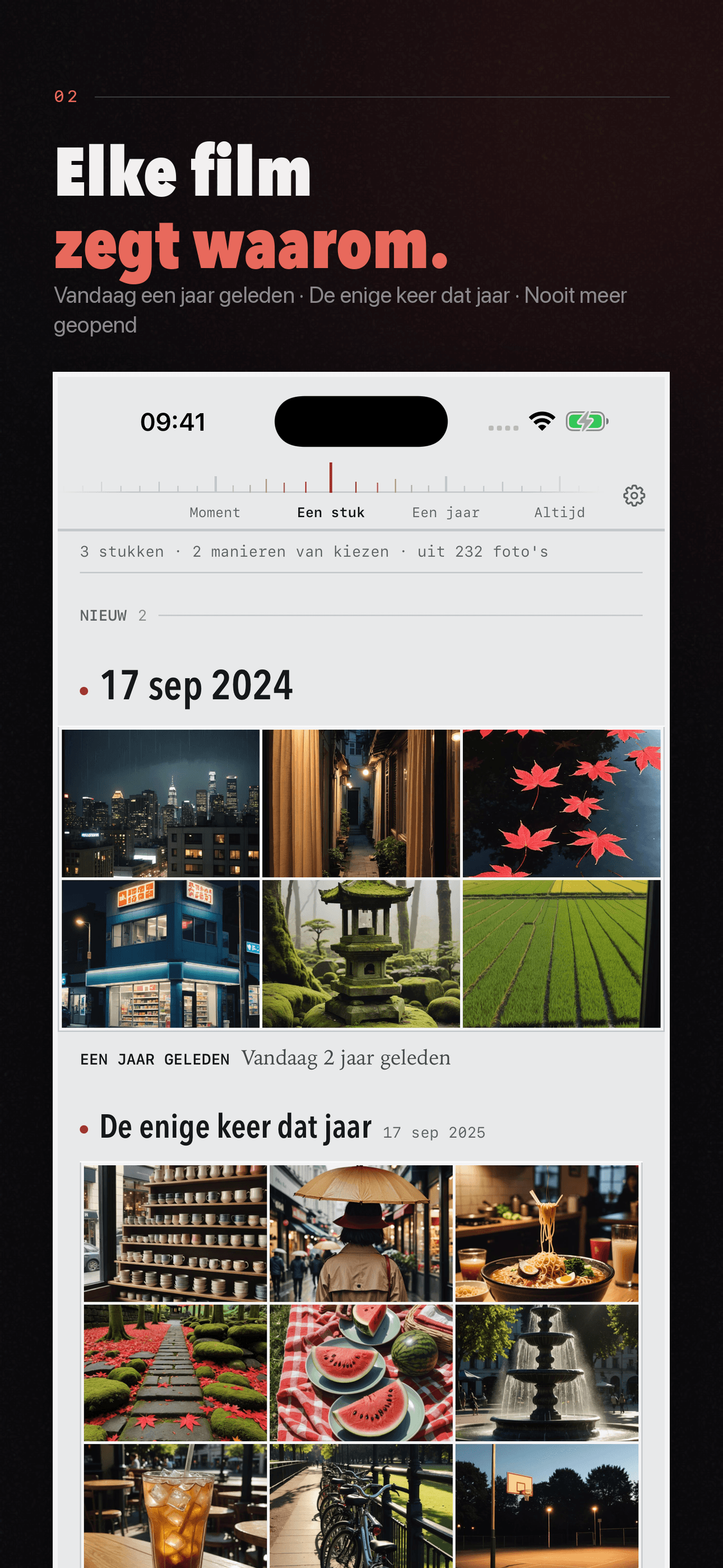
Trip, that one day, this day last year, a place revisited, a thing you keep shooting, one colour across years, the best frame of a burst, never opened again, the year in review — each is a finished piece, not a filter tab.
Plays on the Beat
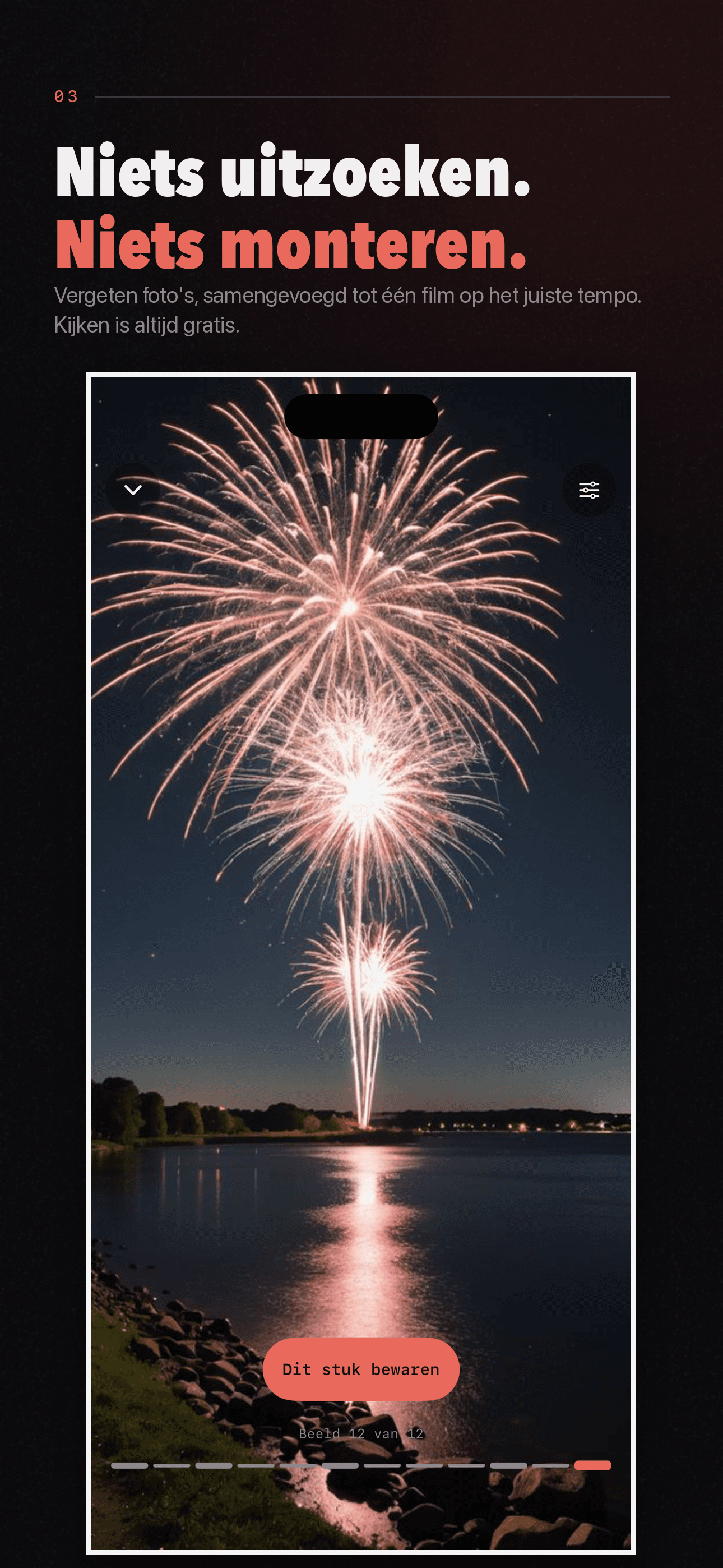
Frames cut on the beat and land harder on the downbeat. Better photos linger longer — the score decides how long each one holds, never the order, because the order is the story.
Hold to Spread
Press and hold mid-playback: time freezes and the whole stretch fans out along an arc. Slide to pick any frame; let go and it carries on from there.
On-Device, No Account
Reading, scoring, cutting, and playback all happen on this iPhone. Photos are never uploaded, locations are aggregated to a coarse grid rather than stored as exact coordinates, and there is no sign-up step at all.
Plans
Maandelijks
Bewaar elk fragment een maand lang
Jaarlijks
Bewaar elk fragment het hele jaar
FAQ
What is Encore?
Encore reads your photo library on your iPhone and picks out the stretches worth watching again — a trip, the day you shot the most, this day last year, a place you never went back to, the thing you keep photographing — then plays them back in time with a rhythm. The problem it solves isn't that you didn't take good photos; it's that you never open them again.
Are my photos uploaded anywhere?
No. Reading, scoring, grouping, and playback all happen on your device. No photo, thumbnail, or derived image is ever sent to our servers or to any third party, and there is no account to sign up for. Encore only reads your library — it never deletes, modifies, or moves your photos.
Does Encore use my location?
It uses the coordinates already attached to your photos, so it can tell a trip apart from an ordinary day at home and judge how rare a place is for you. Before any of that, coordinates are reduced to a coarse grid cell a few kilometres across — only the cell is kept and compared. Encore never stores your exact coordinates and never transmits location data.
How does Encore decide what's worth watching?
It combines three things: how rare a moment is for you (a place you go once a year counts far more than your living room), how good the photos are technically and aesthetically, and how many there are. Rarity is a multiplier, not a bonus — that's why one afternoon somewhere new can outrank a hundred photos from home.
Why does every selection come with a reason?
Because a recap that can't explain itself is just a shuffle. Every reason Encore shows — "the only time you went there in 2024", "42 shots that day" — is a fact drawn from your own library's metadata that you can check. Encore never invents praise, and it makes no judgment about your life or the people in your photos.
Does Encore recognise faces or group photos by person?
Only if you turn it on. Face recognition is off by default and nothing is scanned until you switch on "Recognise people" — in Settings, or on the We shelf, which explains what will happen first. Turn it on and Encore gathers the people who keep showing up in your library, entirely on this iPhone; nothing is uploaded. Turn it off to stop scanning, or tap "Erase face data" to destroy everything it worked out.
What if I only give Encore access to selected photos?
Encore will tell you plainly that its picks would come from a hand-picked subset and would therefore be misleading. Rarity, density, and "you never went back" all depend on seeing the whole library; with partial access the answers would be quietly wrong, so Encore says so instead of pretending.
Can I change what's in a recap?
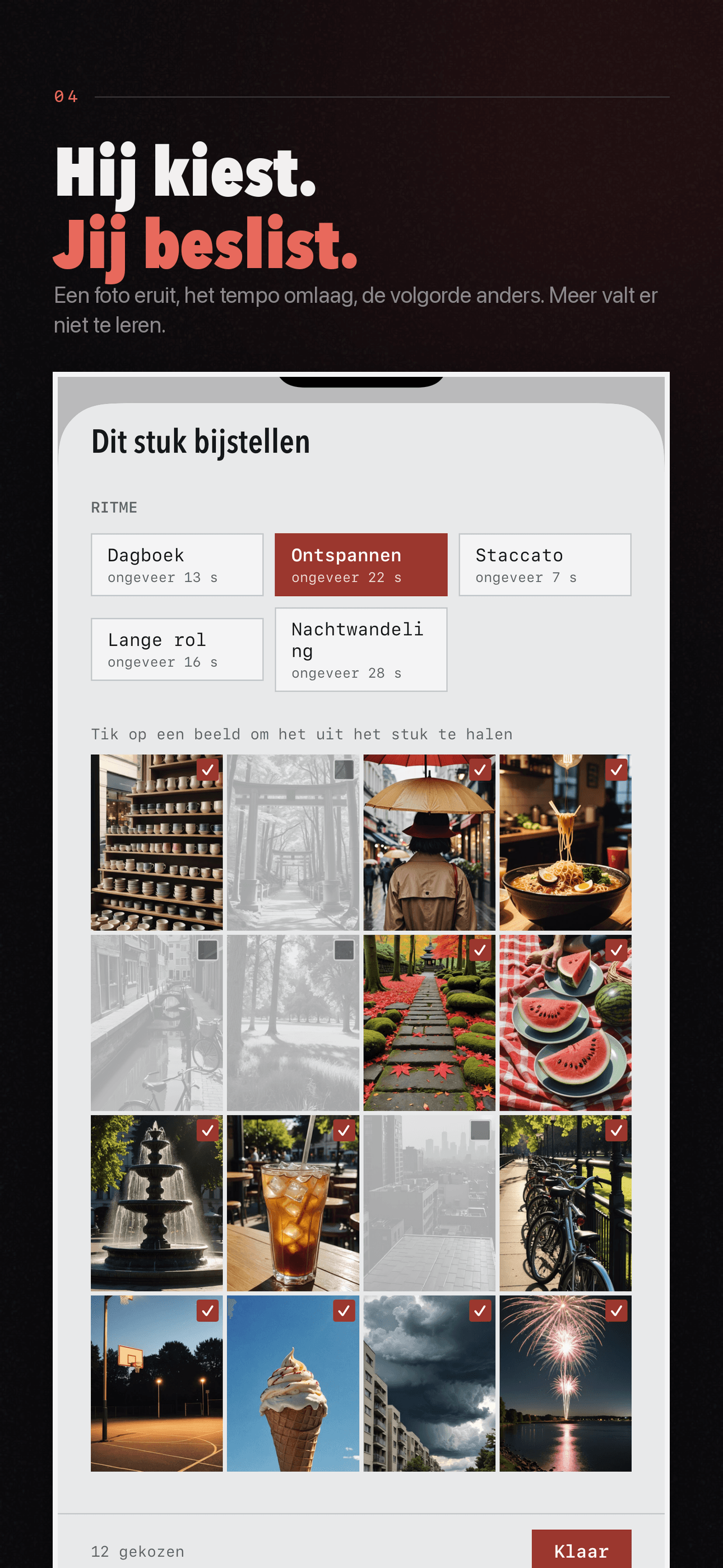
Yes. Open any stretch, tap the adjust button, and you'll see every frame in it as a contact sheet. Tap a frame to drop it — dropped frames stay visible but crossed out, so you can always put them back. You can also switch the rhythm, and the app shows you how long each rhythm will run before you pick one.
What do the four stops on the scale mean?
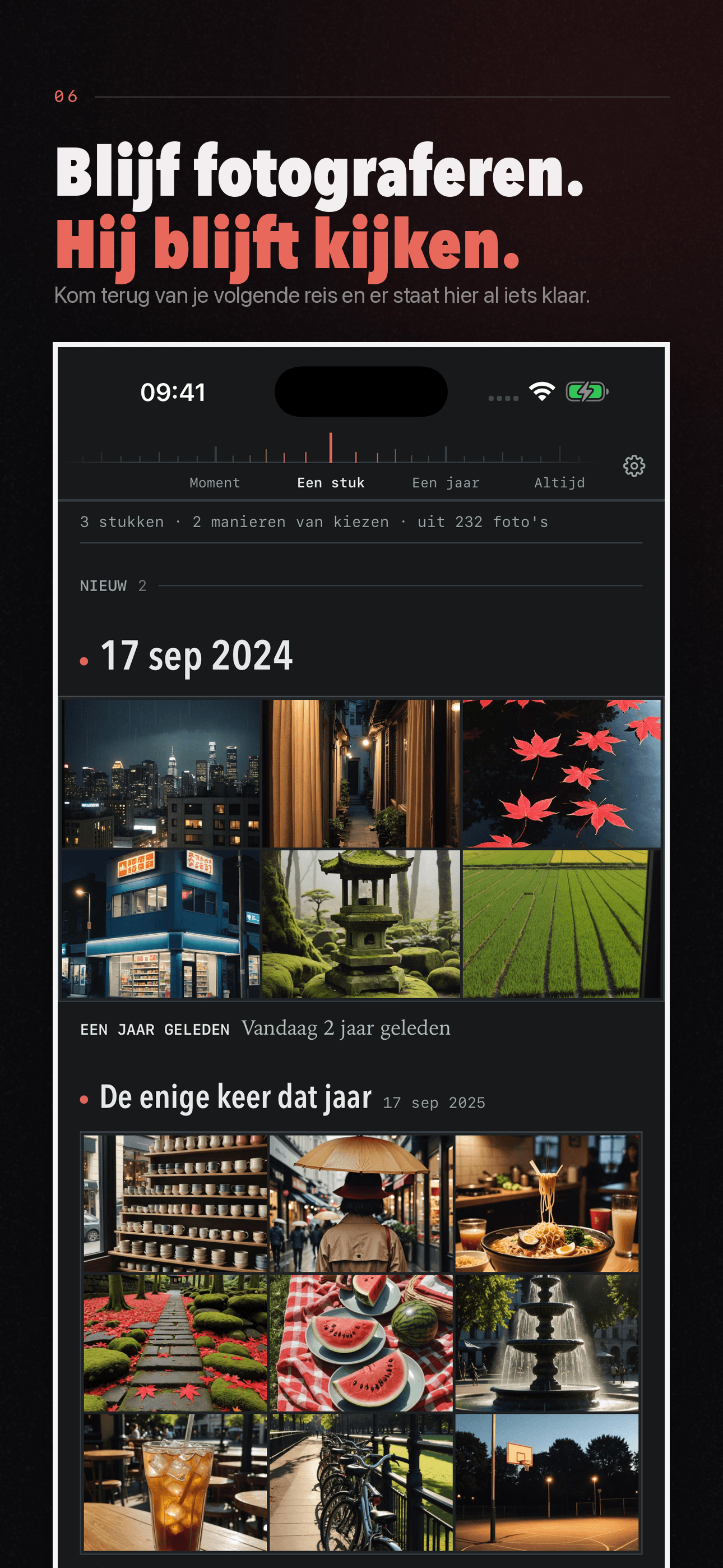
They change how far back you're standing. "Moment" is seconds to a day, "cut" is one outing, "year" spans seasons, and "always" ignores years entirely (a colour you keep shooting, a thing you keep coming back to). Pinch the shelf to move between them, or tap the marks directly.
How much of Encore is free?
Browsing everything Encore selects from your library, and watching any of it in the app, are free and unlimited. That's part of the product's design, not a promotion.
Encore missed something that mattered to me.
That will happen. Encore works from what your library's metadata can support — time, place, density, image quality — and none of that knows which day changed your life. It's a way to find things you'd forgotten, not a ranking of your memories.
Which devices does Encore support?
Encore requires iOS 17 or later on iPhone.
How do I get help?
Settings → Feedback sends us a message directly from the app, or email [email protected].