Rushes: Nhật ký video, Vlog
Vài giây mỗi ngày thành phim
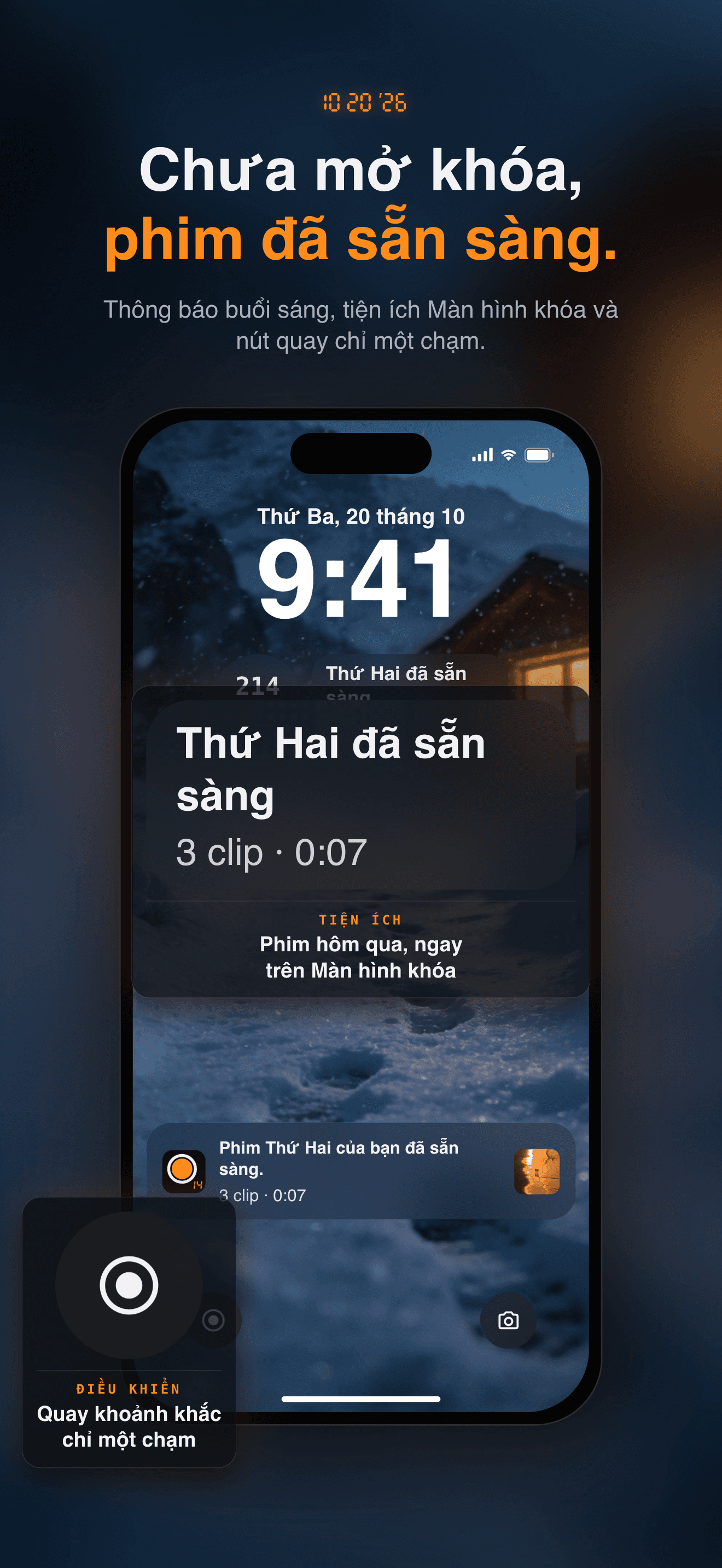
Quay vài giây mỗi ngày. Thức dậy với bộ phim của hôm qua.
Quay vài giây của hôm nay. Sáng mai, xem hôm qua thành một bộ phim hoàn chỉnh — không cần chỉnh sửa, không cần tài khoản, không gì rời khỏi iPhone trừ khi bạn chia sẻ.
Core Features
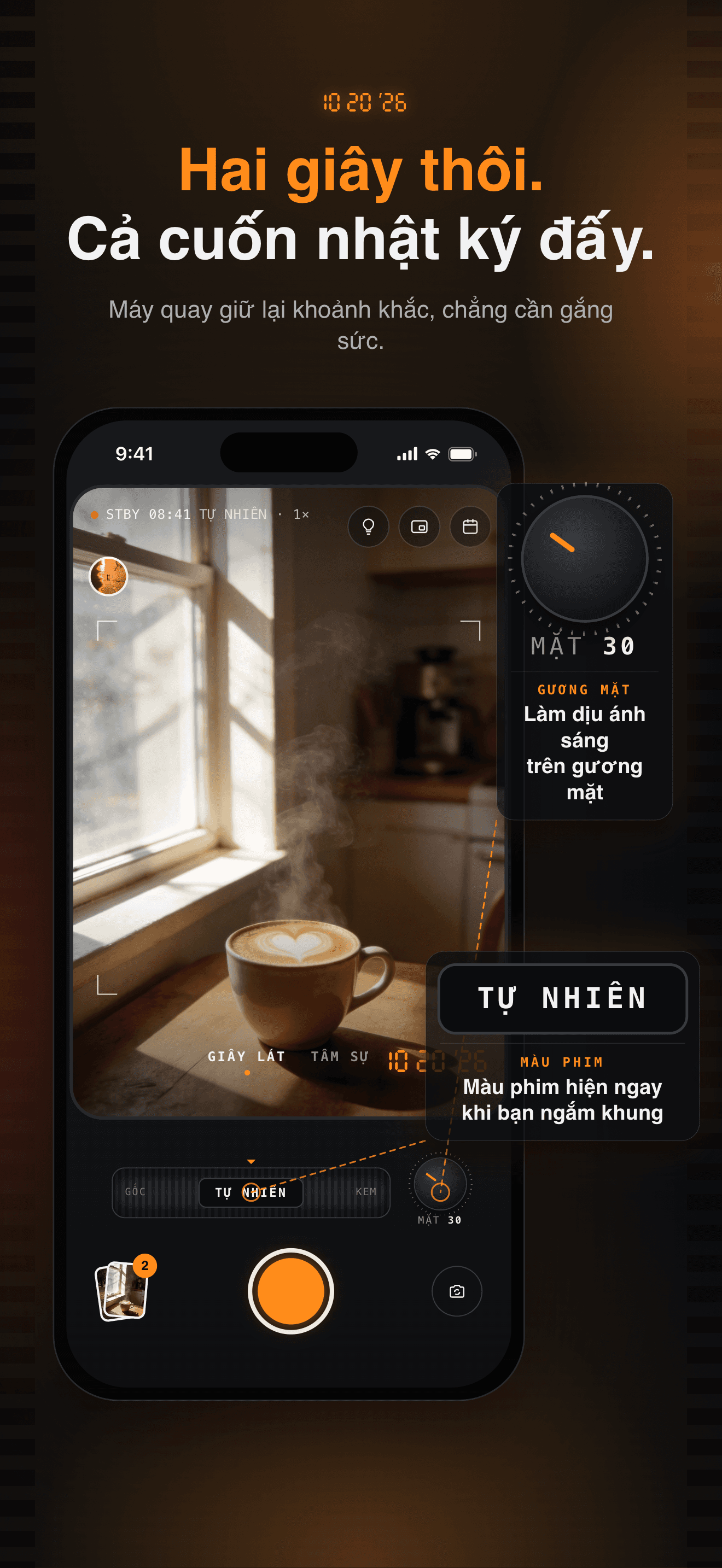
Two Seconds, No Editing
Tap the shutter to keep two seconds, or hold for longer. No timeline to edit and nothing to post, so even the busiest day gets a memory.
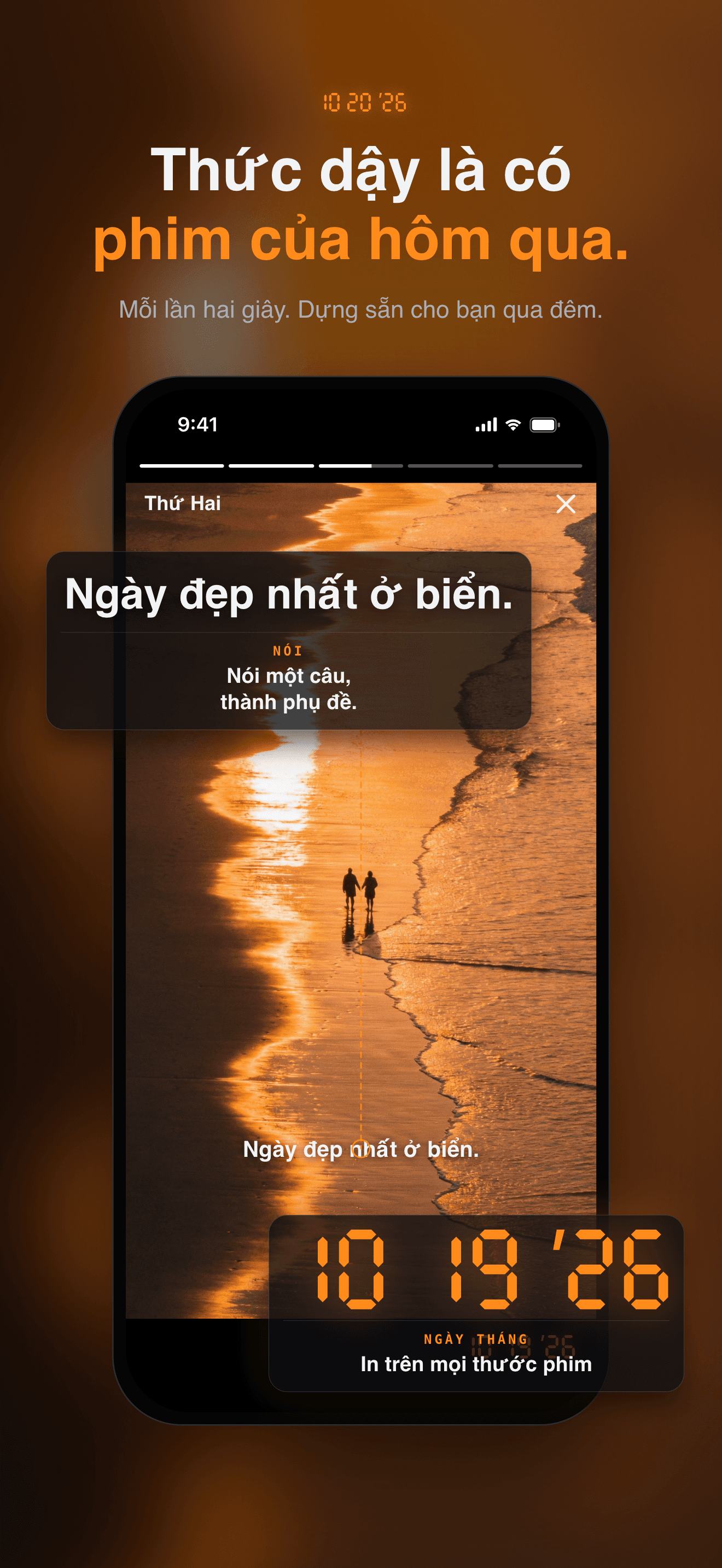
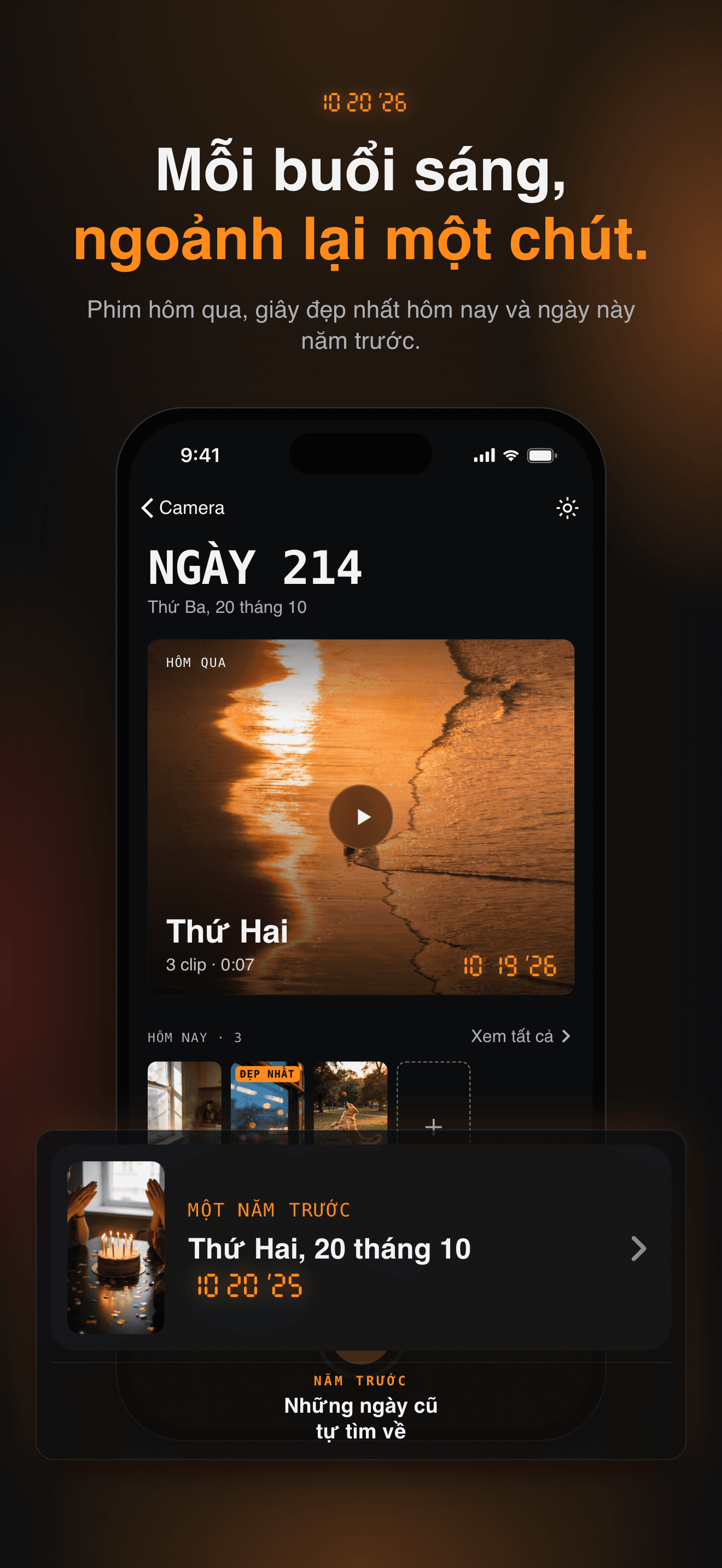
Yesterday's Film, Every Morning
Your clips are cut into a short film for you — a 3·2·1 leader, a title card, and the orange date stamp in the corner.
Say It, Keep It as a Caption
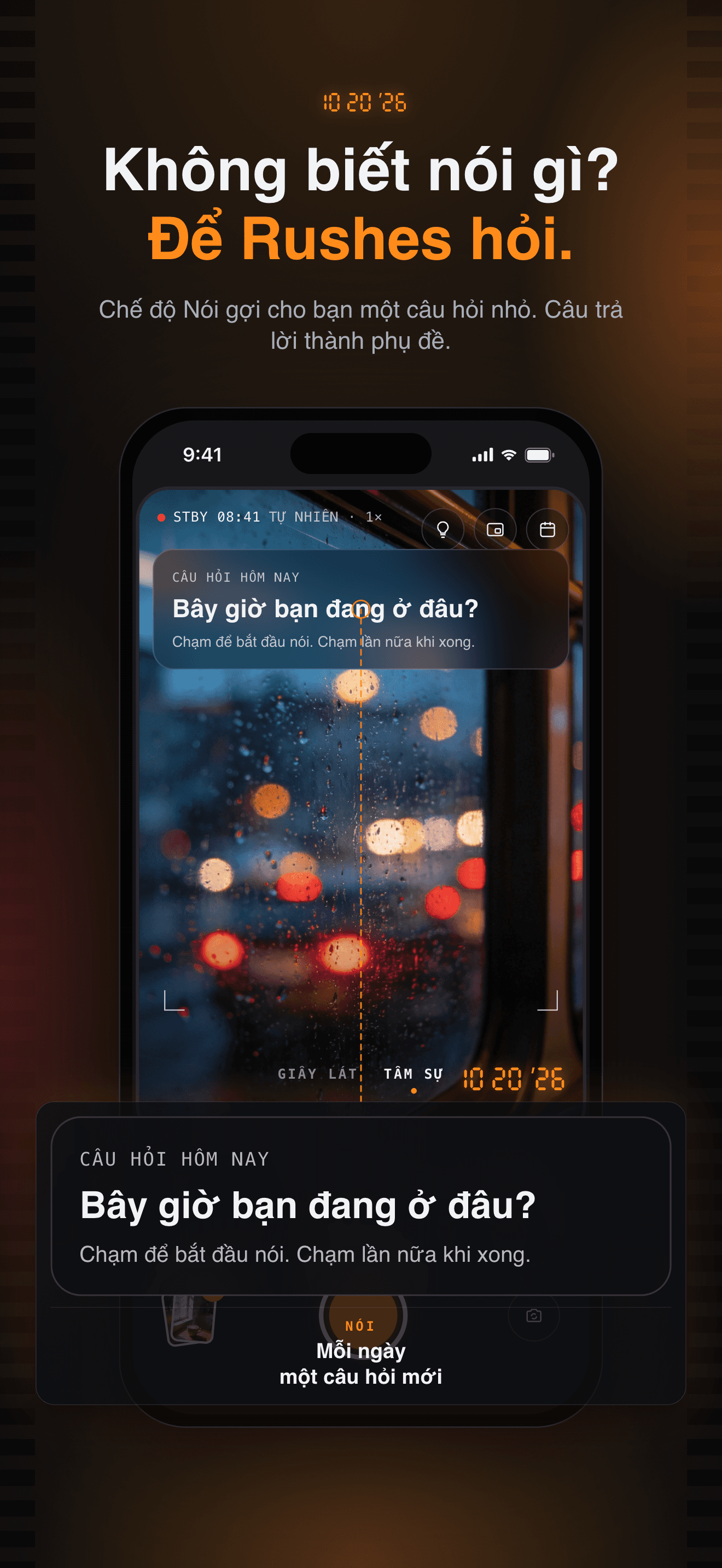
Switch to Talk and say a sentence about your day. The caption is made on this iPhone and stays with the clip.
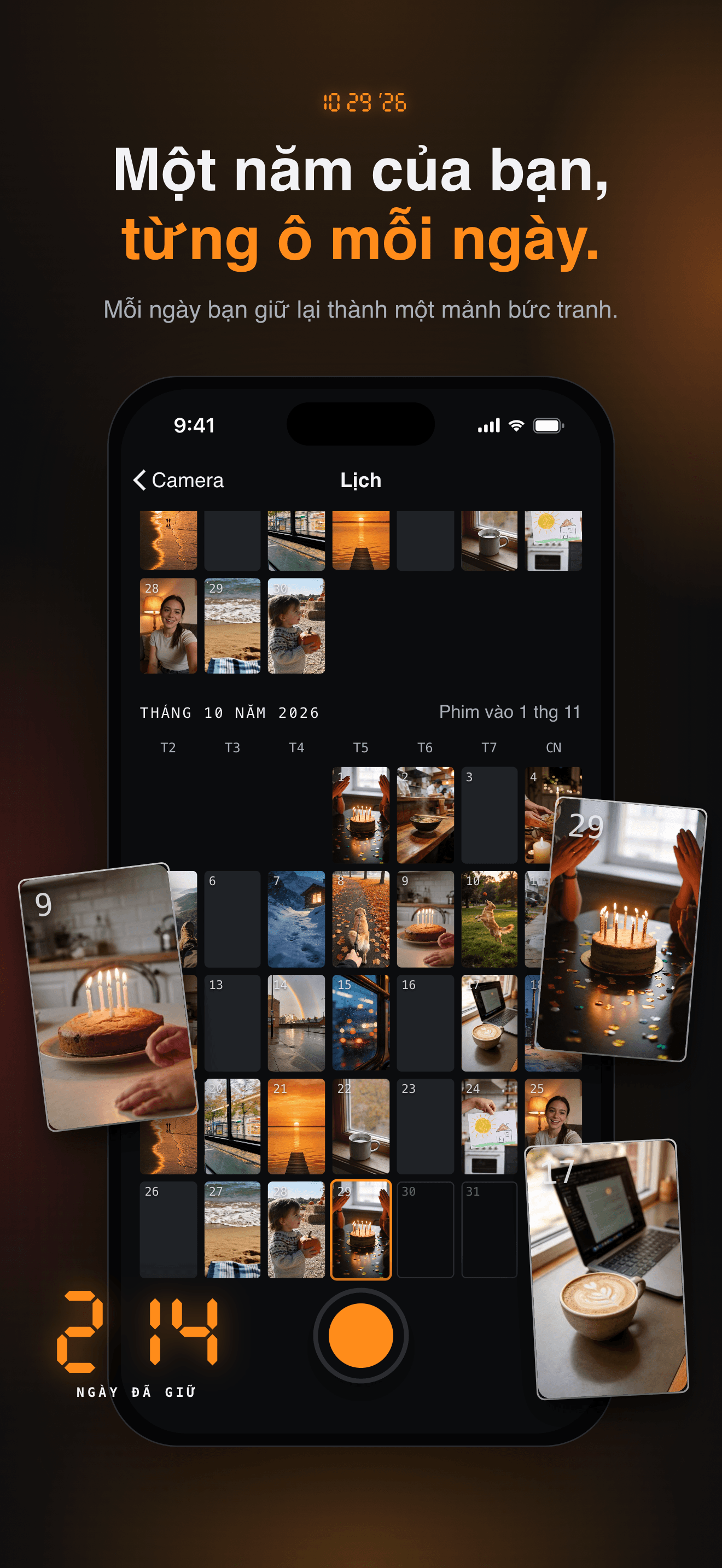
Your Year, One Square at a Time
The calendar fills in as you go. Rewatch any day, keep its best second, or delete a clip you don't want.
No Account, Export Anytime
Your diary lives on your iPhone and in your device backup, locked with Face ID if you like. Export any day — or every original — free, forever.
Plans
Rushes Pro Trọn đời
Toàn bộ Pro trọn đời · trả một lần
Rushes Pro Hàng tháng
Phim tháng · 14 bộ lọc · SHAPE · màu ngày
Rushes Pro Hàng năm
Phim tháng · 14 bộ lọc · SHAPE · màu ngày
FAQ
What is Rushes?
Rushes is a private video diary. Through the day you keep tiny moments — two seconds per tap, or longer if you hold the shutter. The next morning those clips are already cut into a short film with a 3·2·1 leader, a title card and an orange date stamp. Day by day, the calendar fills in into your year.
Where are my clips stored? Does anyone else see them?
Your diary stays on your iPhone. There is no account and nothing is uploaded to us. By default your originals are included in your iPhone backup, and you can switch that off in Settings → Include in iPhone backup. Talk-mode captions are made on the device as well. Nobody sees a clip unless you export or share it yourself.
What is free, and what does Rushes Pro add?
Recording, keeping, rewatching and exporting your own clips are free forever, and so are yesterday's film, the calendar, Talk captions, widgets and the Face ID lock. Pro adds month films that gather a whole month into one movie, 14 more film looks, Face SHAPE, and date stamp colors.
Which plans are there? Is there a free trial?
Rushes Pro is available yearly (with a 7-day free trial), monthly, or as a one-time lifetime purchase. All three unlock the same features. Billing is handled by Apple; you can cancel a subscription in Settings → your Apple ID → Subscriptions, and restore a purchase from the Pro sheet.
How do I keep my diary safe if I change or lose my phone?
Keep "Include in iPhone backup" on, so your clips move with your iCloud or computer backup. You can also use Settings → Export everything at any time to save every original as files, free. Deleting in Rushes always removes one clip at a time and asks first.
My late-night clips land on the wrong day. Can I change that?
Yes. A Rushes day starts at 4 a.m. by default, so a clip filmed after midnight still belongs to the evening before. Change it in Settings → Day starts at.
Can I film without unlocking my iPhone?
Yes. Add the Rushes control to the Lock Screen or Control Center (Settings → Lock Screen and Control Center), or use Camera Control or a volume button inside the viewfinder. Home and Lock Screen widgets show yesterday's film and today's clips.
Will Rushes nag me to film every day?
No. Reminders are off until you turn them on: an optional note when yesterday's film is ready, and at most one gentle evening reminder at 8 p.m. There are no streaks to lose.
How do I contact you?
Open Settings → Feedback inside the app. We read every message.