
SnapSweep-Giải phóng bộ nhớ
Giải phóng dung lượng nhanh
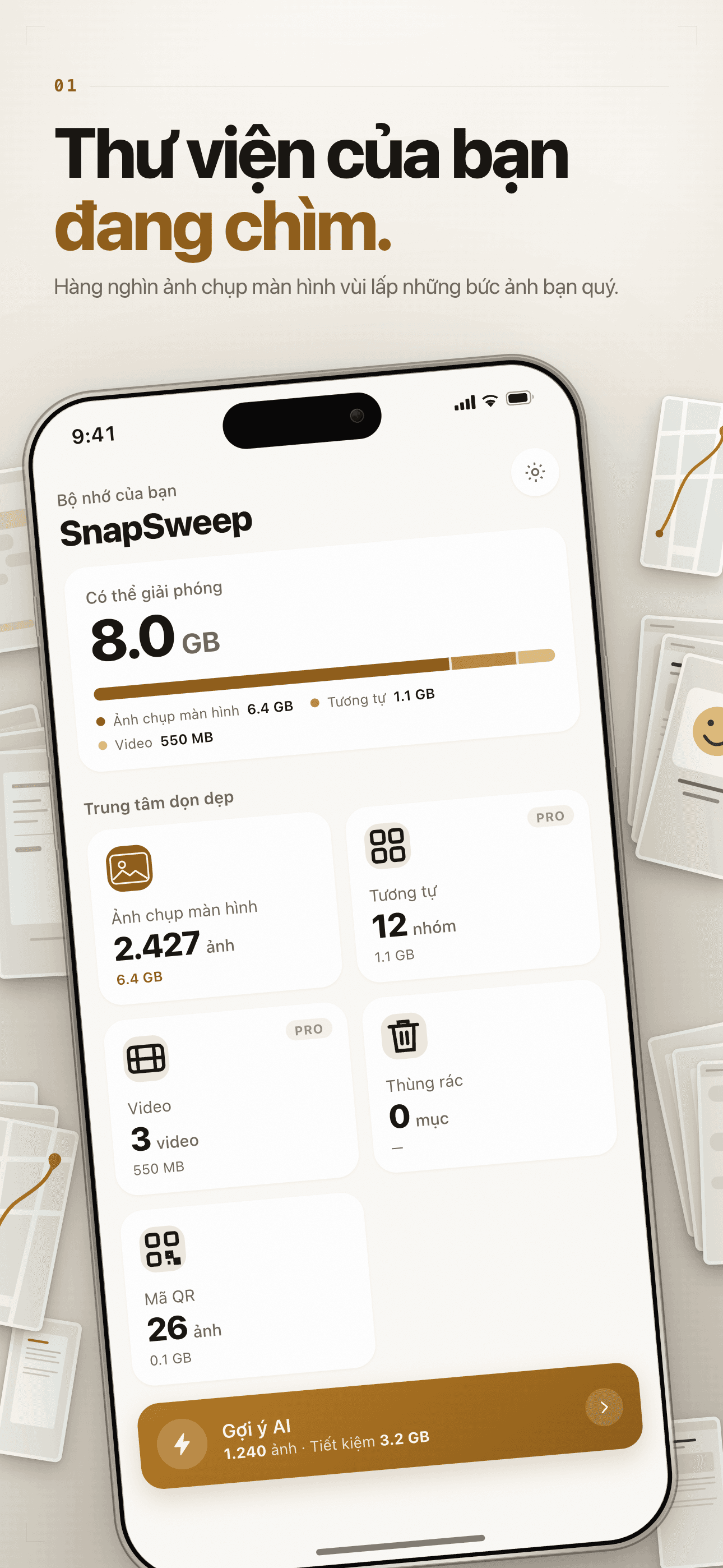
Ngợp trong hàng nghìn ảnh chụp màn hình mà bạn sẽ không bao giờ mở lại?
AI sắp xếp hàng nghìn ảnh chụp màn hình trong vài giây — lấy lại nhiều GB chỉ với một lần vuốt.
Core Features
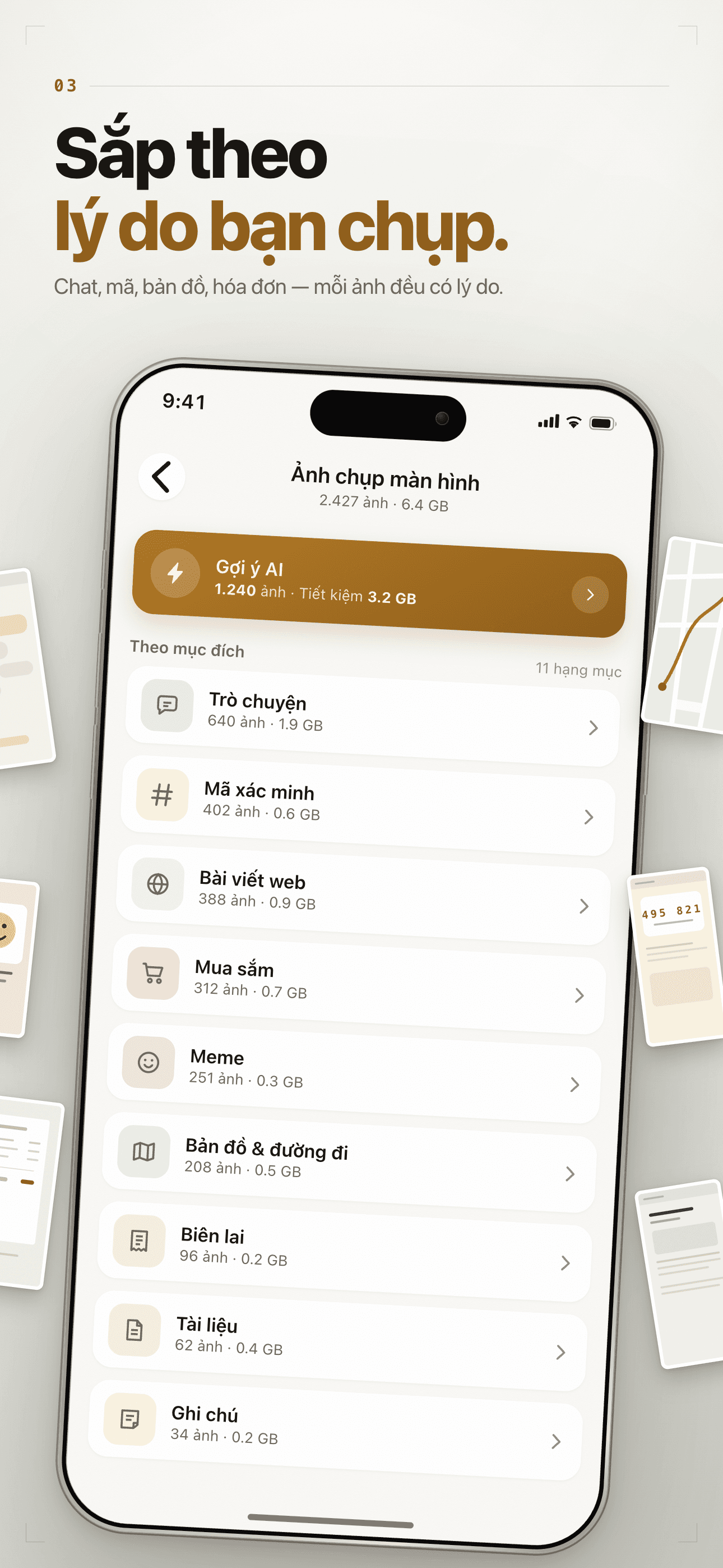
Smart Cleanup
On-device AI sorts screenshots into 11 categories — chat, shopping, maps, web, documents, memes, QR codes, receipts and more — so the clutter is easy to spot.
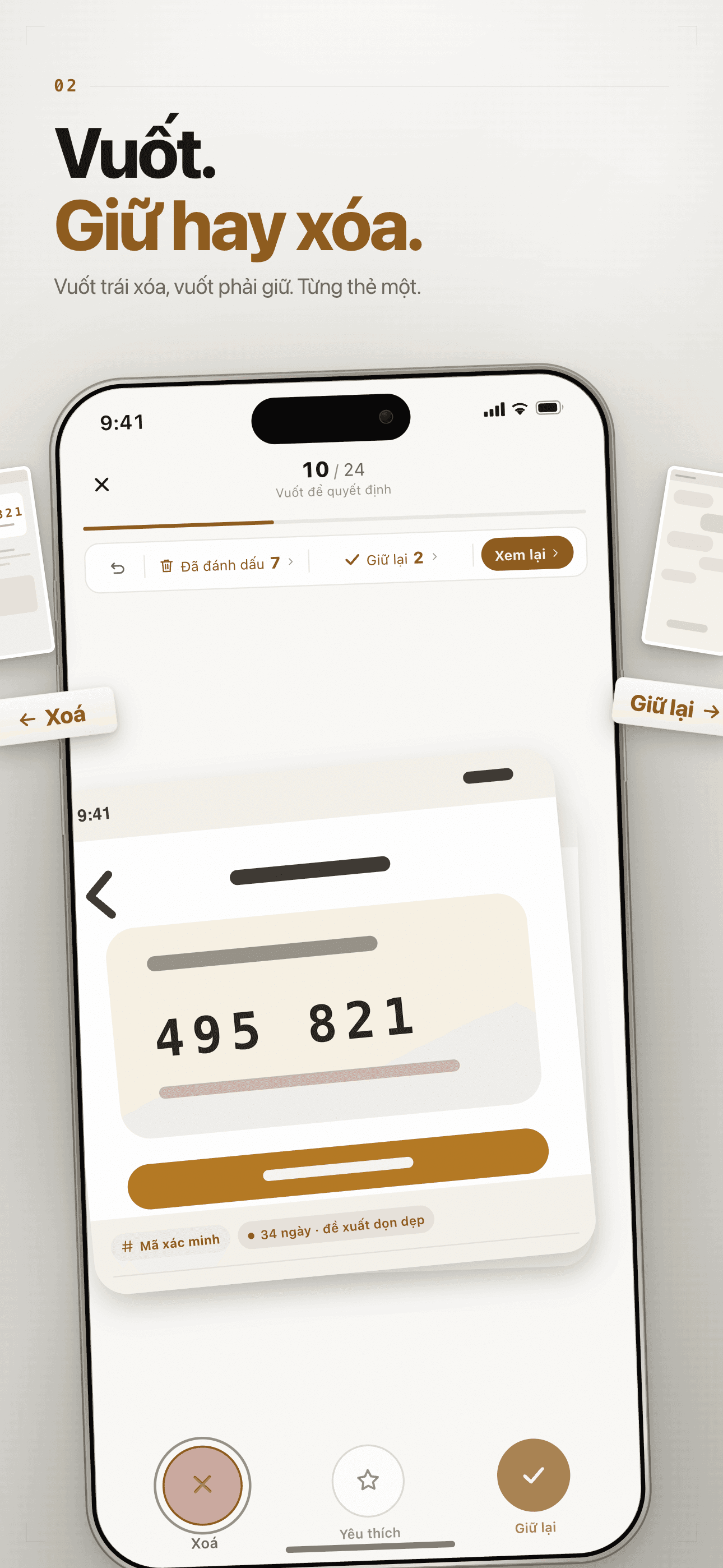
Swipe to Decide
Tinder-style review: swipe left to delete, right to keep, up to favorite — undo anytime, commit deletes in one batch.
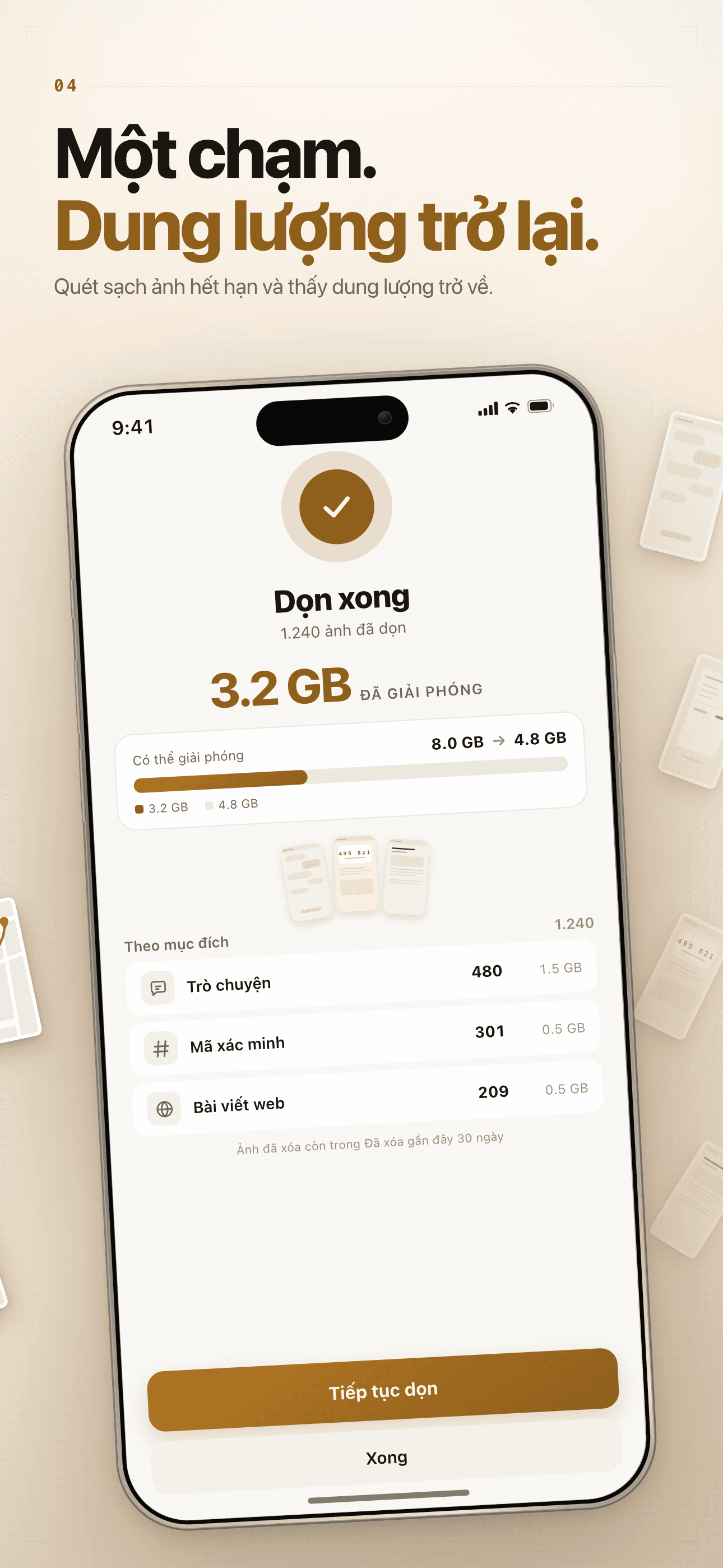
Reclaim Gigabytes
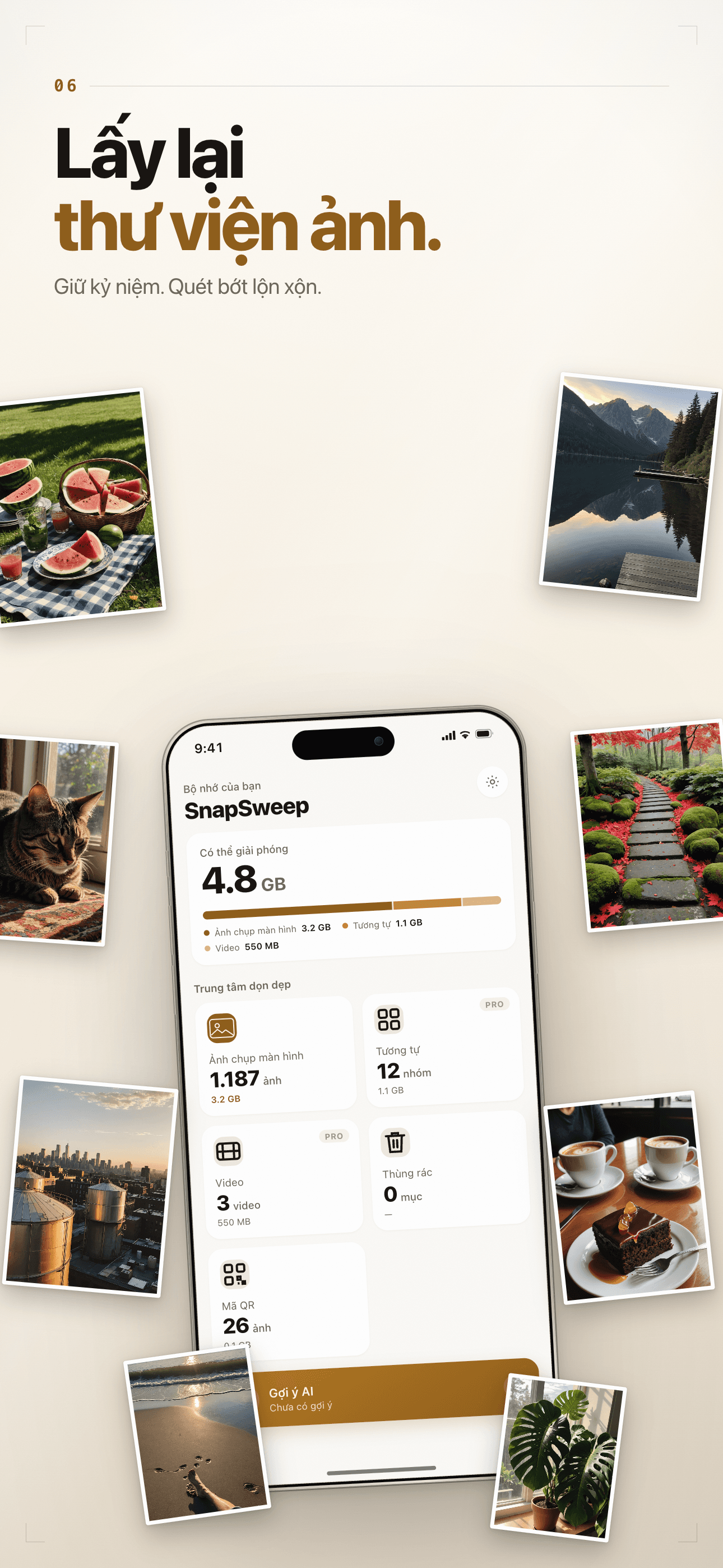
Sort thousands of screenshots in seconds and free up the storage those redundant images were eating.
30-Day Recycle Bin
Deletes go through iOS's native Recently Deleted with a 30-day window; everything runs on-device — your photos never leave it.
Plans
Truy Cập Trọn Đời
Mở khóa tất cả tính năng PRO mãi mãi
Hàng Tháng
Mở khóa tất cả tính năng PRO trong 1 tháng
Hàng Năm
Tính năng PRO 1 năm — tiết kiệm 45%
Guides & tutorials
- Bulk Delete Screenshots on iPhone: How SnapSweep Makes It SafeBulk-deleting screenshots only works when the app knows what each one is. SnapSweep classifies them into 11 categories on device, applies a per-category expiry rule, and lets you swipe left to delete, right to keep.
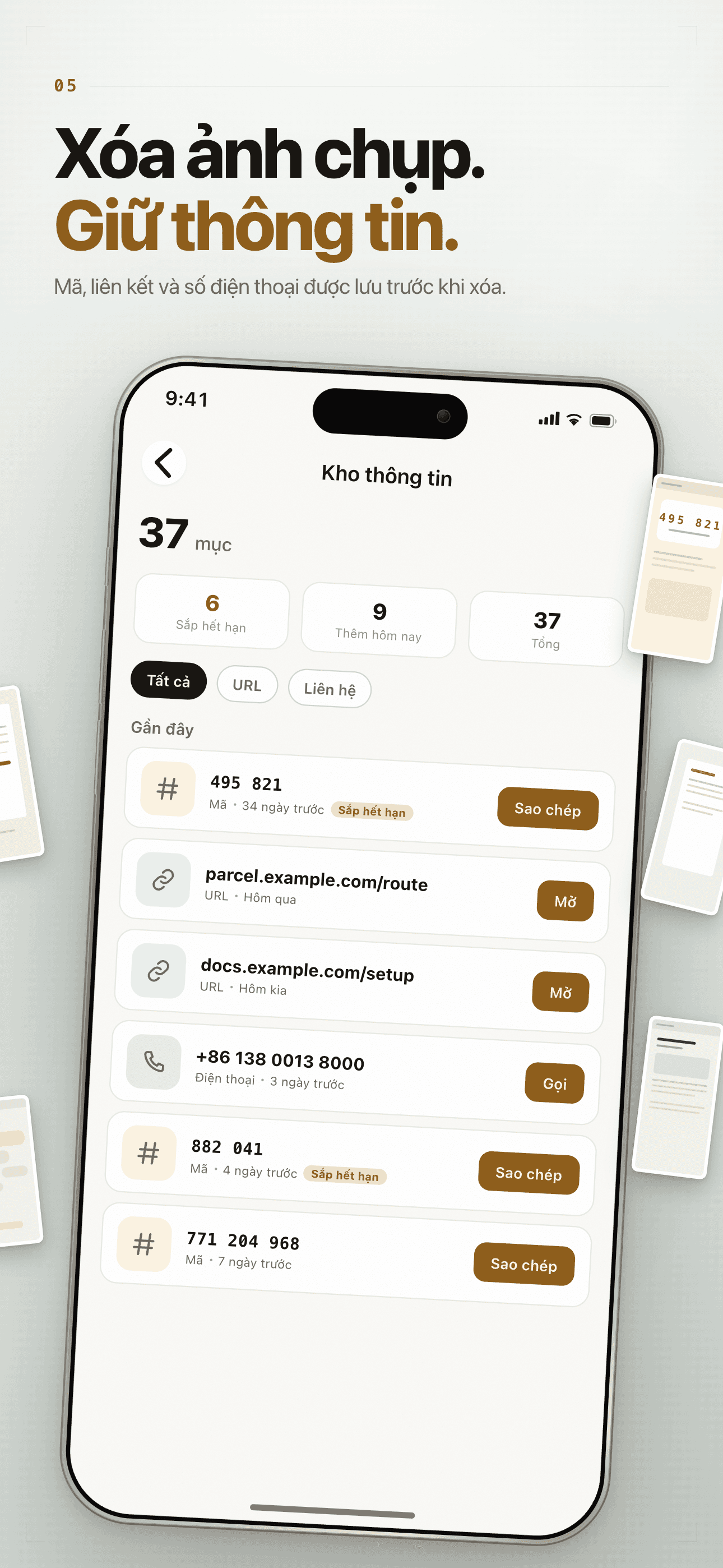
- Save the Info in a Screenshot Before Deleting It | SnapSweepSnapSweep's Info Vault pulls phone numbers, URLs, addresses, tracking numbers and verification codes out of a screenshot before you delete it, scores every candidate, and gives each one a button that does what it says.
- Find Duplicate Photos: What Near-Duplicate Detection Actually Does | SnapSweepSnapSweep groups near-duplicate photos with a two-stage matcher, proposes the best shot by a quality score you can override in one tap, and suggests video compression only when the estimate says it is genuinely worth the re-encode.