WidgetCraft-Widgets Estéticos
Inicio, bloqueo y fotos
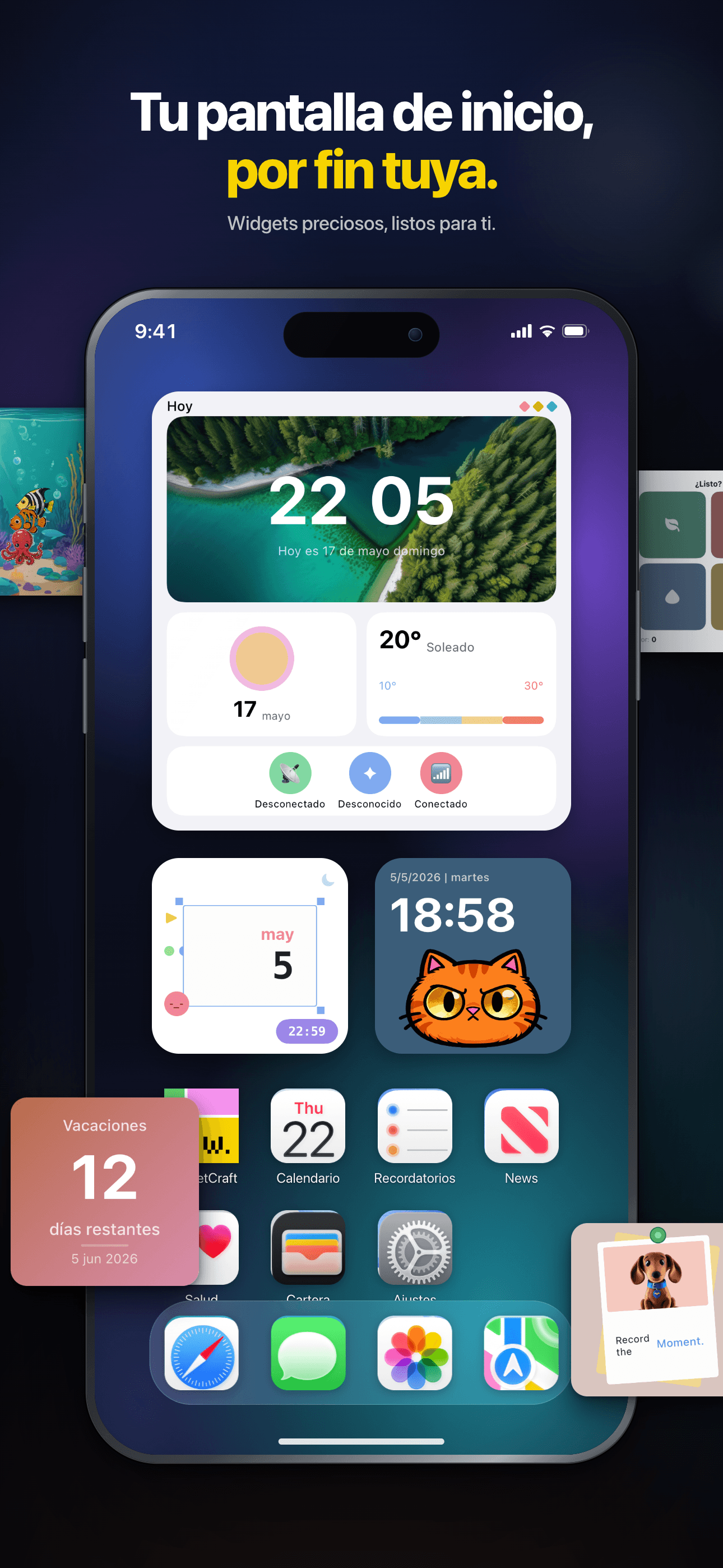
Tu pantalla de inicio, por fin tuya.
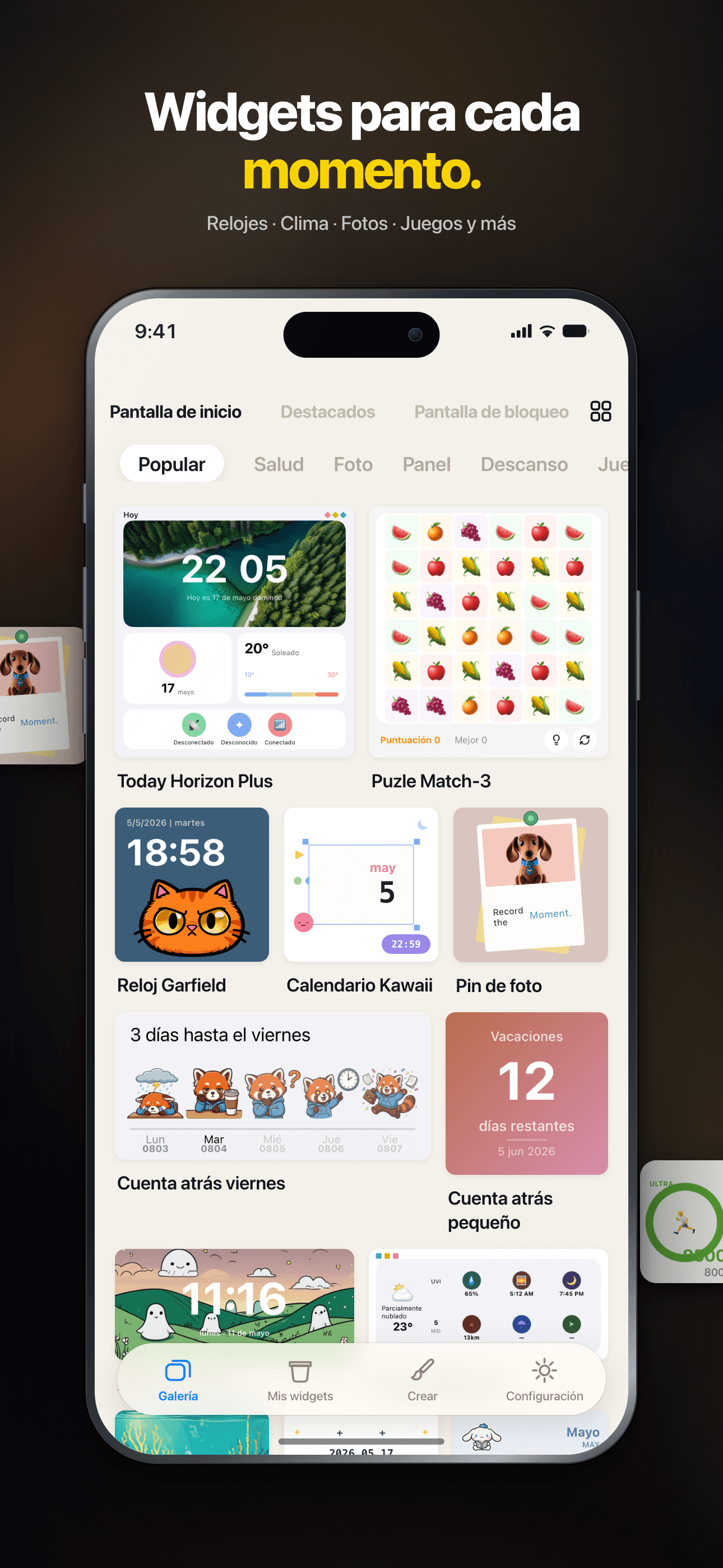
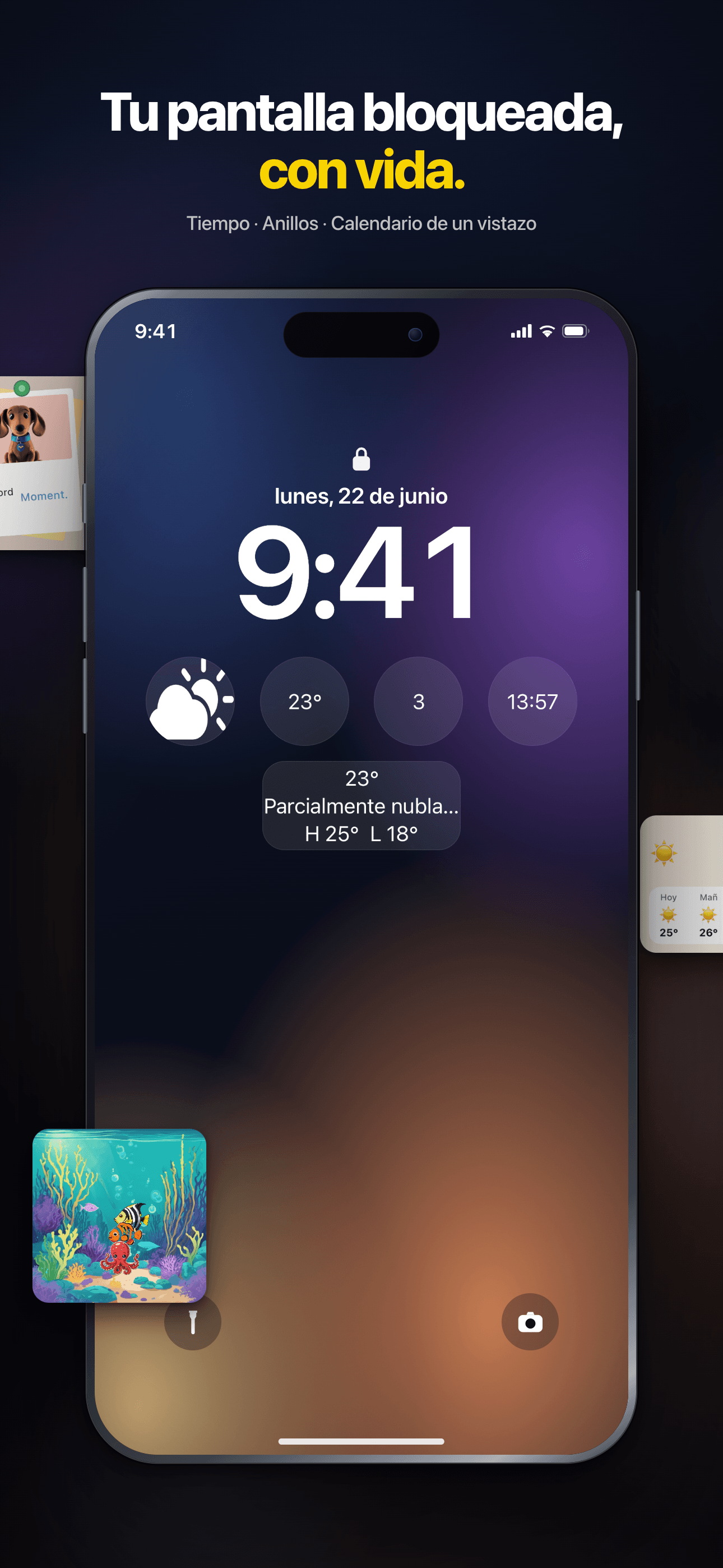
Juega a minijuegos en la pantalla de inicio, descubre más de 150 widgets o crea los tuyos con el editor asistido por IA: relojes, fotos, tiempo y más.


Core Features
Rich Templates
200+ thoughtfully designed presets spanning weather, calendar, photos, countdowns, quotes and more.
Visual Editor
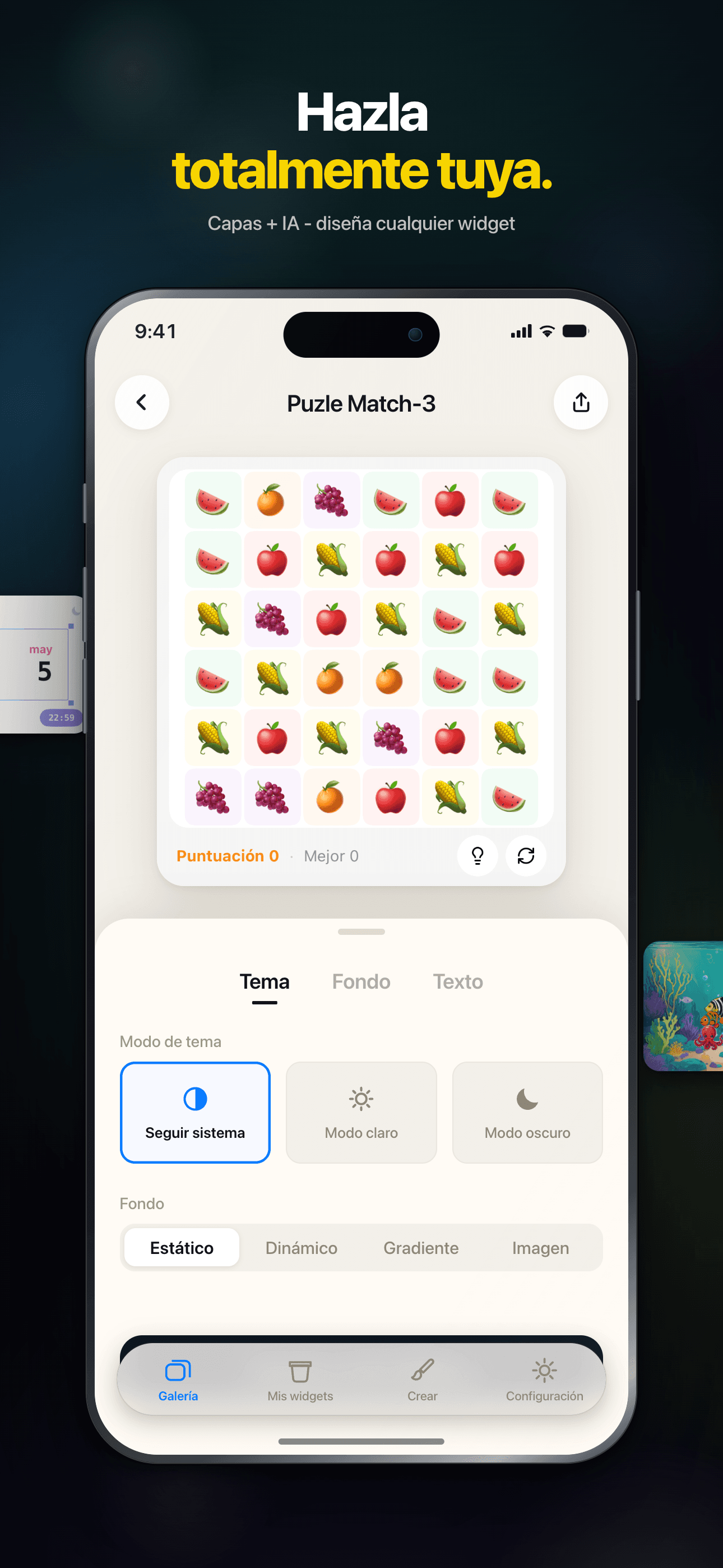
An intuitive drag-and-drop editor — build unique, personalized widgets with zero coding.
Community Sharing
Browse beautiful widgets from the community — use them in one tap or remix your own.
Instant Preview
Preview edits in real time, WYSIWYG. Supports small, medium and large widget sizes.
Works Offline
Every widget runs locally — no connection required, your data stays private.
Dark Mode
Full dark mode support — widgets adapt to the system theme, beautiful day and night.
Plans
Acceso de por vida
Desbloquea widgets premium para siempre
Mensual
Desbloquea widgets premium durante 1 mes
Anual
Desbloquea widgets premium durante 1 año
FAQ
¿Qué es WidgetCraft?
WidgetCraft es una plataforma de widgets para iOS donde puedes descubrir, personalizar e instalar widgets de pantalla de inicio y de bloqueo con un diseño cuidado. Cada widget es un pequeño paquete independiente que se ejecuta dentro de un entorno de ejecución compartido que ofrece la app.
¿Cómo instalo un widget en mi pantalla de inicio?
Abre la página de detalles del widget en la app y toca «Añadir a la pantalla de inicio». En iOS, mantén pulsada cualquier zona vacía de tu pantalla de inicio, toca el botón «+» de la esquina superior izquierda, busca WidgetCraft y elige el widget que acabas de preparar. Si el widget no aparece, asegúrate de haber tocado antes «Añadir a la pantalla de inicio» dentro de la app: eso es lo que lo hace visible para iOS.
¿Puedo personalizar el aspecto de un widget?
La mayoría de los widgets ofrecen algunos parámetros en su página de detalles: colores, texto, fuente de datos, tema. Ajústalos a tu gusto e iOS actualizará tu pantalla de inicio automáticamente en unos minutos.
¿Por qué no se actualiza mi widget?
iOS controla la frecuencia de actualización de los widgets para ahorrar batería: la mayoría se actualizan cada 15–60 minutos, no a petición. Si necesitas un valor actualizado ahora mismo, toca el widget para abrir la app y luego vuelve a la pantalla de inicio. Si después de una hora sigue desactualizado, prueba a eliminar el widget y volver a añadirlo.
¿Qué significa la insignia VIP?
Los widgets marcados con una insignia VIP requieren una suscripción activa a WidgetCraft. Los widgets gratuitos siguen estando totalmente disponibles; el nivel VIP desbloquea temas premium, fuentes de datos en vivo y opciones de personalización avanzadas.
¿WidgetCraft recopila mis datos personales?
Solo recopilamos lo mínimo necesario para que el servicio funcione: métricas de uso anónimas y los widgets que tienes instalados. El contenido de los widgets (por ejemplo, tu calendario, tus fotos o tus datos de salud) permanece en el dispositivo; nuestros servidores nunca lo ven. Para más detalles, consulta la Política de Privacidad enlazada en los Ajustes de la app.
¿Cómo contacto con soporte o envío comentarios?
Usa la opción «Enviar comentarios» del menú superior derecho de la página de inicio. Cuéntanos qué ocurrió y qué widget estaba implicado, y adjunta una captura de pantalla si puedes: es la vía más rápida para solucionarlo.
Guides & tutorials
- WidgetCraft Getting Started: Your First Widget on the Home ScreenWhat WidgetCraft actually is, the two different things you can make in it, the four steps to a widget on your home screen, why iOS hides or delays it, and what the free tier does and does not include.
- Installing WidgetCraft: System Requirements, Permissions, Price and the First LaunchWhat WidgetCraft needs before you install it: iOS version, device, storage, which permissions it asks and when, what the free tier covers, what VIP costs, what happens on first launch, and why the App Store screen will not tell you half of this.
- Creating Your First Widget in WidgetCraft: Templates, Community, Blank CanvasThree ways to start a widget in WidgetCraft — a 200+ template, a community remix, or a blank canvas in one of six sizes — plus what the editor can change, what stays free, and why the first home screen add takes longer than it looks.
- WidgetCraft Templates: What the Library Holds, Which Are Free, and How to Use OneWidgetCraft ships 200+ preset templates across weather, calendar, photos, health rings and countdowns. Which are free, which need Premium, what the Apple Health badge on a template means, and where the limits are.
- Custom Widget Editing in WidgetCraft: Layers, Data and Real LimitsHow WidgetCraft's editor works: the layer system, every data source you can bind to, the effects and animations, and the real constraints — the 15 MB memory ceiling, iOS widget caching and the free tier's one-widget-per-size cap.
- WidgetCraft Community: Browse, Publish and Remix Widgets Made by Other PeopleHow the WidgetCraft community works: browse by category, use a widget in one tap, remix it in the editor, publish your own. What runs locally, what needs a network, and where the limits are.