WidgetCraft-Widget Estetici
Home, blocco schermo e foto
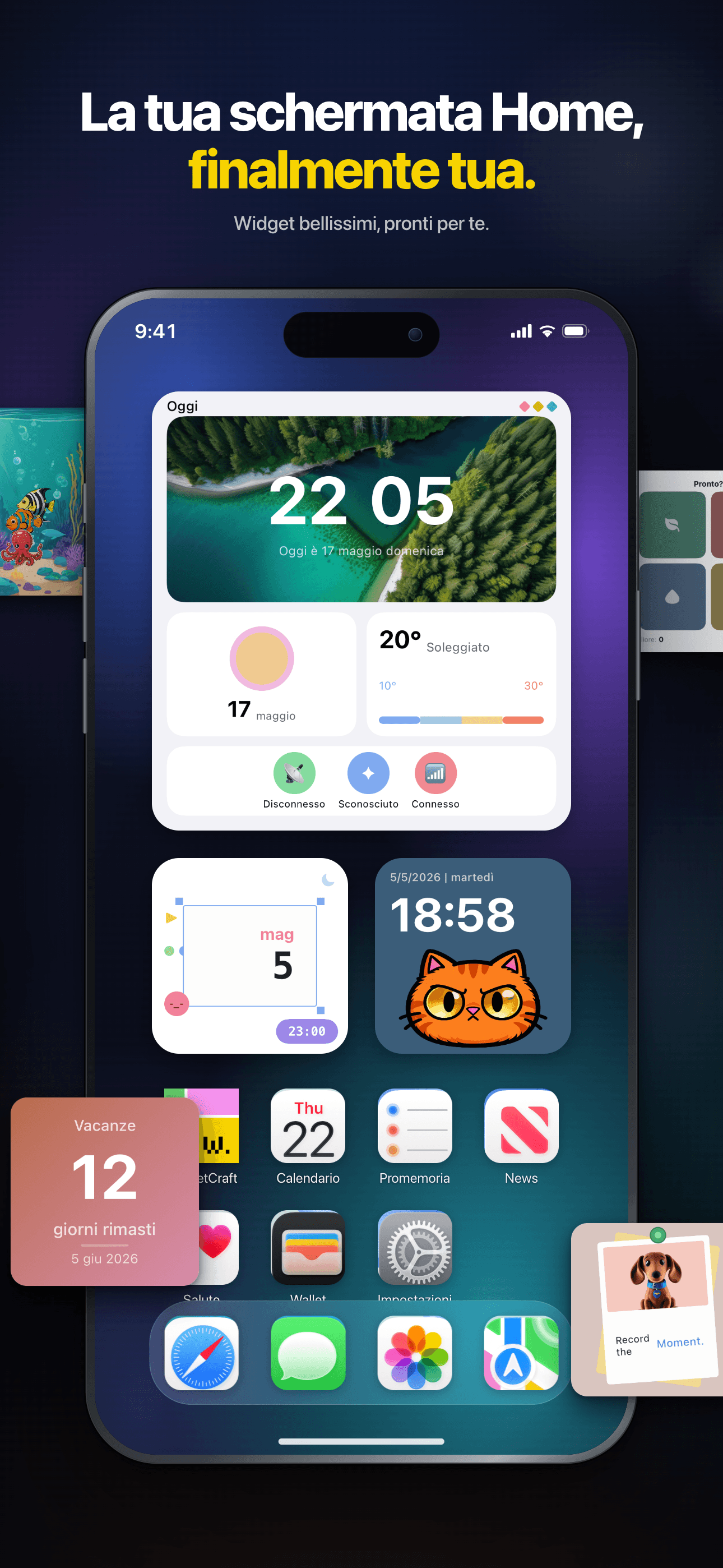
La tua schermata Home, finalmente tua.
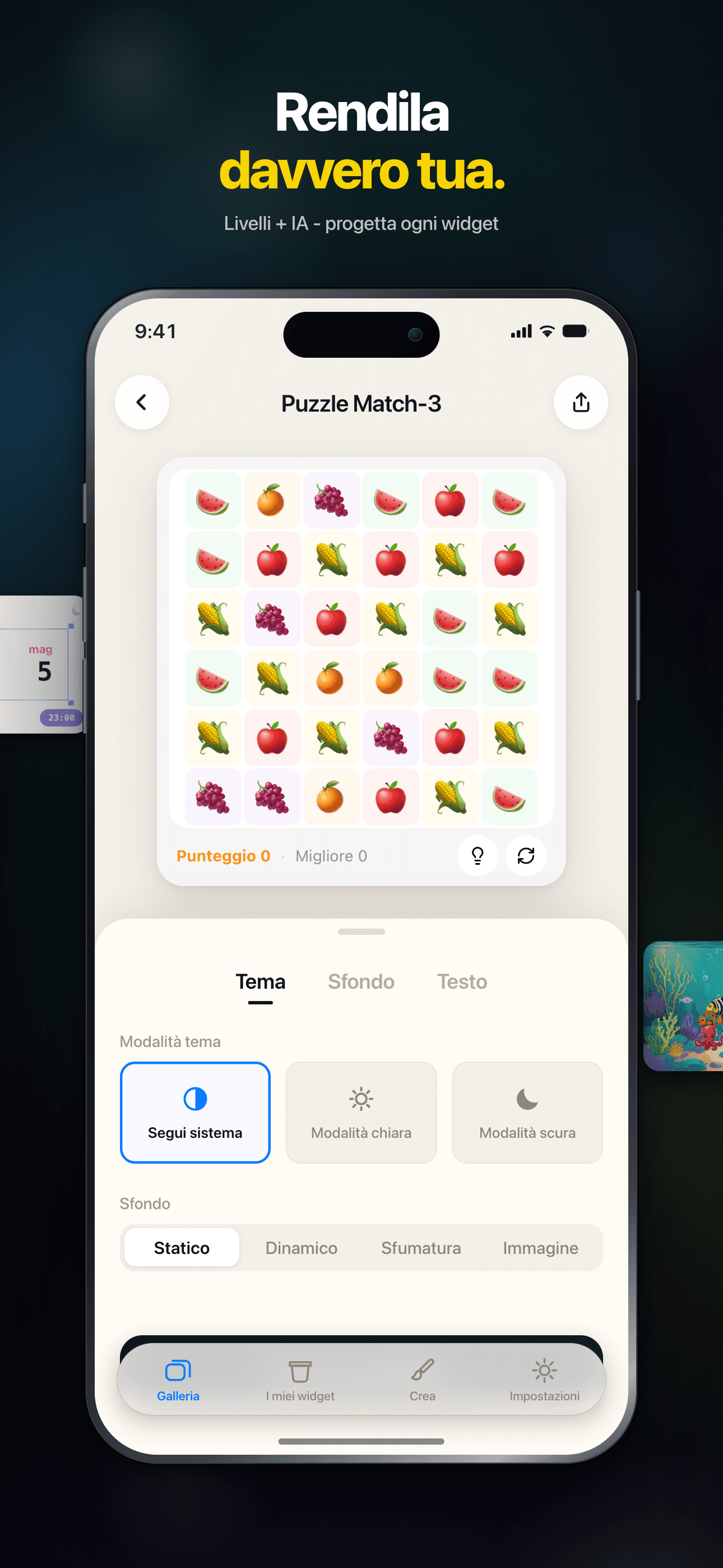
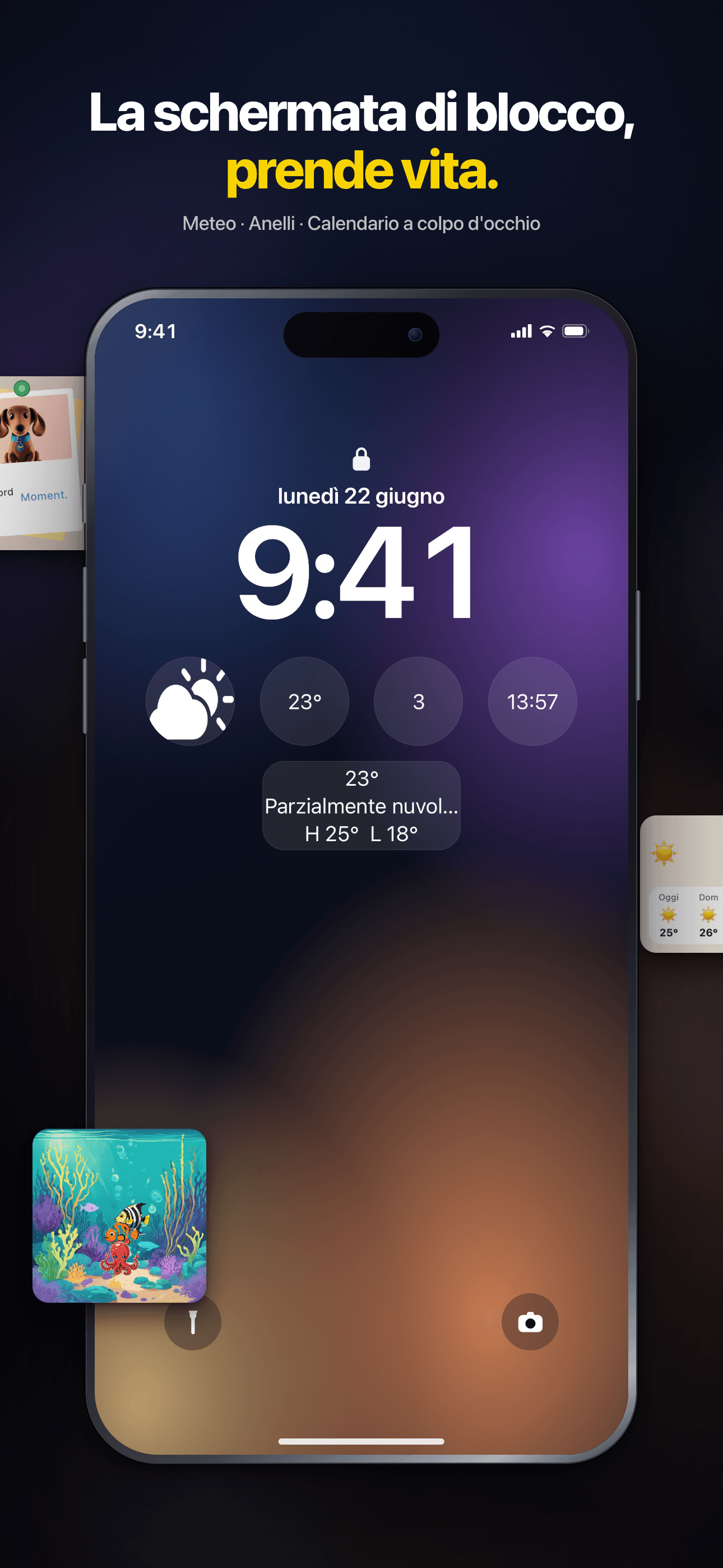
Gioca ai minigiochi sulla schermata Home, scopri oltre 150 widget o crea i tuoi con l'editor assistito dall'IA: orologi, foto, meteo e molto altro.

Core Features
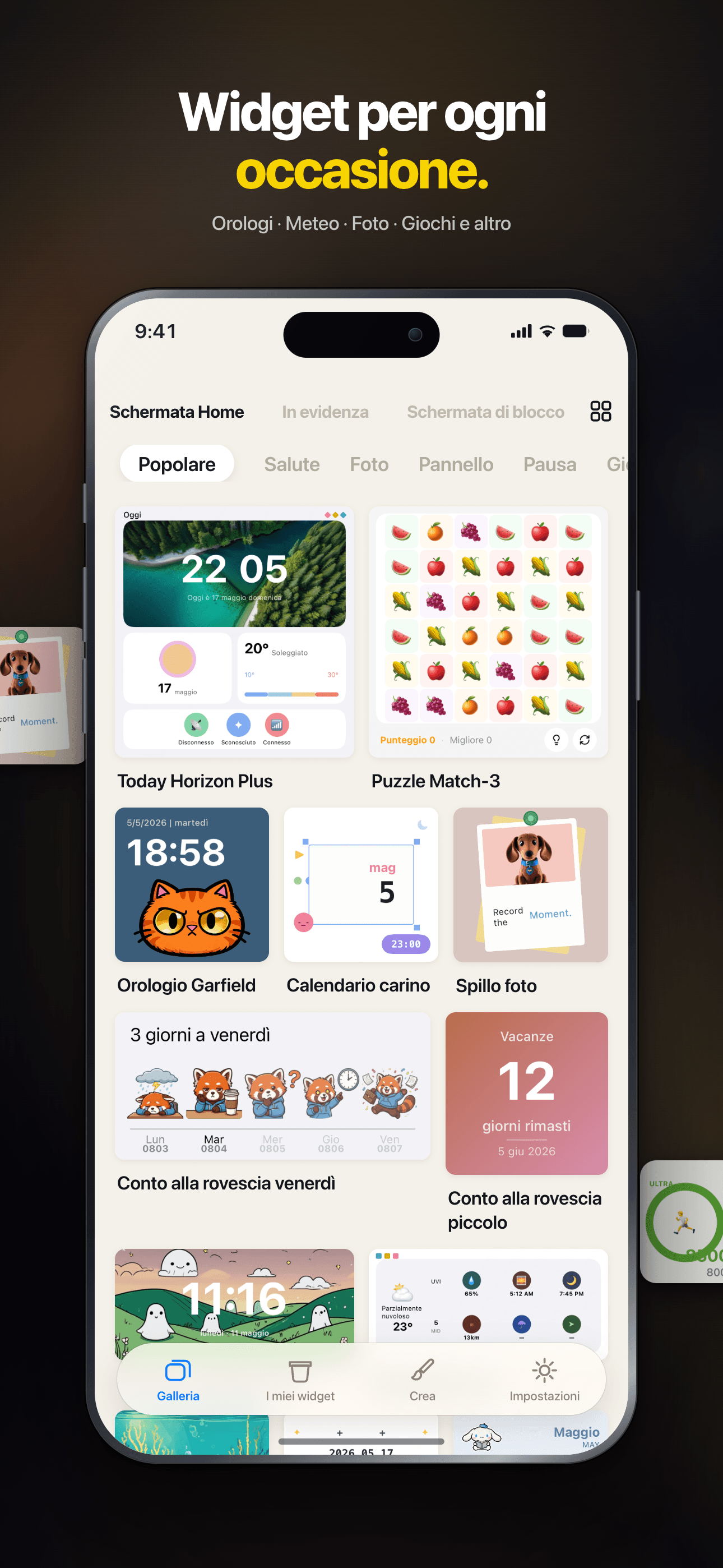
Rich Templates
200+ thoughtfully designed presets spanning weather, calendar, photos, countdowns, quotes and more.
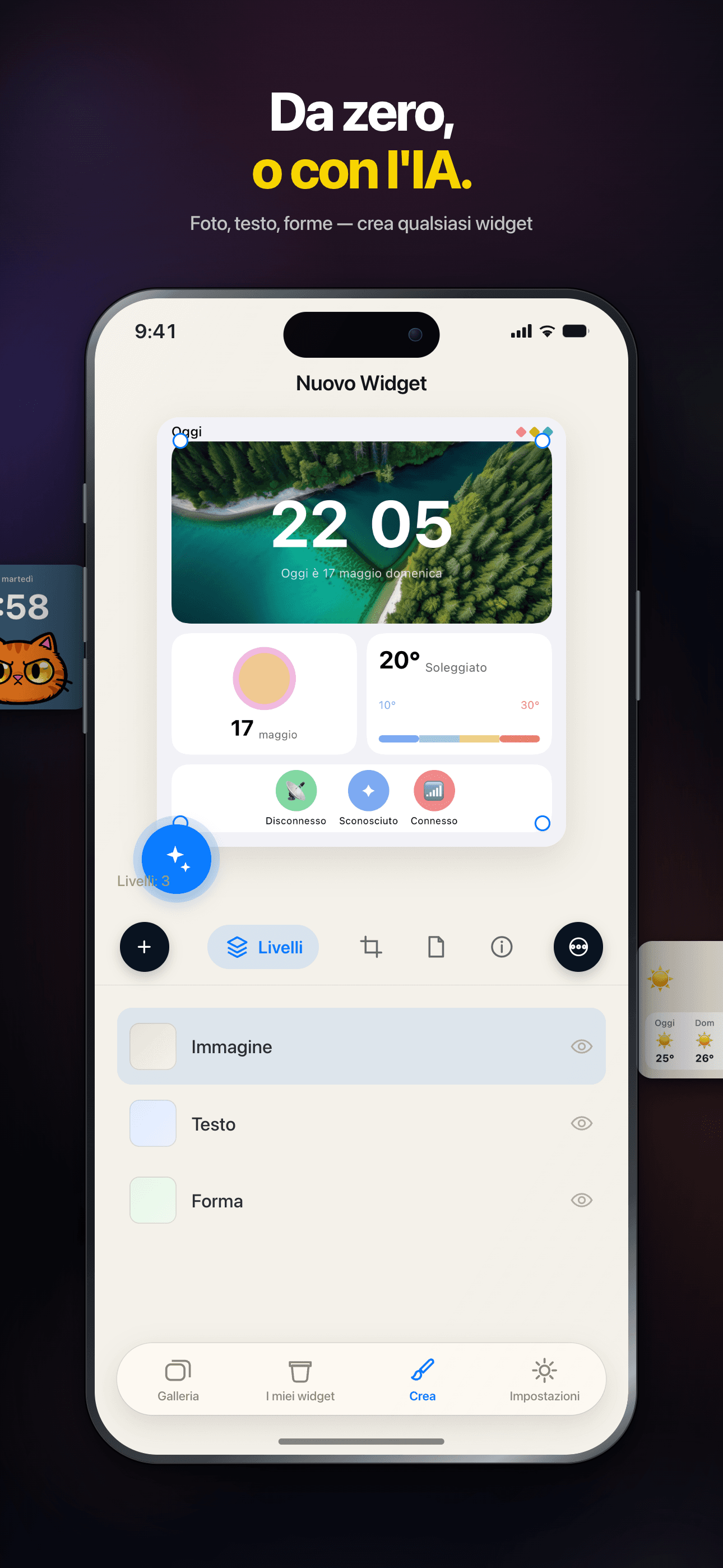
Visual Editor
An intuitive drag-and-drop editor — build unique, personalized widgets with zero coding.
Community Sharing
Browse beautiful widgets from the community — use them in one tap or remix your own.
Instant Preview
Preview edits in real time, WYSIWYG. Supports small, medium and large widget sizes.
Works Offline
Every widget runs locally — no connection required, your data stays private.
Dark Mode
Full dark mode support — widgets adapt to the system theme, beautiful day and night.
Plans
Accesso a vita
Sblocca tutti i widget premium per sempre
Mensile
Sblocca tutti i widget premium per 1 mese
Annuale
Sblocca tutti i widget premium per 1 anno
FAQ
Che cos'è WidgetCraft?
WidgetCraft è una piattaforma di widget per iOS dove puoi scoprire, personalizzare e installare widget dal design curato per la schermata Home e la schermata di blocco. Ogni widget è un piccolo pacchetto autonomo che gira all'interno di un ambiente di esecuzione condiviso fornito dall'app.
Come installo un widget sulla schermata Home?
Apri la pagina di dettaglio del widget nell'app e tocca «Aggiungi alla schermata Home». Su iOS, tieni premuta un'area vuota qualsiasi della schermata Home, tocca il pulsante «+» in alto a sinistra, cerca WidgetCraft e scegli il widget che hai appena preparato. Se il widget non compare, assicurati di aver toccato prima «Aggiungi alla schermata Home» nell'app: è questo che lo rende visibile a iOS.
Posso personalizzare l'aspetto di un widget?
La maggior parte dei widget offre alcuni parametri nella propria pagina di dettaglio: colori, testo, fonte dati, tema. Regolali a tuo piacimento e iOS aggiornerà automaticamente la schermata Home nel giro di pochi minuti.
Perché il mio widget non si aggiorna?
iOS controlla la frequenza di aggiornamento dei widget per risparmiare batteria: la maggior parte si aggiorna ogni 15–60 minuti, non su richiesta. Se ti serve subito un valore aggiornato, tocca il widget per aprire l'app e poi torna alla schermata Home. Se dopo un'ora appare ancora obsoleto, prova a rimuovere il widget e ad aggiungerlo di nuovo.
Cosa significa il badge VIP?
I widget contrassegnati con un badge VIP richiedono un abbonamento WidgetCraft attivo. I widget gratuiti restano completamente disponibili: il livello VIP sblocca temi premium, fonti dati in tempo reale e opzioni di personalizzazione avanzate.
WidgetCraft raccoglie i miei dati personali?
Raccogliamo solo il minimo necessario al funzionamento del servizio: statistiche d'uso anonime e l'elenco dei widget che hai installato. Il contenuto dei widget (ad esempio il tuo calendario, le foto, i dati sulla salute) resta sul dispositivo; i nostri server non lo vedono mai. Per i dettagli consulta l'Informativa sulla privacy collegata nelle Impostazioni dell'app.
Come contatto l'assistenza o invio un feedback?
Usa la voce «Invia feedback» nel menu in alto a destra della pagina iniziale. Raccontaci cosa è successo e quale widget era coinvolto, e allega uno screenshot se puoi: è la via più rapida per ottenere una soluzione.
Guides & tutorials
- WidgetCraft Getting Started: Your First Widget on the Home ScreenWhat WidgetCraft actually is, the two different things you can make in it, the four steps to a widget on your home screen, why iOS hides or delays it, and what the free tier does and does not include.
- Installing WidgetCraft: System Requirements, Permissions, Price and the First LaunchWhat WidgetCraft needs before you install it: iOS version, device, storage, which permissions it asks and when, what the free tier covers, what VIP costs, what happens on first launch, and why the App Store screen will not tell you half of this.
- Creating Your First Widget in WidgetCraft: Templates, Community, Blank CanvasThree ways to start a widget in WidgetCraft — a 200+ template, a community remix, or a blank canvas in one of six sizes — plus what the editor can change, what stays free, and why the first home screen add takes longer than it looks.
- WidgetCraft Templates: What the Library Holds, Which Are Free, and How to Use OneWidgetCraft ships 200+ preset templates across weather, calendar, photos, health rings and countdowns. Which are free, which need Premium, what the Apple Health badge on a template means, and where the limits are.
- Custom Widget Editing in WidgetCraft: Layers, Data and Real LimitsHow WidgetCraft's editor works: the layer system, every data source you can bind to, the effects and animations, and the real constraints — the 15 MB memory ceiling, iOS widget caching and the free tier's one-widget-per-size cap.
- WidgetCraft Community: Browse, Publish and Remix Widgets Made by Other PeopleHow the WidgetCraft community works: browse by category, use a widget in one tap, remix it in the editor, publish your own. What runs locally, what needs a network, and where the limits are.