WidgetCraft-量産型おしゃれウィジェット
ホーム画面・ロック画面・フォト
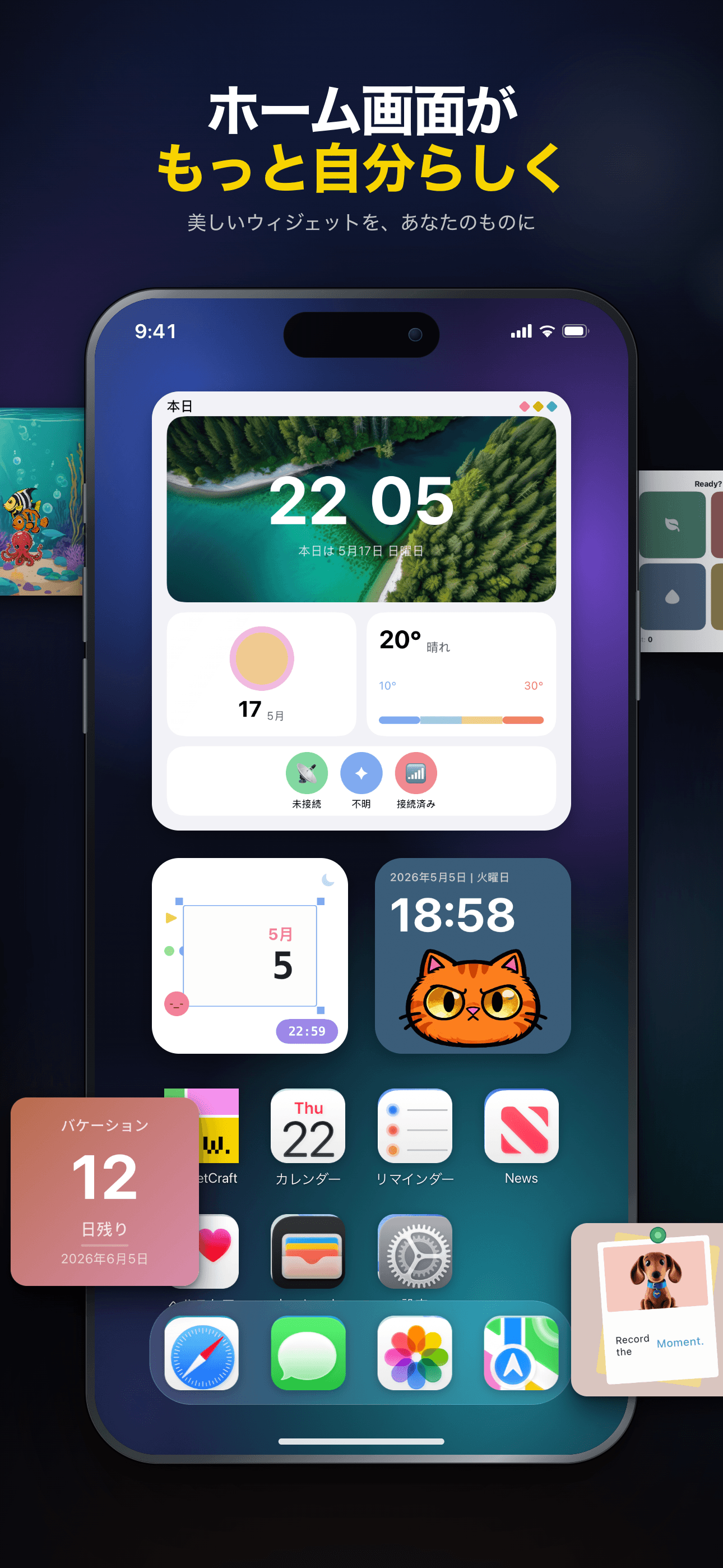
ホーム画面を、もっと自分らしく。
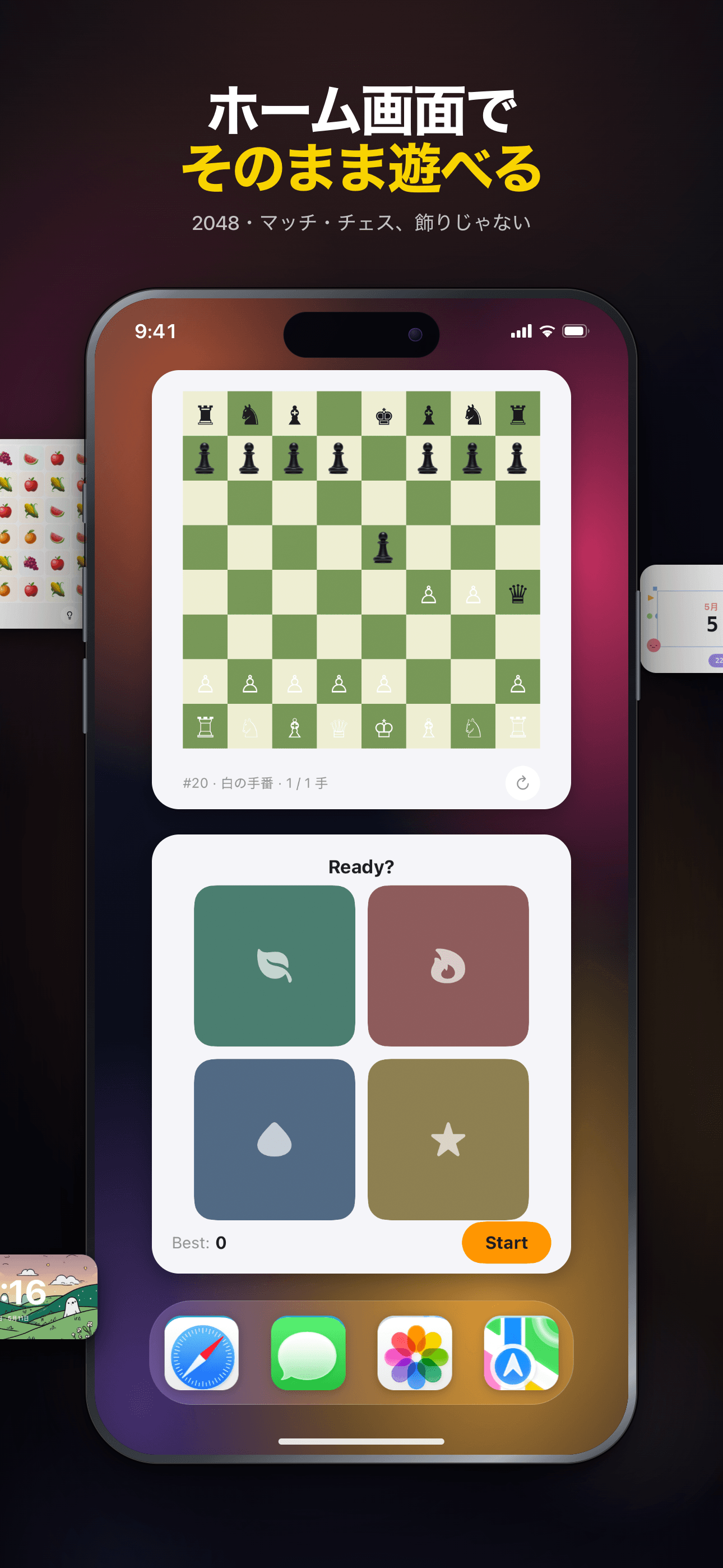
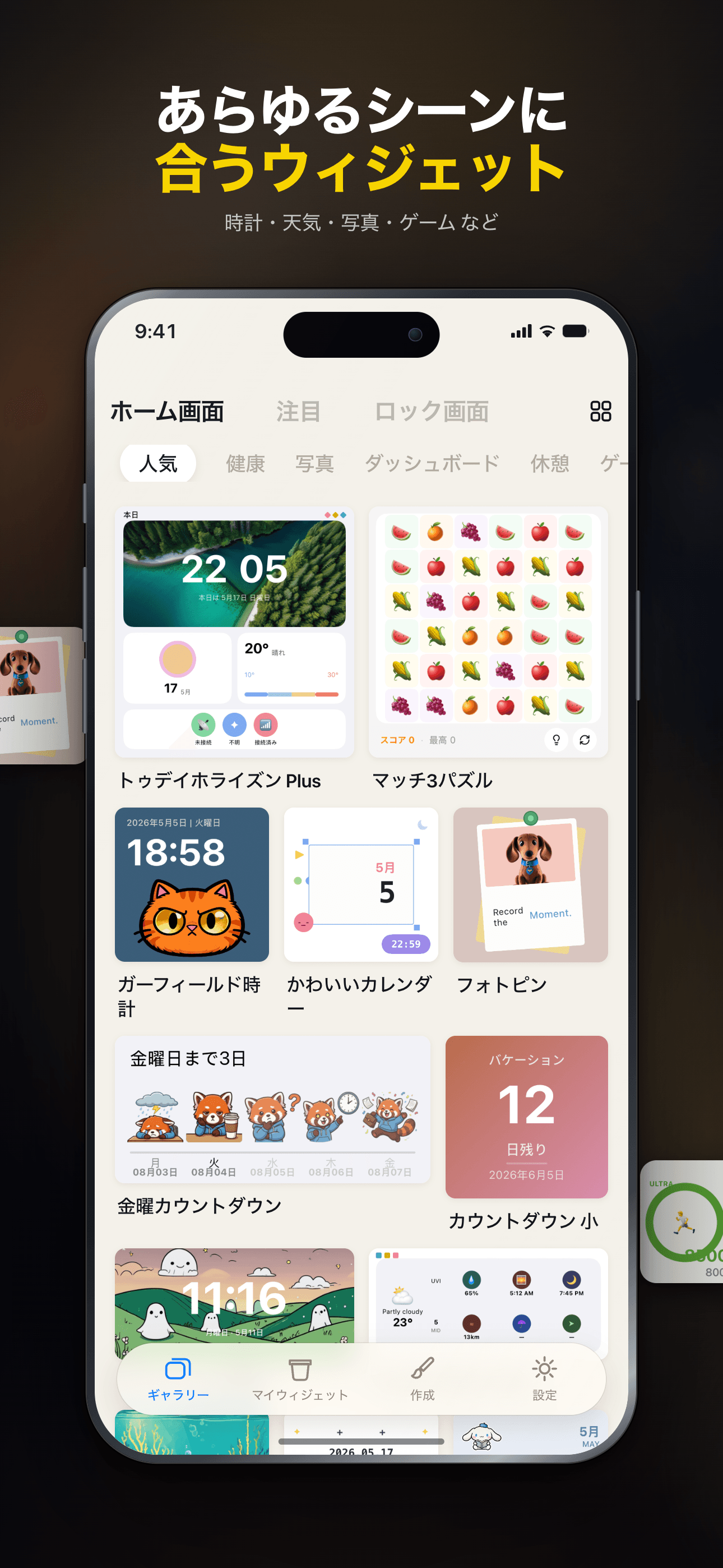
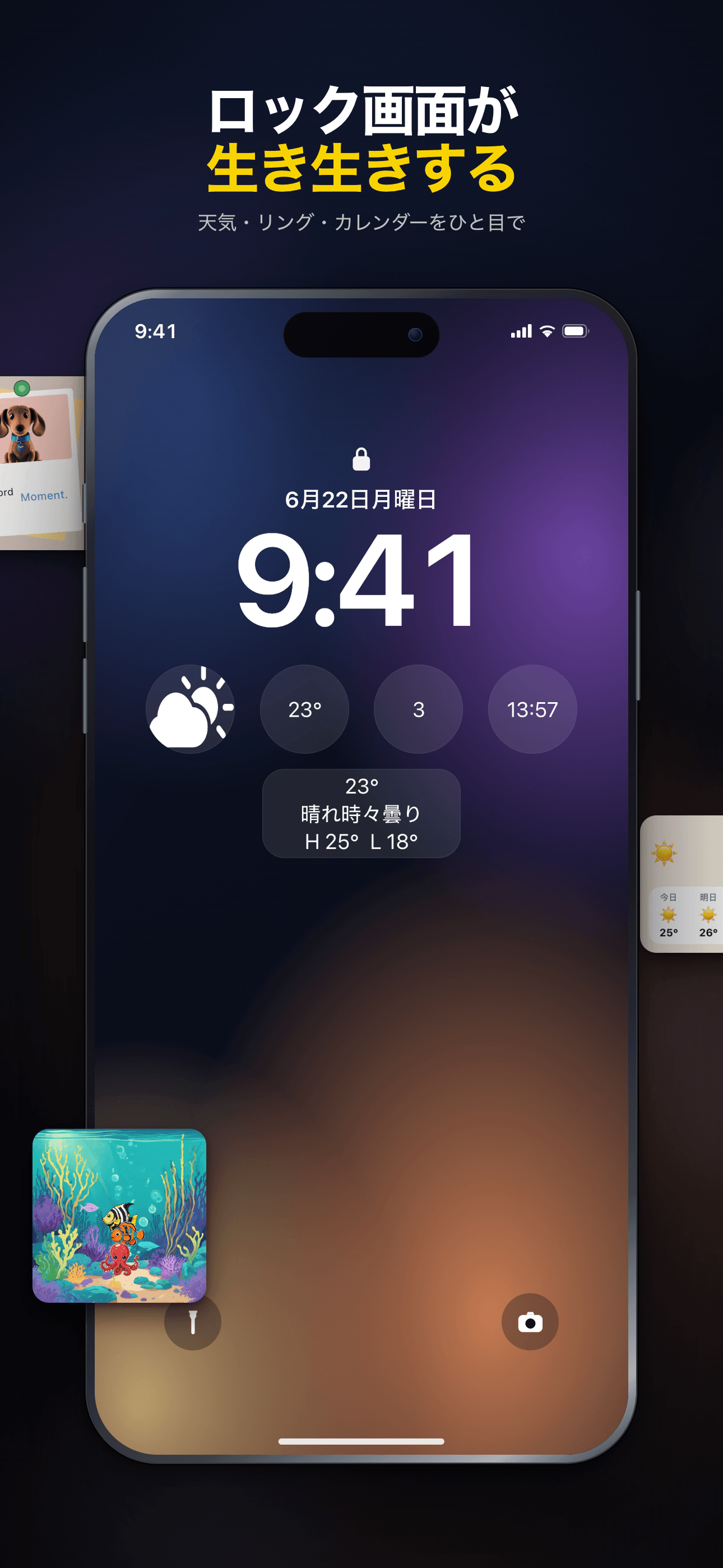
ホーム画面でミニゲームをプレイ。150種類以上のウィジェットを探したり、AIアシスト付きエディタで自作したり。時計、写真、天気などを楽しめます。
Core Features
Rich Templates
200+ thoughtfully designed presets spanning weather, calendar, photos, countdowns, quotes and more.
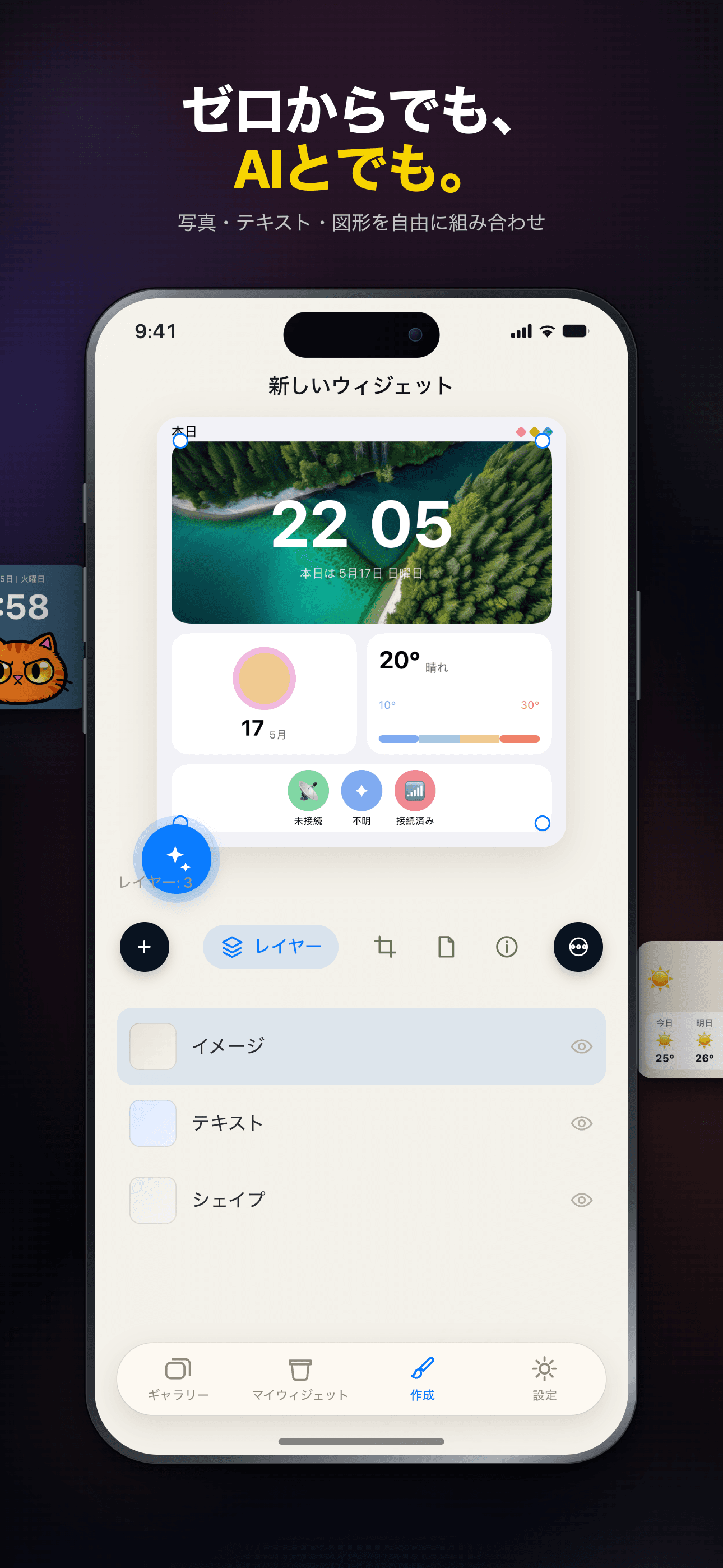
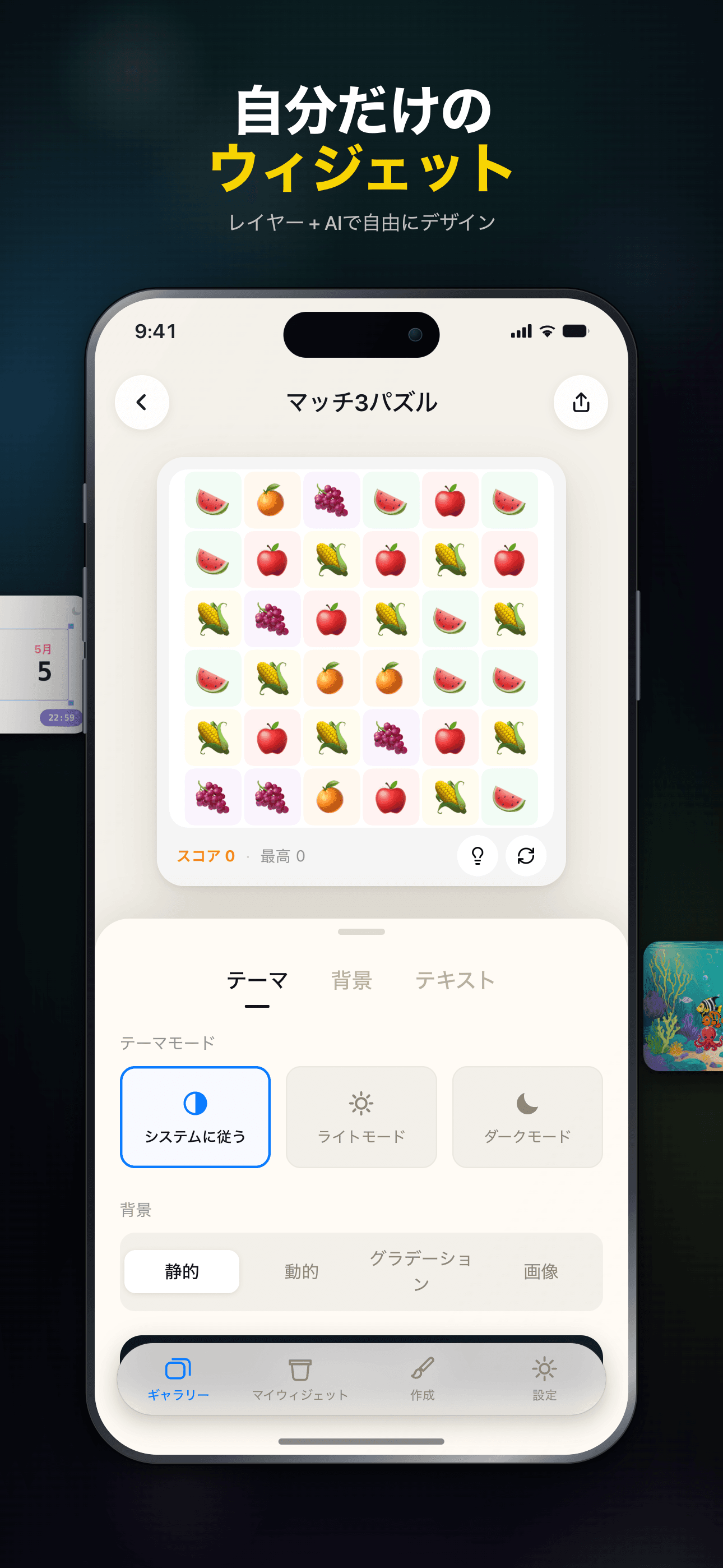
Visual Editor
An intuitive drag-and-drop editor — build unique, personalized widgets with zero coding.
Community Sharing
Browse beautiful widgets from the community — use them in one tap or remix your own.
Instant Preview
Preview edits in real time, WYSIWYG. Supports small, medium and large widget sizes.
Works Offline
Every widget runs locally — no connection required, your data stays private.
Dark Mode
Full dark mode support — widgets adapt to the system theme, beautiful day and night.
Plans
永久アクセス
一度の購入で全プレミアムウィジェットを解除
月額
すべてのプレミアムウィジェットを1ヶ月間アンロック
年額
すべてのプレミアムウィジェットを1年間アンロック
FAQ
WidgetCraft とは何ですか?
WidgetCraft は iOS ウィジェット プラットフォームです。美しくデザインされたホーム画面/ロック画面ウィジェットを発見、カスタマイズ、インストールできます。
ウィジェットをホーム画面に追加するにはどうすればよいですか?
アプリでウィジェット詳細ページを開き「ホーム画面に追加」をタップ。ホーム画面の空白部分を長押しし、左上の「+」から WidgetCraft を検索して、先ほど準備したウィジェットを選択してください。 表示されない場合は、まずアプリ内で「ホーム画面に追加」をタップしているか確認してください。
ウィジェットの見た目をカスタマイズできますか?
多くのウィジェットは詳細ページで色・テキスト・データソース・テーマなどを調整できます。設定後、iOS は数分以内にホーム画面を自動更新します。
ウィジェットが更新されないのはなぜですか?
iOS は電池節約のためウィジェットの更新頻度を制御しており、多くは 15〜60 分おきに更新されます。最新の値を今すぐ見たい場合はウィジェットをタップしてアプリを開き、ホームに戻ってください。1 時間後も古いままなら、ウィジェットを削除して再追加してみてください。
VIP バッジは何を意味しますか?
VIP バッジのあるウィジェットを使うには WidgetCraft サブスクリプションが必要です。無料ウィジェットはそのまま使えます。VIP ではプレミアムテーマ、ライブデータ、詳細カスタマイズが解放されます。
WidgetCraft は個人情報を収集しますか?
サービス運営に必要な最小限の情報(匿名の利用統計とインストール済みウィジェット一覧)のみ収集します。ウィジェットが扱う内容(カレンダー、写真、健康データ等)は端末上にとどまり、当社サーバーには送信されません。詳細はアプリの設定にあるプライバシーポリシーをご覧ください。
サポートへの連絡やフィードバックの方法は?
ホーム画面右上のメニューから「フィードバック」をタップしてください。状況、対象ウィジェット、可能ならスクリーンショットを添付していただければ、最速で対応できます。
Guides & tutorials
- WidgetCraft Getting Started: Your First Widget on the Home ScreenWhat WidgetCraft actually is, the two different things you can make in it, the four steps to a widget on your home screen, why iOS hides or delays it, and what the free tier does and does not include.
- Installing WidgetCraft: System Requirements, Permissions, Price and the First LaunchWhat WidgetCraft needs before you install it: iOS version, device, storage, which permissions it asks and when, what the free tier covers, what VIP costs, what happens on first launch, and why the App Store screen will not tell you half of this.
- Creating Your First Widget in WidgetCraft: Templates, Community, Blank CanvasThree ways to start a widget in WidgetCraft — a 200+ template, a community remix, or a blank canvas in one of six sizes — plus what the editor can change, what stays free, and why the first home screen add takes longer than it looks.
- WidgetCraft Templates: What the Library Holds, Which Are Free, and How to Use OneWidgetCraft ships 200+ preset templates across weather, calendar, photos, health rings and countdowns. Which are free, which need Premium, what the Apple Health badge on a template means, and where the limits are.
- Custom Widget Editing in WidgetCraft: Layers, Data and Real LimitsHow WidgetCraft's editor works: the layer system, every data source you can bind to, the effects and animations, and the real constraints — the 15 MB memory ceiling, iOS widget caching and the free tier's one-widget-per-size cap.
- WidgetCraft Community: Browse, Publish and Remix Widgets Made by Other PeopleHow the WidgetCraft community works: browse by category, use a widget in one tap, remix it in the editor, publish your own. What runs locally, what needs a network, and where the limits are.