WidgetCraft-Widgets Estéticos
Tela inicial, bloqueio e fotos
Sua tela de início, enfim sua.
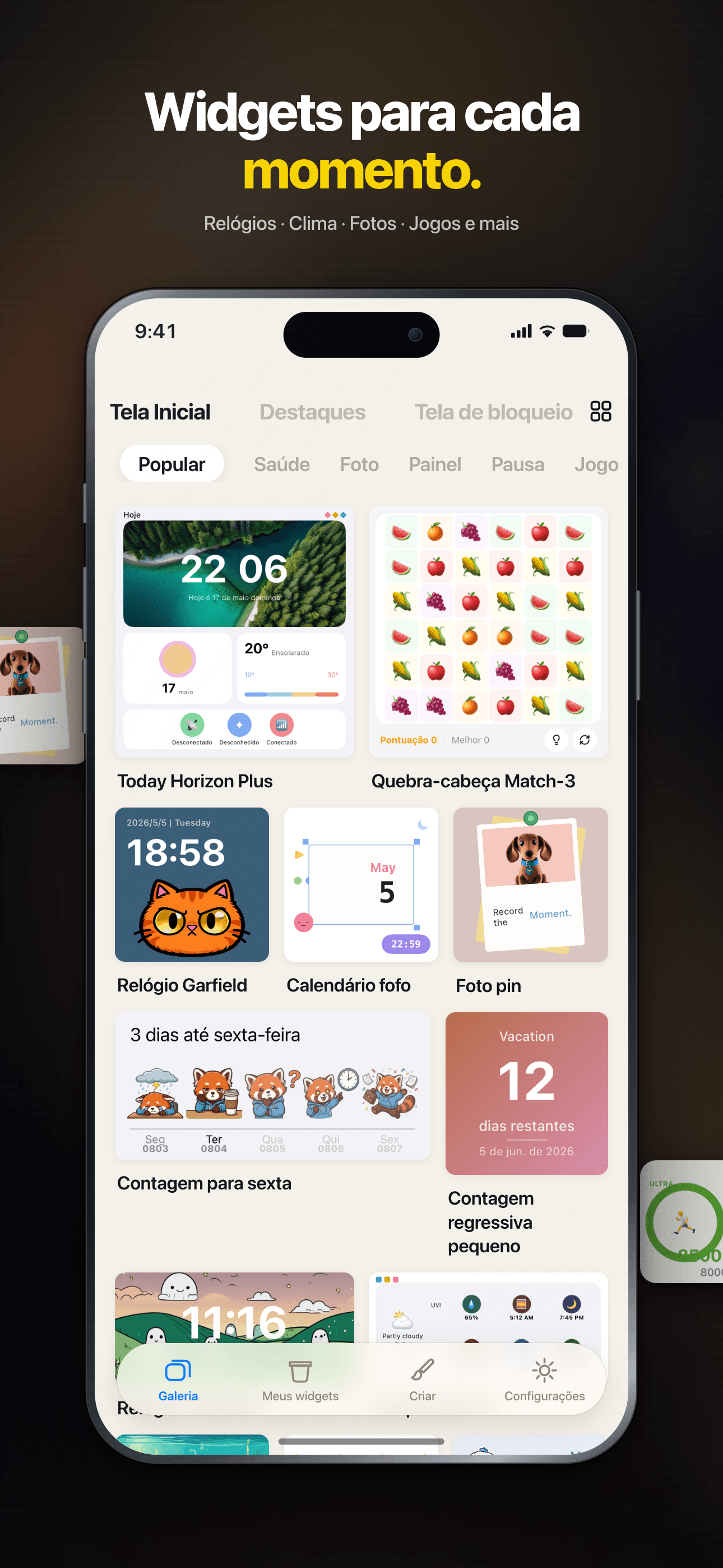
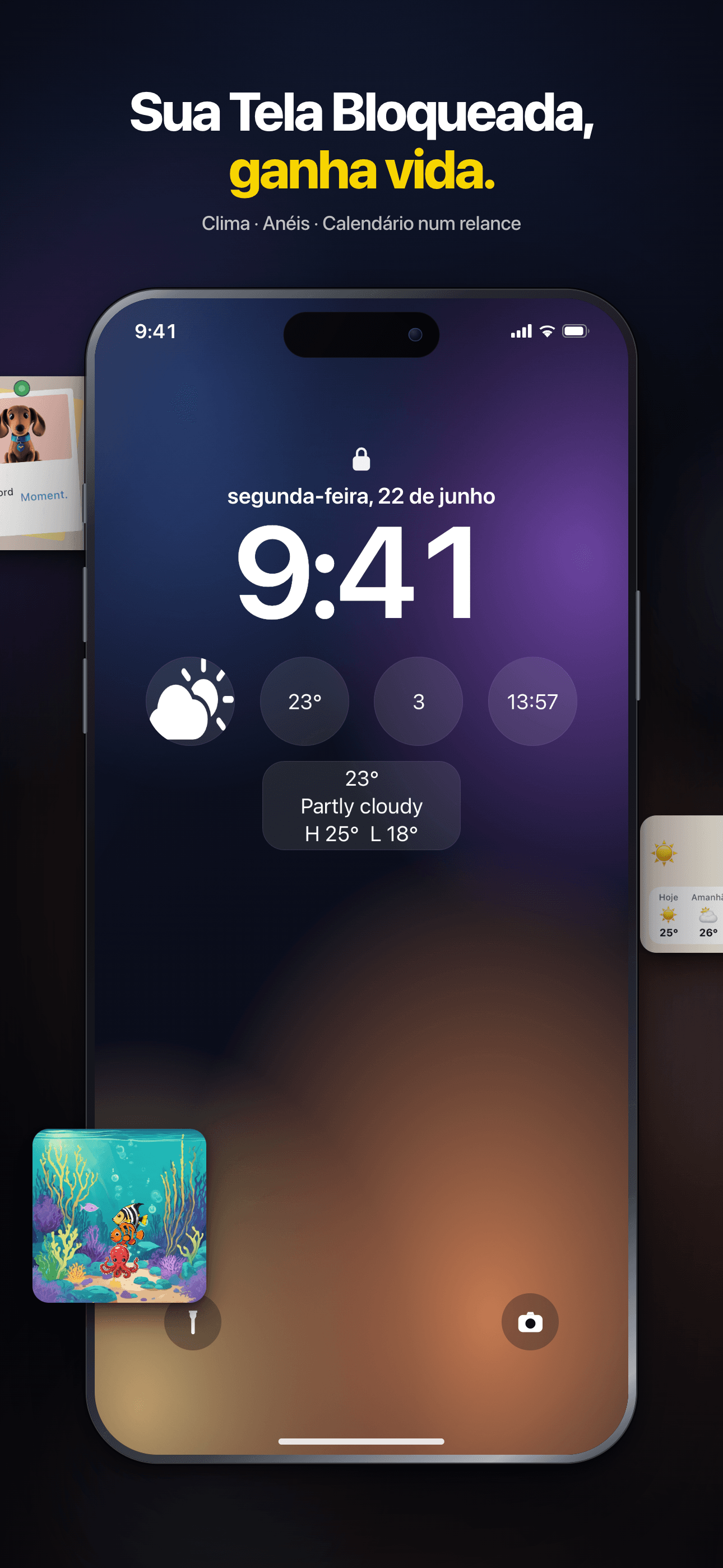
Jogue mini games na Tela de Início, explore mais de 150 widgets ou crie os seus no editor com IA: relógios, fotos, clima e muito mais.


Core Features
Rich Templates
200+ thoughtfully designed presets spanning weather, calendar, photos, countdowns, quotes and more.
Visual Editor
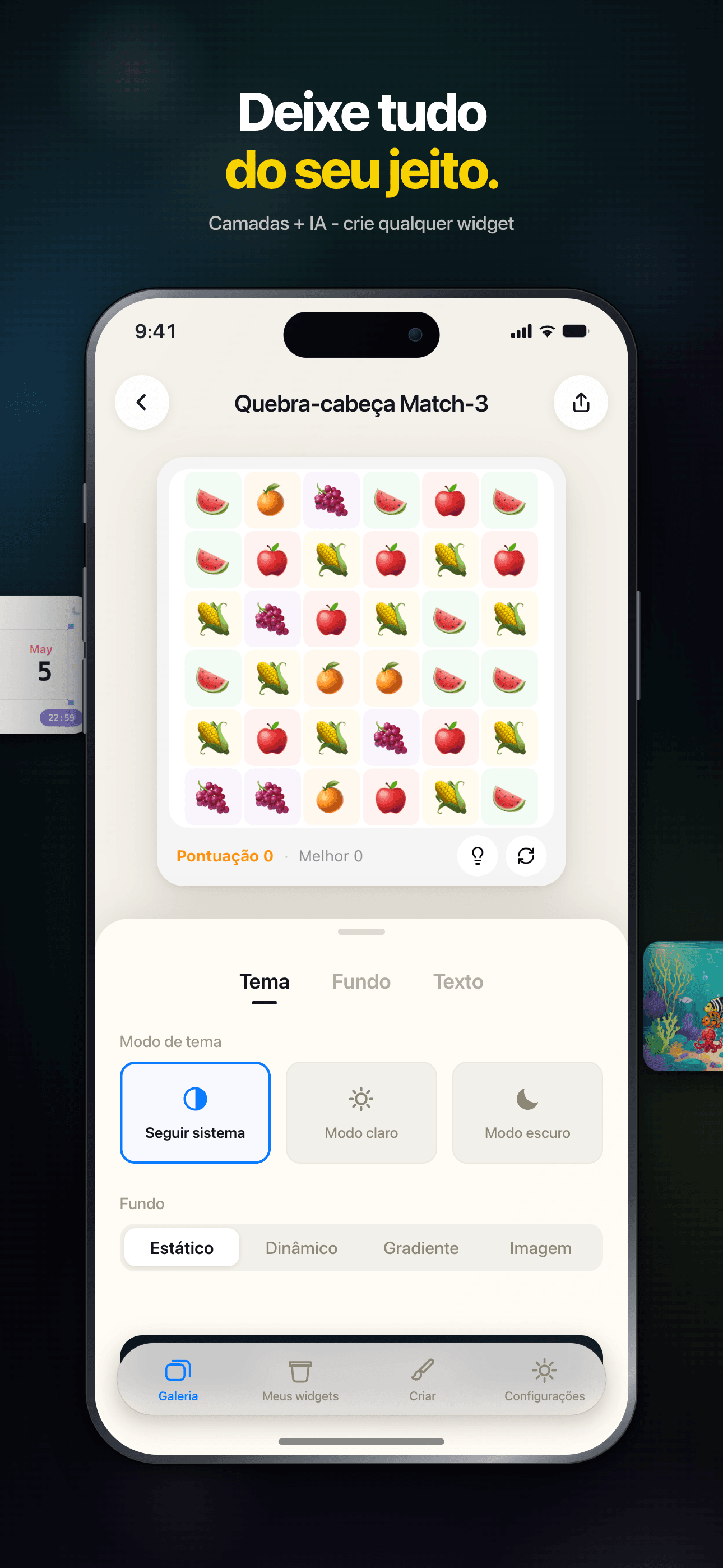
An intuitive drag-and-drop editor — build unique, personalized widgets with zero coding.
Community Sharing
Browse beautiful widgets from the community — use them in one tap or remix your own.
Instant Preview
Preview edits in real time, WYSIWYG. Supports small, medium and large widget sizes.
Works Offline
Every widget runs locally — no connection required, your data stays private.
Dark Mode
Full dark mode support — widgets adapt to the system theme, beautiful day and night.
Plans
Acesso Vitalício
Desbloqueie widgets premium para sempre
Mensal
Desbloqueie widgets premium por 1 mês
Anual
Desbloqueie widgets premium por 1 ano
FAQ
O que é o WidgetCraft?
O WidgetCraft é uma plataforma de widgets para iOS na qual você pode descobrir, personalizar e instalar widgets de tela de início e de tela bloqueada com um design caprichado. Cada widget é um pequeno pacote independente que roda dentro de um ambiente de execução compartilhado fornecido pelo app.
Como instalo um widget na minha tela de início?
Abra a página de detalhes do widget no app e toque em “Adicionar à Tela de Início”. No iOS, mantenha pressionada qualquer área vazia da tela de início, toque no botão “+” no canto superior esquerdo, busque por WidgetCraft e escolha o widget que você acabou de preparar. Se o widget não aparecer, confira se você tocou antes em “Adicionar à Tela de Início” dentro do app — é isso que o torna visível para o iOS.
Posso personalizar a aparência de um widget?
A maioria dos widgets oferece alguns parâmetros na página de detalhes — cores, texto, fonte de dados, tema. Ajuste-os do seu jeito e o iOS atualizará a tela de início automaticamente em alguns minutos.
Por que meu widget não está atualizando?
O iOS controla a frequência de atualização dos widgets para economizar bateria — a maioria atualiza a cada 15–60 minutos, não sob demanda. Se você precisar de um valor atualizado agora, toque no widget para abrir o app e depois volte para a tela de início. Se ele continuar desatualizado depois de uma hora, tente remover o widget e adicioná-lo novamente.
O que significa o selo VIP?
Widgets marcados com um selo VIP exigem uma assinatura ativa do WidgetCraft. Os widgets gratuitos continuam totalmente disponíveis — o nível VIP libera temas premium, fontes de dados ao vivo e opções de personalização avançadas.
O WidgetCraft coleta meus dados pessoais?
Coletamos apenas o mínimo necessário para o serviço funcionar — métricas de uso anônimas e os widgets que você tem instalados. O conteúdo dos widgets (por exemplo, sua agenda, suas fotos, seus dados de saúde) permanece no dispositivo; nossos servidores nunca têm acesso a ele. Para mais detalhes, consulte a Política de Privacidade indicada nos Ajustes do app.
Como entro em contato com o suporte ou envio um feedback?
Use a opção “Enviar Feedback” no menu no canto superior direito da página inicial. Conte o que aconteceu, qual widget estava envolvido e anexe uma captura de tela, se possível — é o caminho mais rápido para uma solução.
Guides & tutorials
- WidgetCraft Getting Started: Your First Widget on the Home ScreenWhat WidgetCraft actually is, the two different things you can make in it, the four steps to a widget on your home screen, why iOS hides or delays it, and what the free tier does and does not include.
- Installing WidgetCraft: System Requirements, Permissions, Price and the First LaunchWhat WidgetCraft needs before you install it: iOS version, device, storage, which permissions it asks and when, what the free tier covers, what VIP costs, what happens on first launch, and why the App Store screen will not tell you half of this.
- Creating Your First Widget in WidgetCraft: Templates, Community, Blank CanvasThree ways to start a widget in WidgetCraft — a 200+ template, a community remix, or a blank canvas in one of six sizes — plus what the editor can change, what stays free, and why the first home screen add takes longer than it looks.
- WidgetCraft Templates: What the Library Holds, Which Are Free, and How to Use OneWidgetCraft ships 200+ preset templates across weather, calendar, photos, health rings and countdowns. Which are free, which need Premium, what the Apple Health badge on a template means, and where the limits are.
- Custom Widget Editing in WidgetCraft: Layers, Data and Real LimitsHow WidgetCraft's editor works: the layer system, every data source you can bind to, the effects and animations, and the real constraints — the 15 MB memory ceiling, iOS widget caching and the free tier's one-widget-per-size cap.
- WidgetCraft Community: Browse, Publish and Remix Widgets Made by Other PeopleHow the WidgetCraft community works: browse by category, use a widget in one tap, remix it in the editor, publish your own. What runs locally, what needs a network, and where the limits are.