
PawIsle: Thú Cưng Ảo Widget
Nuôi mèo và chó trên màn hình
Có những ngày bạn chỉ cần một chú mèo. Hoặc một chú chó. Hoặc cả hai.
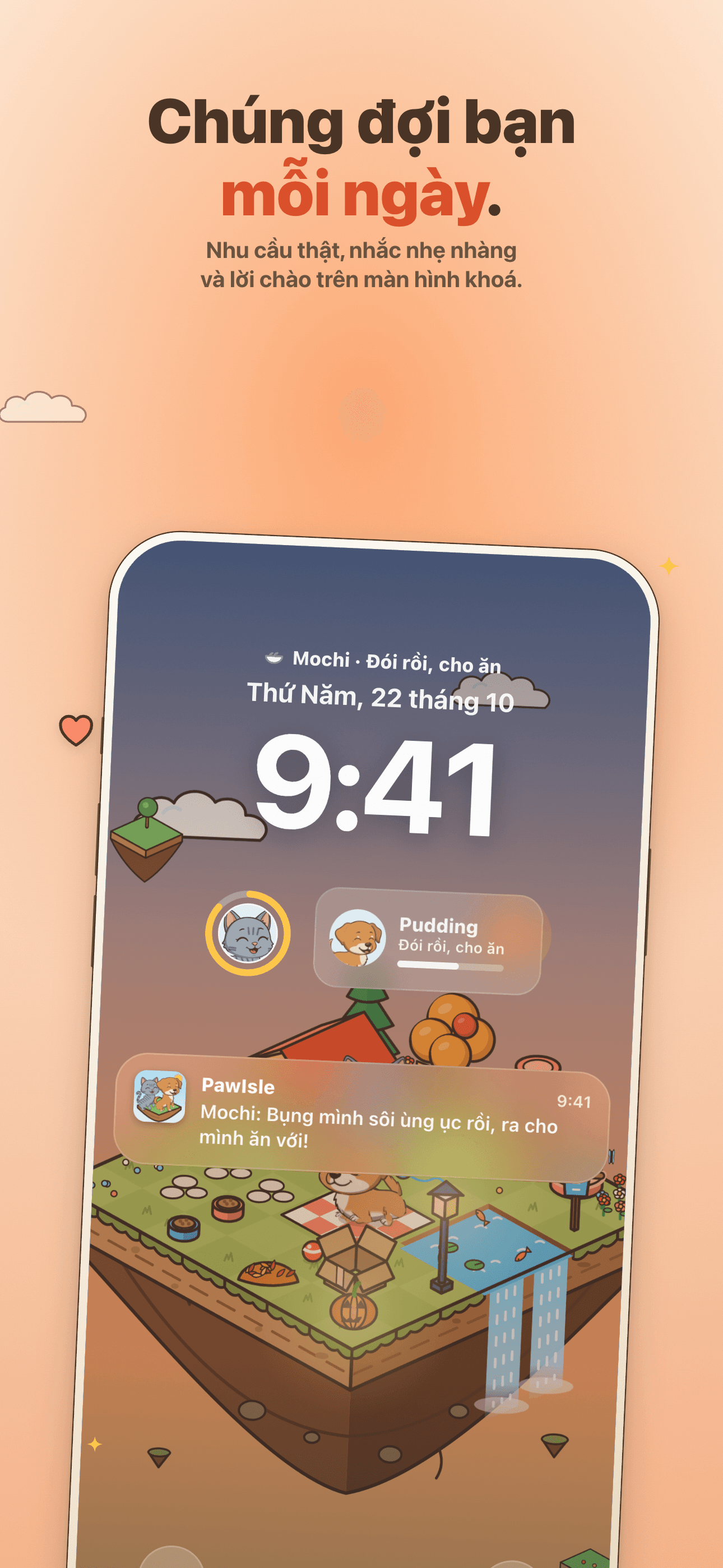
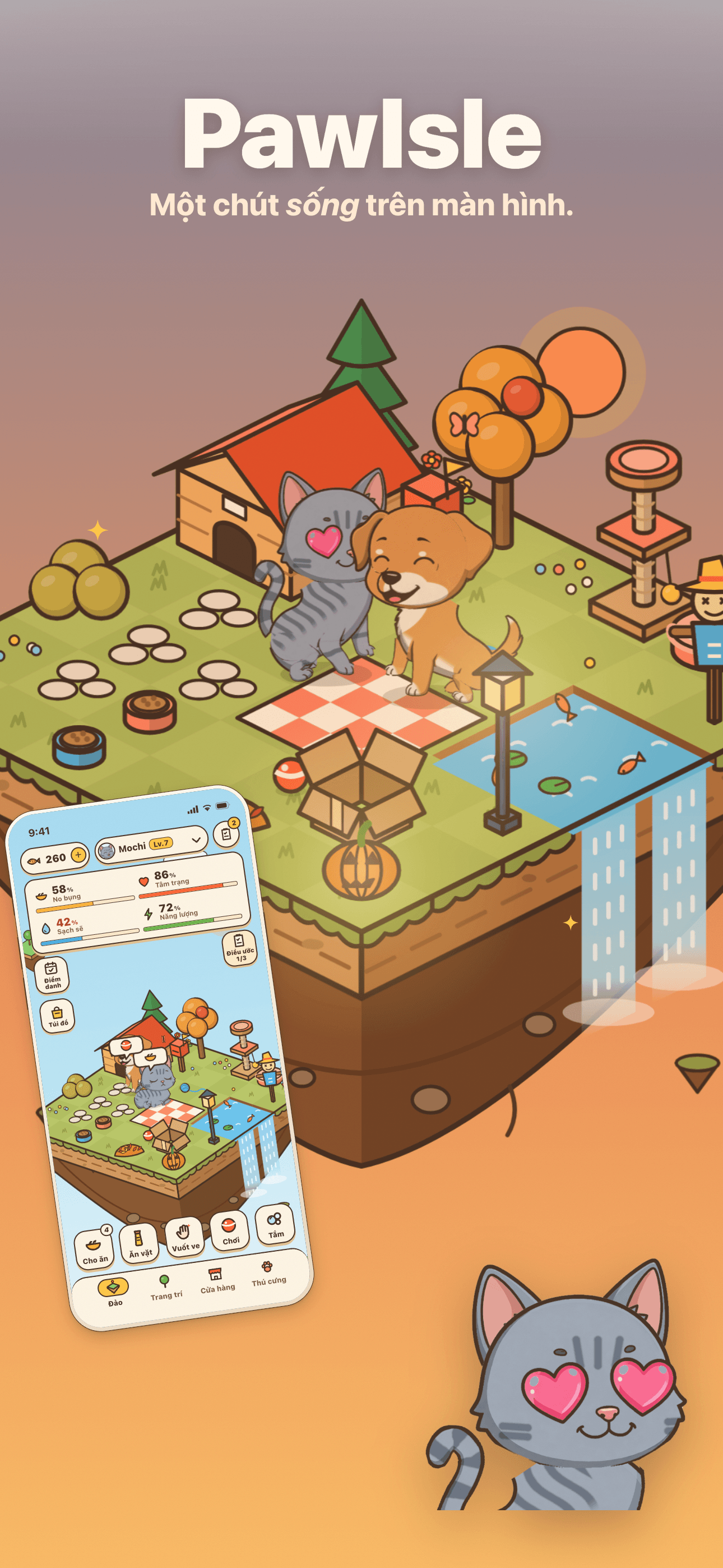
Mèo và chó sống ngay trên màn hình chính của bạn. Cho ăn, vuốt ve và chơi cùng ngay từ widget, và xem chúng đang làm gì mỗi lần cầm điện thoại. Nhận nuôi miễn phí.



Core Features
Lives in Your Widgets
Small, medium, large and daily check-in widgets, plus the Lock Screen and StandBy: see what they're up to anytime.
One Tap, and They React
Feed, pet, play or put them to bed right from a widget, and they respond at once — no need to open the app.
Every Pet Is One of a Kind
Every cat and dog is born from its own DNA — pattern, coat, eyes, ears, tail and build — and shows more faces the more you care for it.
Waiting for You Every Day
Fullness, mood, cleanliness and energy change with real time, and the island has day, night and seasons. Gentle reminders when they need you, two a day at most.
Plans
1280 cá khô
1280 cá khô (tặng 200) đổi quà vặt, đồ chơi
180 cá khô
180 cá khô (tặng 10) đổi quà vặt, đồ chơi
300 cá khô
300 cá khô (tặng 30) đổi quà vặt, đồ chơi
3280 cá khô
3280 cá khô (tặng 600) đổi quà vặt, đồ chơi
60 cá khô
60 cá khô đổi đồ ăn vặt và đồ chơi
680 cá khô
680 cá khô (tặng 90) đổi quà vặt, đồ chơi
Gói khởi đầu
120 cá khô, pate, đồ ăn vặt, bọt tắm, phim
Thẻ PawIsle
Nhận ngay 300 cá khô, mỗi ngày 60 + 1 hộp
FAQ
What is PawIsle?
PawIsle is a little floating island where cats and dogs live, in the app and in your widgets. Their fullness, mood, cleanliness and energy change with real time, so they get hungry, grubby and sleepy and wait for you to come back. Feed, pet, play with and bathe them, decorate the island, and collect the faces each pet makes as you care for it. It's free to play, with no ads, no account and nothing to sign up for.
How do I put my pets on the Home Screen or Lock Screen?
Go to your Home Screen, touch and hold an empty spot, tap Edit, then Add Widget. Search for PawIsle and pick a size: Pet, Island friends, My island or Daily check-in. For the Lock Screen, touch and hold it, tap Customize, then add the Pet status widget. The buttons on a widget feed, pet, play with or put a pet to bed without opening the app, and the Daily check-in widget lets you check in and claim free food from the Home Screen.
How do reminders work?
PawIsle asks whether you'd like reminders while you settle in your first pet. If you turn them on, you'll get a notification only when a pet is hungry, grubby or missing you, and never more than two a day. The notifications are created on your device. You can turn them on or off at any time in iOS Settings → Notifications → PawIsle.
What are dried fish?
Dried fish are PawIsle's currency. You earn them by playing — today's wishes, daily check-ins, bond levels, the letters that arrive in the mailbox and the faces you collect — and you can also buy packs in the Shop, where the first purchase of each pack is doubled once. Spend them on food, treats, toys, furniture, adoption slots and more. Dried fish never expire, but they can only be used in PawIsle: they can't be cashed out or transferred.
What does the PawIsle Pass include, and how do I cancel it?
The PawIsle Pass is a monthly subscription (US$4.99 a month in the United States; your local price is shown in the App Store). It gives you 300 dried fish right away, then 60 dried fish and a can of food each day you claim them during the month, and it opens one extra adoption slot on your island. It renews automatically until you cancel. To cancel, open Settings → your name → Subscriptions at least 24 hours before the current month ends; deleting PawIsle does not cancel it. When the Pass ends, everything it already gave you, including the adoption slot, stays on your island.
How do I restore my purchases?
Open the Shop, go to the Dried fish tab and tap "Restore purchases". On any iPhone or iPad signed in with the same Apple ID, this brings back a PawIsle Pass that is still active. Dried fish packs and the Starter Bundle are consumables: once delivered, they are part of your island on that device, so Apple's Restore Purchases can't bring them back.
Will I lose my island if I change phones or delete the app?
Your island is stored on your device, not on our servers. If you move to a new iPhone by restoring an iCloud or computer backup, your island, pets, dried fish and items come along with your other app data. If you delete PawIsle, or reset or lose your device without a backup, they are gone and we have no copy to restore. PawIsle doesn't sync between devices, so an iPhone and an iPad each have their own island.
Why can't my family share my purchases?
Dried fish packs and the Starter Bundle are consumable purchases, which Apple doesn't share through Family Sharing. The PawIsle Pass pays its dried fish into one player's island, so it isn't shared either. Each family member can still play PawIsle for free.
How are adoption traits and odds decided?
With "Meet today's", six pets are waiting, and every trait of every pet is drawn at random. Rare traits appear at the odds listed under "Rare trait odds" on the adoption screen, and a rare trait met this way costs nothing extra. "New faces" draws a new six: it's free once a day, and after that it costs the dried fish shown on the button. Drawing again never changes the odds. With "Design your own", you choose every trait yourself: common traits are free, and each rare trait costs the dried fish shown.
How do I get a refund?
All payments go through Apple, so refunds are handled by Apple, not by us. You can request one at reportaproblem.apple.com or from your purchase history in the App Store.
Do you collect my data?
There is no account, no ads and no tracking. PawIsle sends us anonymous crash reports, performance measurements, which screens are used and records of purchases, so we can fix problems and count sales. This data isn't linked to your name, email address or Apple ID, and it never includes your pets' names or your Snapshots. Your island itself stays on your device. The full details are in our privacy policy.
I still need help — how do I contact support?
Email us at [email protected] with your question, your device model and your iOS version, and we'll get back to you. We typically reply within 1–2 business days.