WidgetCraft-美感桌面元件
主畫面·鎖定畫面·照片時鐘
讓主畫面真正屬於你。
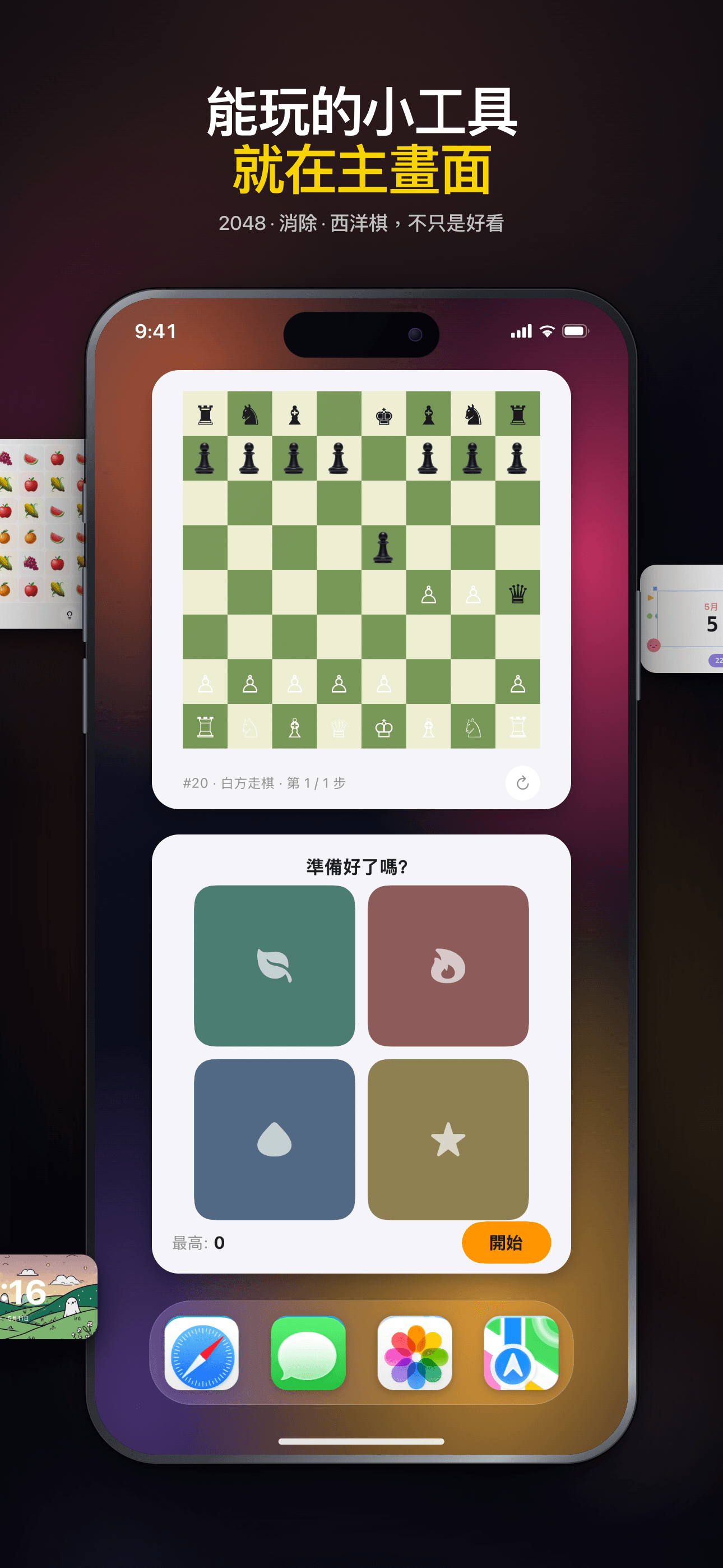
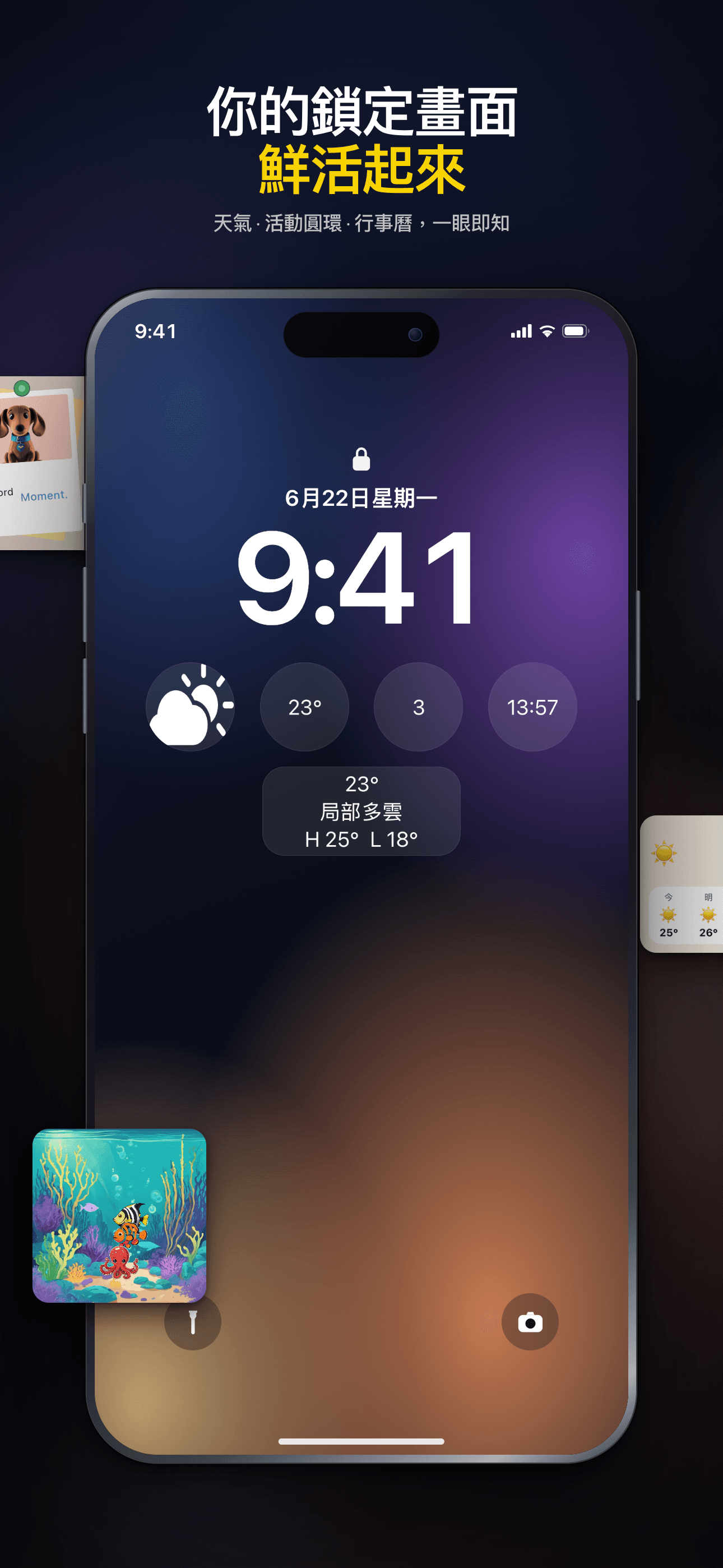
在主畫面上玩小遊戲,探索 150+ 小工具,或使用 AI 輔助編輯器親手創作。時鐘、照片、天氣、行事曆等豐富內容,隨你搭配。



Core Features
Rich Templates
200+ thoughtfully designed presets spanning weather, calendar, photos, countdowns, quotes and more.
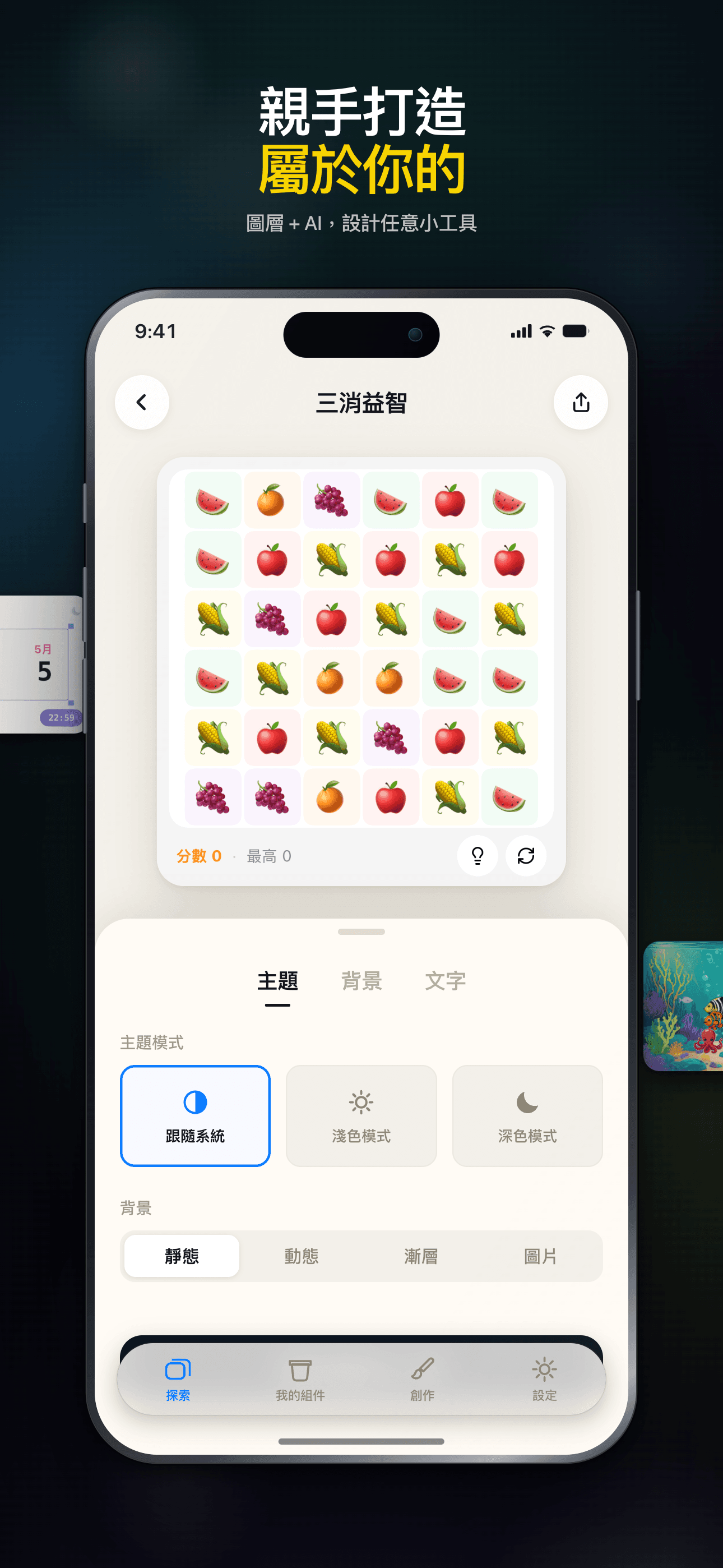
Visual Editor
An intuitive drag-and-drop editor — build unique, personalized widgets with zero coding.
Community Sharing
Browse beautiful widgets from the community — use them in one tap or remix your own.
Instant Preview
Preview edits in real time, WYSIWYG. Supports small, medium and large widget sizes.
Works Offline
Every widget runs locally — no connection required, your data stays private.
Dark Mode
Full dark mode support — widgets adapt to the system theme, beautiful day and night.
Plans
終身訪問
一次購買,永久解鎖所有高級元件
月訂閱
解鎖所有高級元件 1 個月
年訂閱
解鎖所有高級元件 1 年
FAQ
WidgetCraft 是什麼?
WidgetCraft 是一個 iOS 小工具平台。你可以在這裡探索、自訂並安裝精心設計的主畫面與鎖定畫面小工具。每個小工具都是獨立的小型套件,運行在 App 提供的共享執行環境中。
我要怎麼把小工具加到主畫面?
在 App 內開啟小工具詳情頁,點擊「加入主畫面」。接著長按主畫面任一空白處,點左上角的「+」按鈕,搜尋 WidgetCraft,再選擇你剛剛準備好的小工具即可。 如果沒出現,請先確認在 App 內點過「加入主畫面」——這步是讓 iOS 知道此小工具已可用。
小工具可以自訂外觀嗎?
大部分小工具都會在詳情頁提供幾個可調整的參數——顏色、文字、資料來源、主題等。你可以自由調整,iOS 會在幾分鐘內自動更新主畫面顯示。
為什麼我的小工具沒有更新?
iOS 為了省電會統一控制小工具的更新頻率——大多數小工具每 15–60 分鐘更新一次,並非即時。若想馬上看到最新資料,點擊小工具開啟 App 再回到主畫面通常會觸發更新。若一小時後仍是舊資料,可把小工具移除再重新加入。
VIP 標籤代表什麼?
標示 VIP 的小工具需要 WidgetCraft 訂閱才可使用。免費小工具依然完全可用——VIP 解鎖的是進階主題、即時資料來源與更多自訂選項。
WidgetCraft 會收集我的個人資料嗎?
我們只收集服務運行所需的最少資料——匿名使用統計與你已安裝的小工具清單。小工具處理的內容(行事曆、相簿、健康資料等)全部保存在裝置上,我們的伺服器看不到。詳情請見 App「設定」中的隱私權政策。
如何聯繫客服或回報問題?
在首頁右上角選單中點選「意見回饋」。告訴我們發生什麼事、涉及哪個小工具,附上截圖會讓我們最快定位與處理。
Guides & tutorials
- WidgetCraft Getting Started: Your First Widget on the Home ScreenWhat WidgetCraft actually is, the two different things you can make in it, the four steps to a widget on your home screen, why iOS hides or delays it, and what the free tier does and does not include.
- Installing WidgetCraft: System Requirements, Permissions, Price and the First LaunchWhat WidgetCraft needs before you install it: iOS version, device, storage, which permissions it asks and when, what the free tier covers, what VIP costs, what happens on first launch, and why the App Store screen will not tell you half of this.
- Creating Your First Widget in WidgetCraft: Templates, Community, Blank CanvasThree ways to start a widget in WidgetCraft — a 200+ template, a community remix, or a blank canvas in one of six sizes — plus what the editor can change, what stays free, and why the first home screen add takes longer than it looks.
- WidgetCraft Templates: What the Library Holds, Which Are Free, and How to Use OneWidgetCraft ships 200+ preset templates across weather, calendar, photos, health rings and countdowns. Which are free, which need Premium, what the Apple Health badge on a template means, and where the limits are.
- Custom Widget Editing in WidgetCraft: Layers, Data and Real LimitsHow WidgetCraft's editor works: the layer system, every data source you can bind to, the effects and animations, and the real constraints — the 15 MB memory ceiling, iOS widget caching and the free tier's one-widget-per-size cap.
- WidgetCraft Community: Browse, Publish and Remix Widgets Made by Other PeopleHow the WidgetCraft community works: browse by category, use a widget in one tap, remix it in the editor, publish your own. What runs locally, what needs a network, and where the limits are.