
拾字:拍照學普通話與簡體字的第一步
拼音聲調·筆順描寫·字形由來
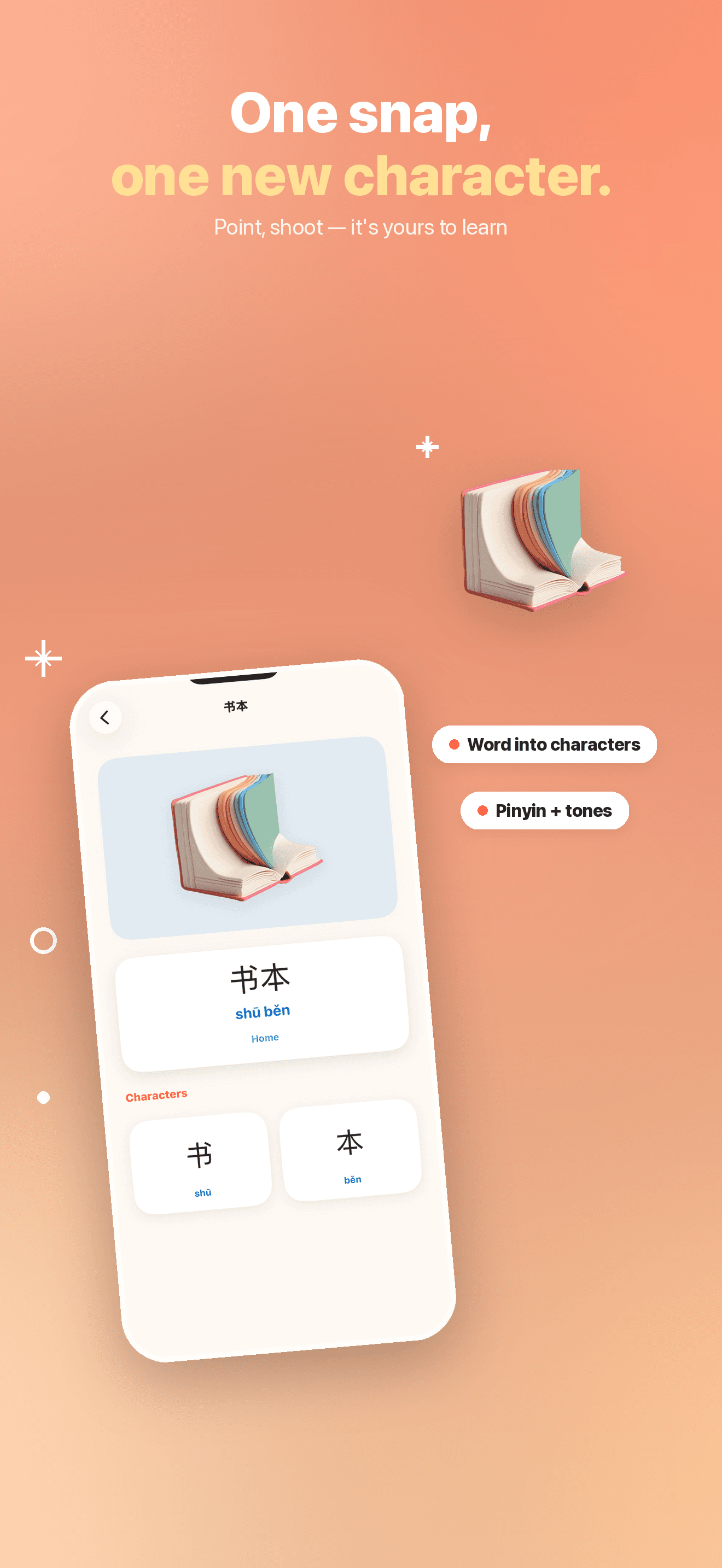
孩子把相機對準桌上的蘋果。拾字在裝置上辨識出物件,以簡體字顯示普通話詞語「苹果(píng guǒ)」,再拆成能讀、能聽、能描、能收藏的簡體字卡。
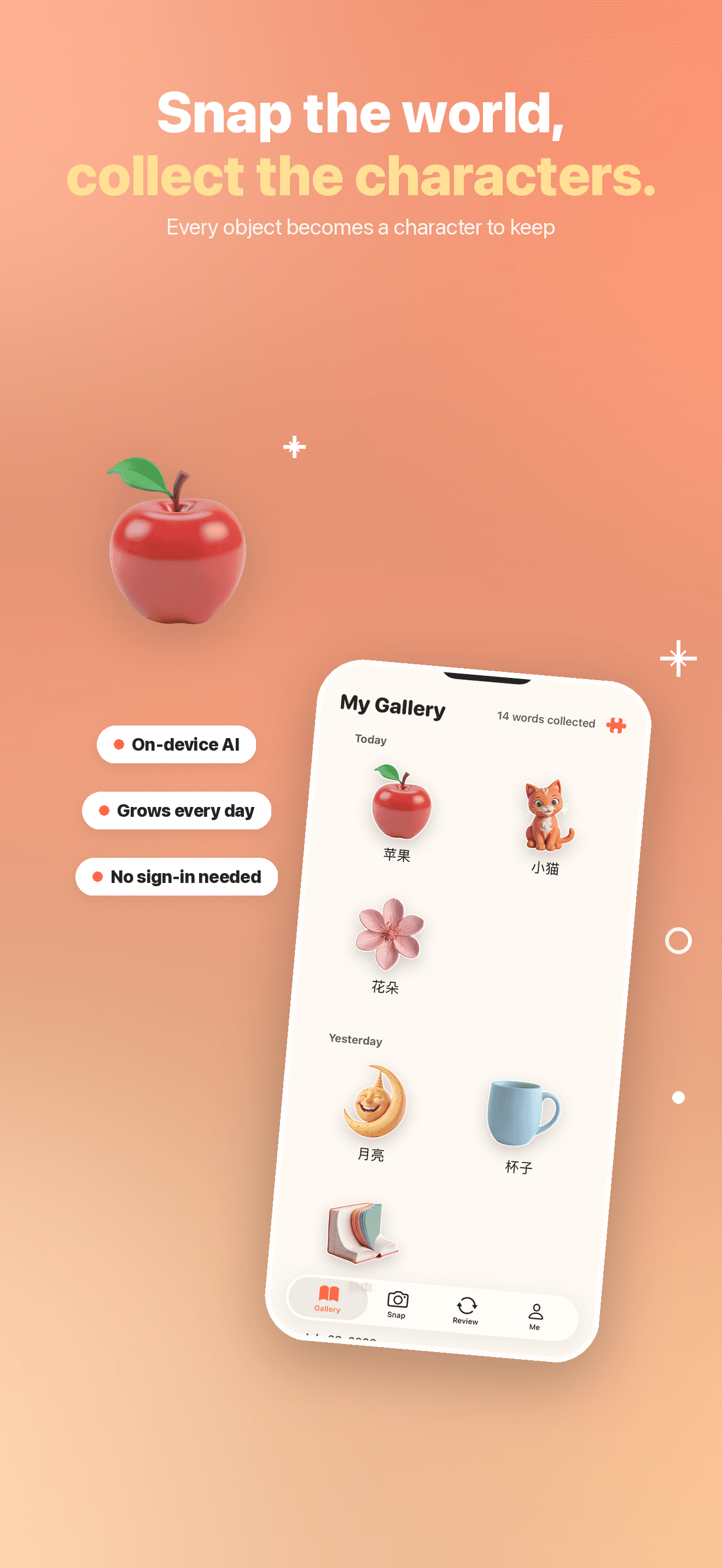
孩子身邊的物件,也能成為簡體字卡。對準蘋果、水杯或月亮,拾字會在裝置端辨識物件,顯示普通話名稱、拼音與聲調;孩子可聽發音、依筆順描寫、了解字形由來,再把新字收進自己的圖鑑。原始照片只在裝置端處理,不會上傳;收藏詞卡時,僅將從照片擷取的主體貼紙儲存在本機。
Core Features
Snap to Learn
Point the camera at a toy, a cup, the moon — Piko recognizes it on-device and shows the word with pinyin, tones, and every character inside it.
Four Ways to Learn
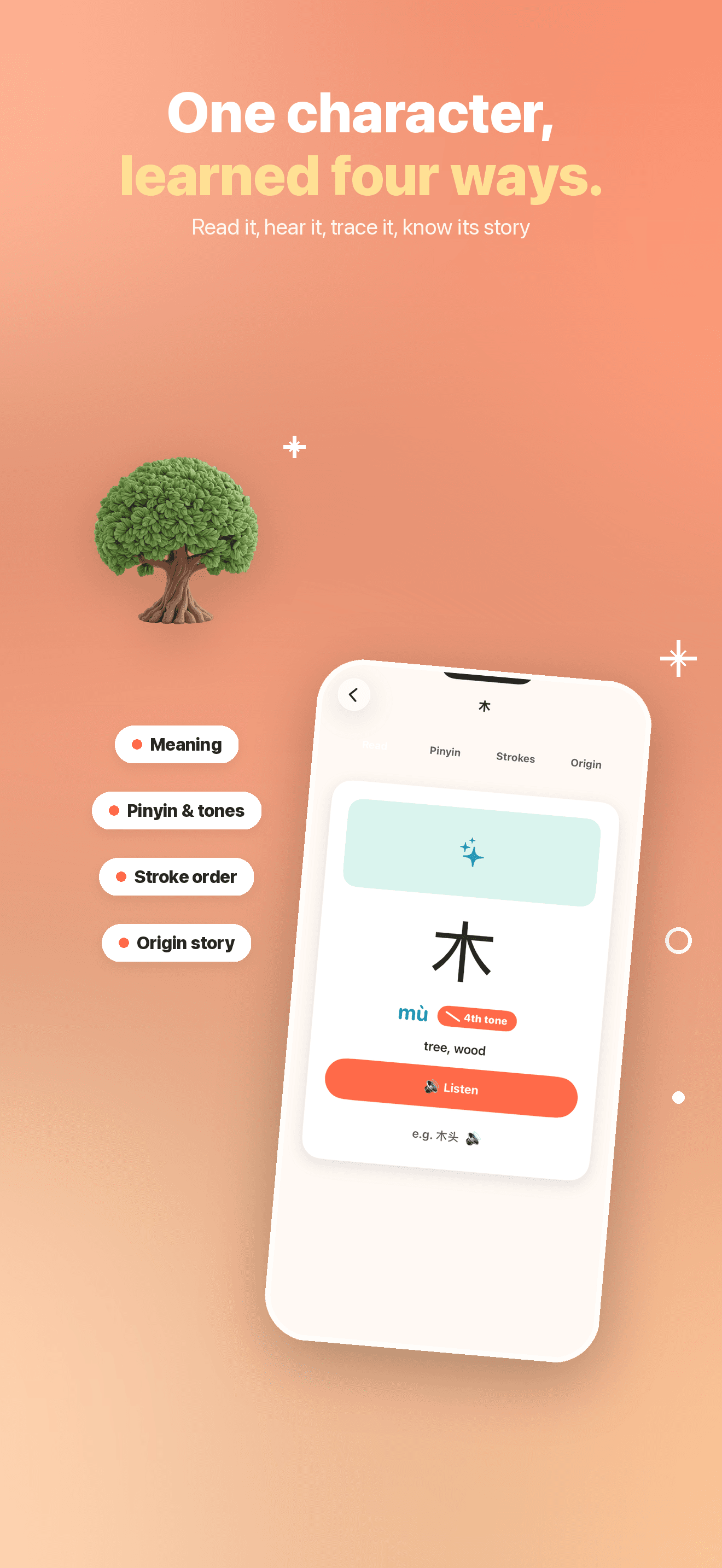
See the meaning and pinyin, hear the Mandarin pronunciation, trace the stroke order, and explore the idea behind the character's shape.
A Growing Gallery
Every word your child snaps joins a personal gallery — a growing picture-book of the world in Chinese. Watching it fill up is the reward.
On-Device & Kid-Safe
Recognition runs on device and original photos are never uploaded. Saving a card stores only an extracted subject sticker on the device. No ads, third-party content, or account required.
Plans
拾字 Pro 月繳方案
解鎖間隔複習、字族、成就與課程進度
拾字 Pro 年繳方案
解鎖間隔複習、字族、成就與課程進度
FAQ
What is Piko?
Piko (also known as 拾字 / ZiTan) turns the world around your child into their first Chinese words. Point the camera at anything — an apple, a cup, the moon — and Piko recognizes it right on your device, then shows the Chinese word with pinyin and tones, plus each character inside it. Every character becomes a card your child can read, hear, trace, and keep. It's made for families raising bilingual, heritage-Chinese kids: everyday moments become a growing collection of hanzi.
Who is Piko for? Does my child need to read Chinese already?
No prior reading is needed. Piko is built for heritage-Chinese and bilingual families — from a curious first-time learner to a child keeping pace with a weekend Chinese class. Pinyin, spoken tones, and (on non-Chinese devices) English glosses mean your child can start from their very first character. Because every word begins with a real object your child already knows, each new character has something familiar to hold onto.
How does my child learn each character?
Every character opens as a four-part card, so it becomes a little story instead of a flashcard to cram: read the meaning, hear the pinyin and tones spoken aloud, trace the stroke order step by step, and see where the character came from. Piko also surfaces characters that share a building block, so your child starts to notice the radicals and character families that Chinese is built from.
What happens to the words my child collects — will they remember them?
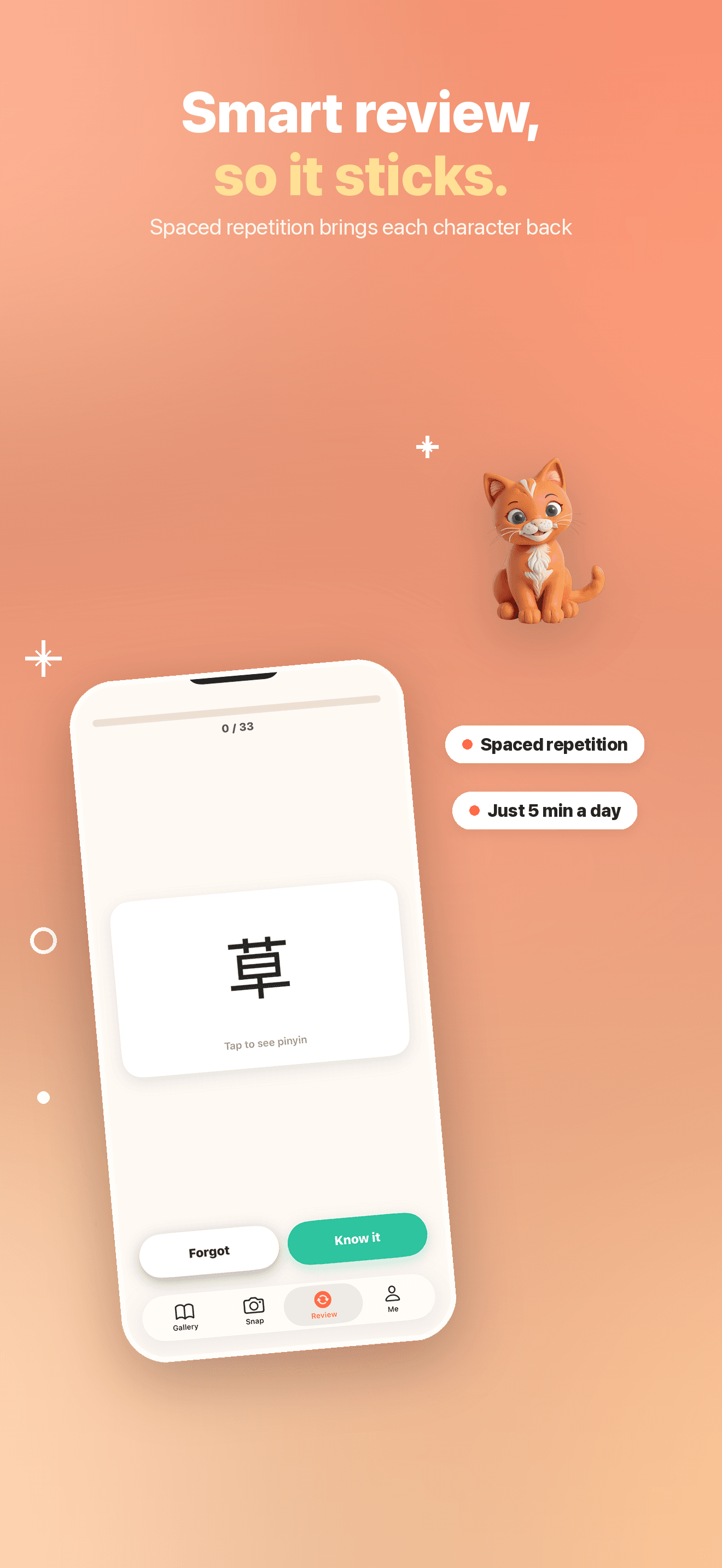
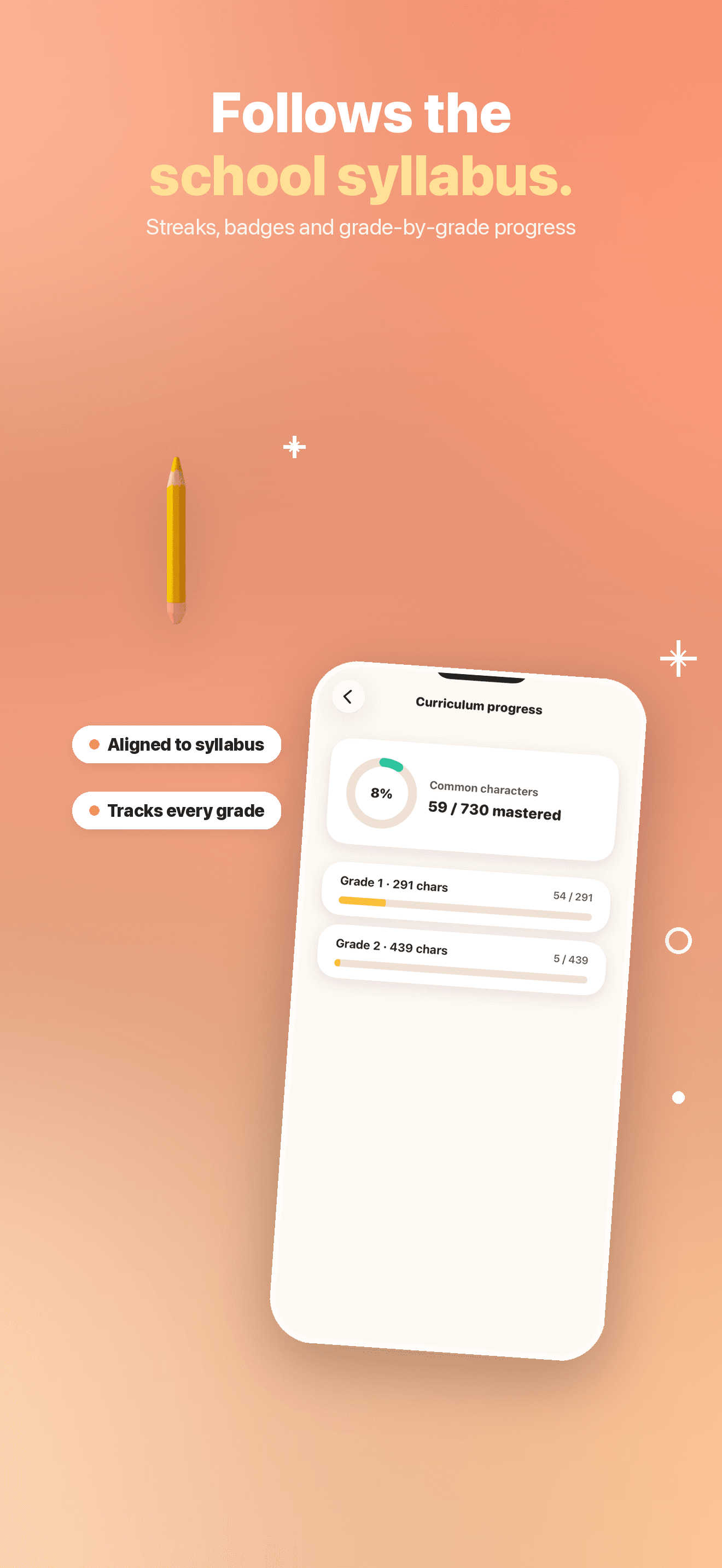
Every word your child snaps joins a personal gallery, grouped by the day they found it, so the collection visibly grows — that's the reward, with badges along the way. To make characters stick, Piko uses spaced repetition: it brings a character back for review just before it would be forgotten. Progress is organized by grade-level common characters, aligned with what a child would learn in a Chinese classroom, so a few minutes a day really adds up.
Is my child safe using Piko? Where do the camera photos go?
Piko is designed for a 4+ audience, and your child's privacy comes first. The camera is used only to recognize objects, and that recognition happens on your device — photos are processed locally and are never uploaded to a server or saved to the cloud. There are no ads, no third-party content, no accounts, and nothing your child snaps is ever shared or made public. Piko can also show gentle eye-rest breaks during longer sessions to protect little eyes.
Do we need an account, and does Piko work offline?
No account, no sign-in, and no email — every feature works the moment you open the app, and there is nothing to log in to. The core learning flow (character cards, tracing, review, and curriculum progress) runs fully on-device, so your child can keep learning even without an internet connection.
Do I have to pay to use Piko?
Piko is free to download, and your child can start learning right away — snapping objects, opening character cards, reviewing, and following curriculum progress — with no account and no sign-in. If we ever add optional extras, the words your child has already collected and their progress always stay yours.
I still need help — how do I contact support?
Email us at [email protected] with your question, your child's device model, and its iOS version, and we'll get back to you — usually within 1–2 business days. We read every message, whether it's a bug, a character that didn't look right, or an idea for Piko.