WidgetCraft-Aesthetic Widgets
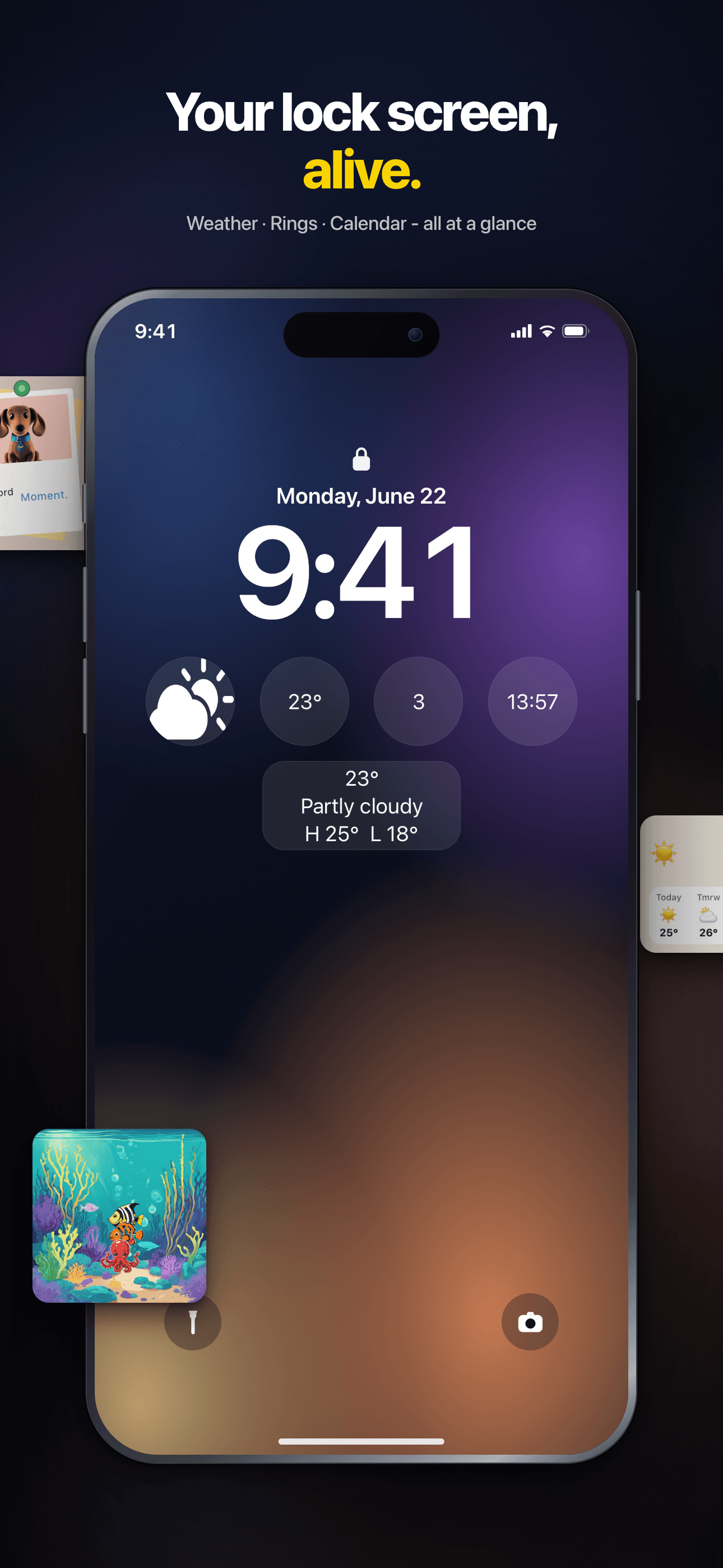
Home & Lock Screen, Photos
Your home screen, finally yours.
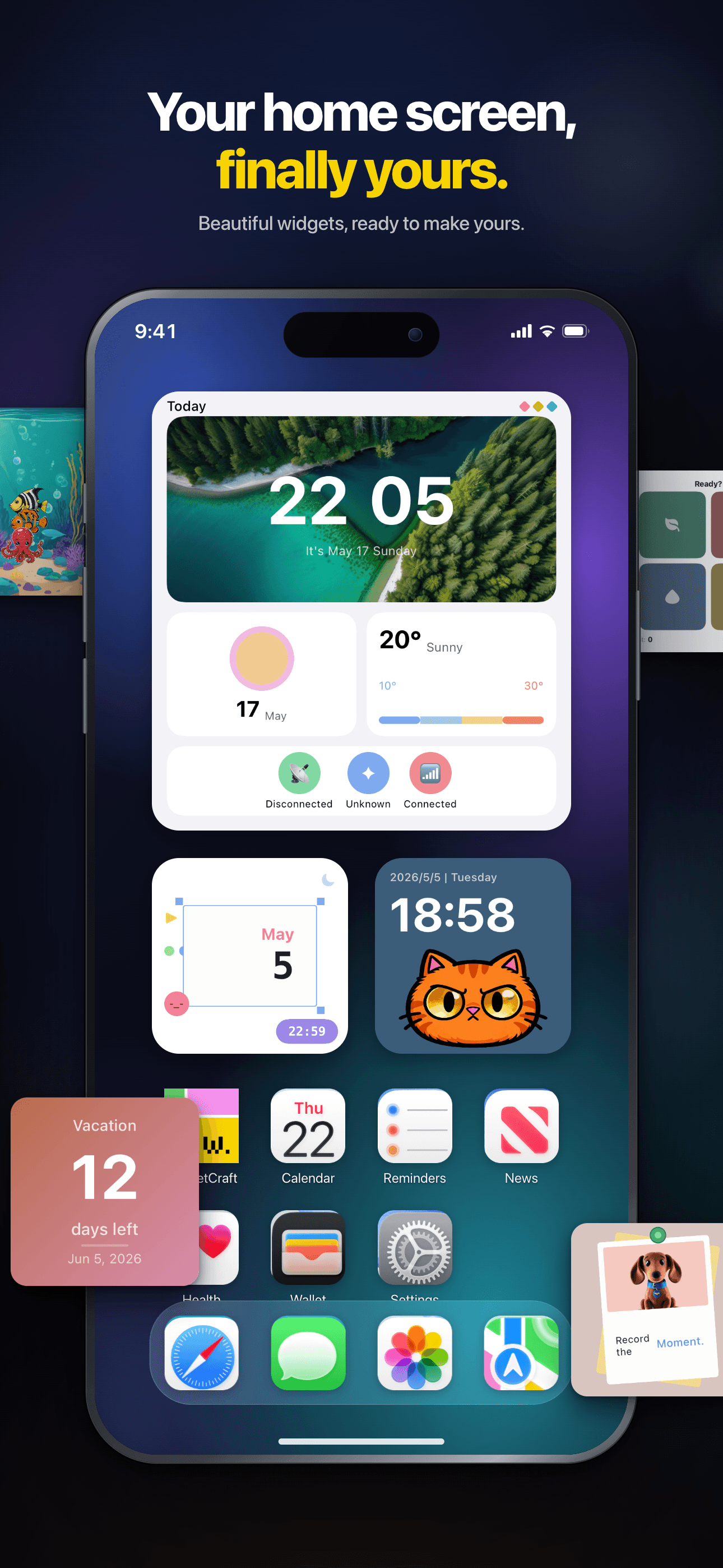
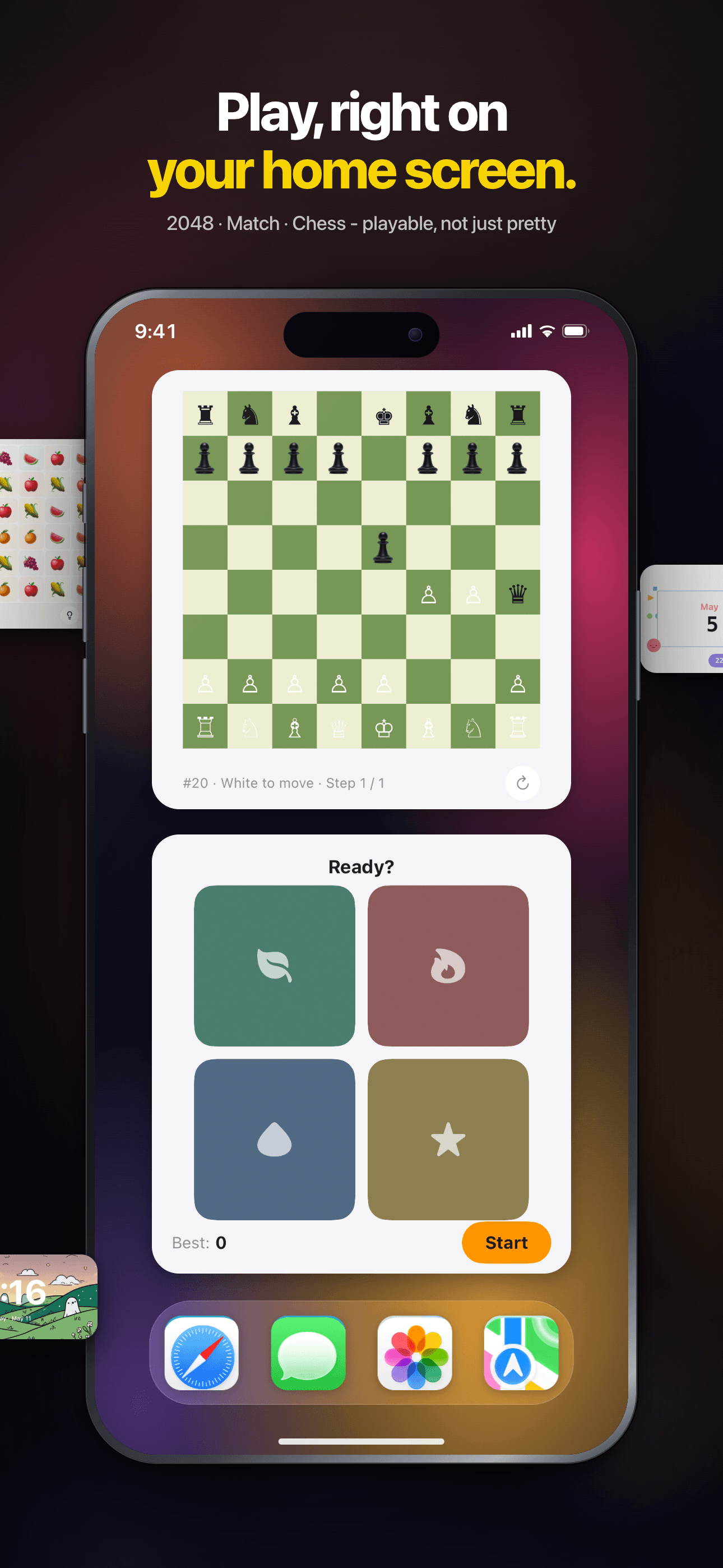
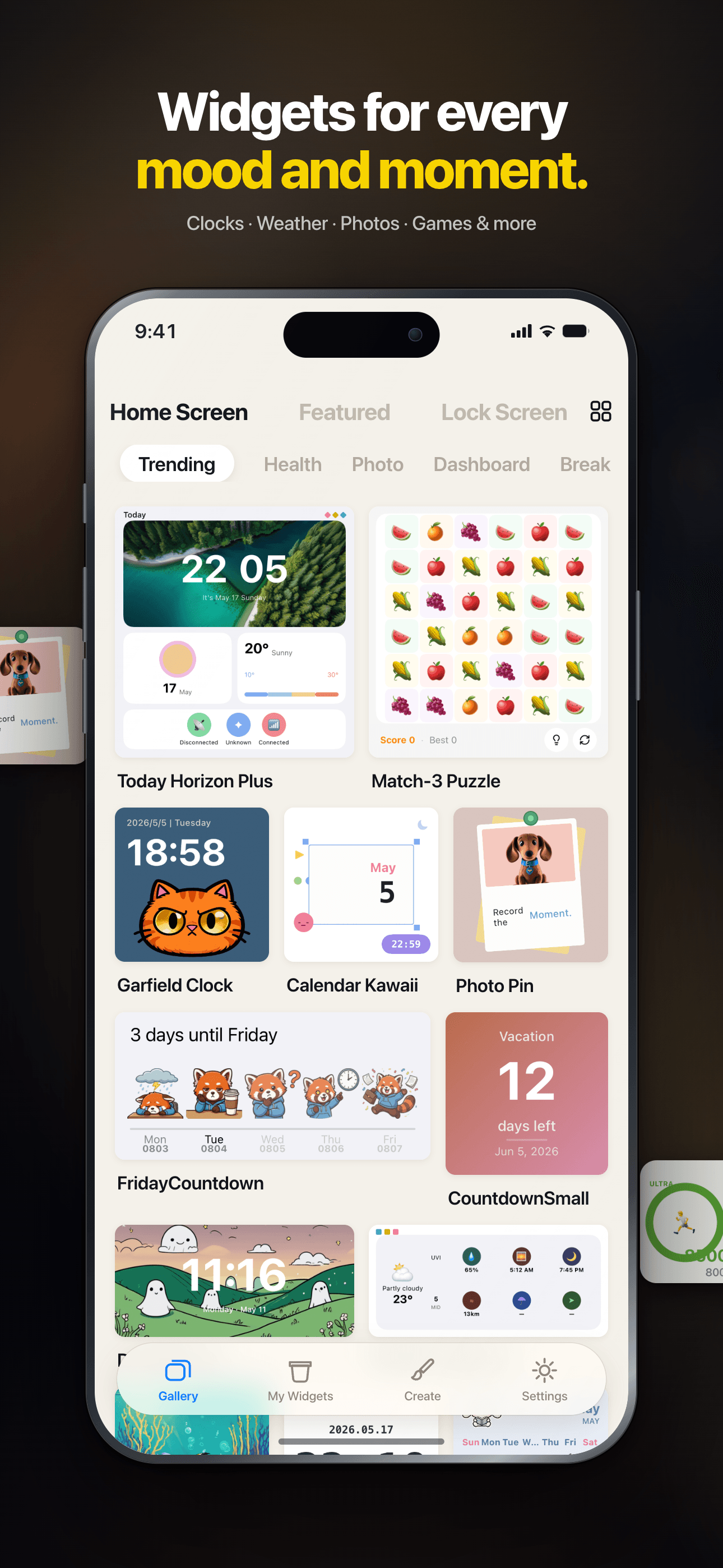
Play mini-games on your Home Screen, explore 150+ widgets, or create your own with an AI-powered editor. Clocks, photos, weather and more, made yours.
Core Features
Rich Templates
200+ thoughtfully designed presets spanning weather, calendar, photos, countdowns, quotes and more.
Visual Editor
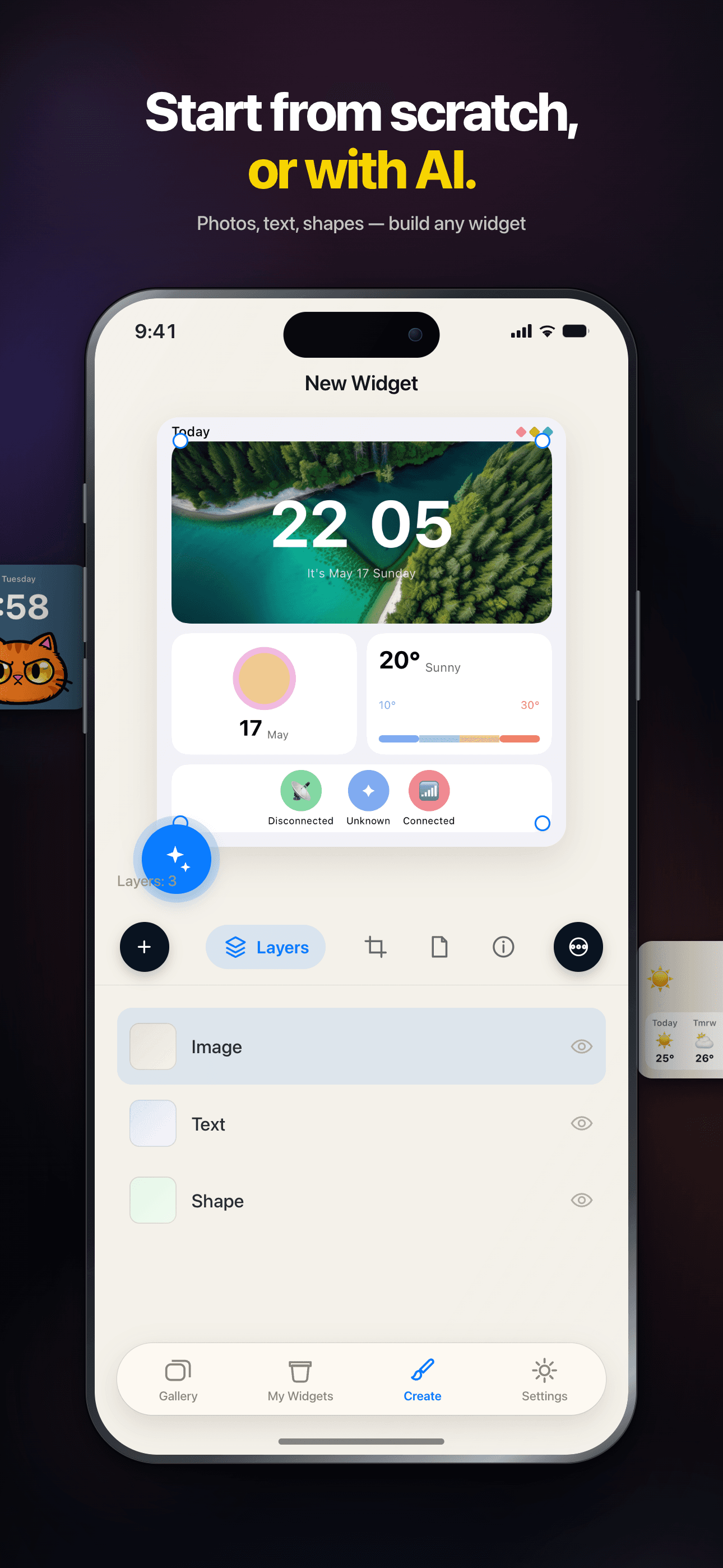
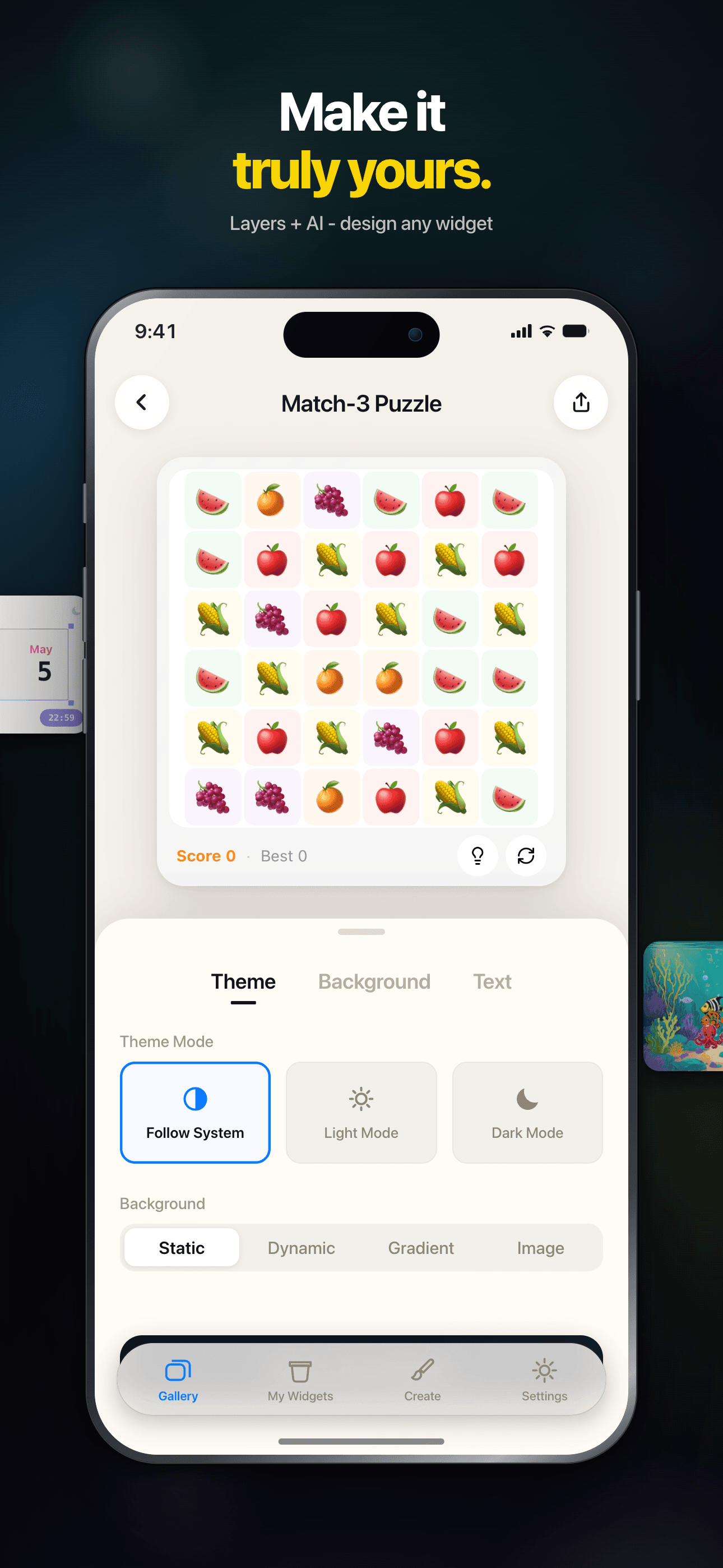
An intuitive drag-and-drop editor — build unique, personalized widgets with zero coding.
Community Sharing
Browse beautiful widgets from the community — use them in one tap or remix your own.
Instant Preview
Preview edits in real time, WYSIWYG. Supports small, medium and large widget sizes.
Works Offline
Every widget runs locally — no connection required, your data stays private.
Dark Mode
Full dark mode support — widgets adapt to the system theme, beautiful day and night.
Plans
Lifetime Access
Unlock all premium widgets with one purchase
Monthly
Unlock all premium widgets for 1 month
Yearly
Unlock all premium widgets for 1 year
FAQ
What is WidgetCraft?
WidgetCraft is an iOS widget platform where you can discover, customize, and install beautifully designed home-screen and lock-screen widgets. Each widget is a small self-contained package that runs inside a shared runtime provided by the app.
How do I install a widget on my home screen?
Open the widget detail page in the app and tap “Add to Home Screen”. On iOS, long-press any empty area on your home screen, tap the “+” button in the top-left, search for WidgetCraft, and pick the widget you just prepared. If the widget doesn’t show up, make sure you’ve tapped “Add to Home Screen” inside the app first — that’s what makes it visible to iOS.
Can I customize a widget’s appearance?
Most widgets expose a few parameters — colors, text, data source, theme — on their detail page. Adjust them to your taste, and iOS will refresh your home screen automatically within a few minutes.
Why isn’t my widget updating?
iOS controls widget refresh frequency to save battery — most widgets update every 15–60 minutes, not on demand. If you need a fresh value right now, tap the widget to open the app, then return to the home screen. If it still looks stale after an hour, try removing the widget and adding it back.
What does the VIP badge mean?
Widgets marked with a VIP badge require an active WidgetCraft subscription. Free widgets remain fully available — the VIP tier unlocks premium themes, live data providers, and advanced customization options.
Does WidgetCraft collect my personal data?
We collect only the minimum needed to run the service — anonymous usage metrics and the widgets you have installed. Widget content (e.g. your calendar, photos, health data) stays on device; our servers never see it. For details see the Privacy Policy linked in app Settings.
How do I contact support or send feedback?
Use the “Send Feedback” entry in the top-right menu on the home page. Tell us what happened, which widget was involved, and attach a screenshot if you can — that’s the fastest path to a fix.
Guides & tutorials
- WidgetCraft Getting Started: Your First Widget on the Home ScreenWhat WidgetCraft actually is, the two different things you can make in it, the four steps to a widget on your home screen, why iOS hides or delays it, and what the free tier does and does not include.
- Installing WidgetCraft: System Requirements, Permissions, Price and the First LaunchWhat WidgetCraft needs before you install it: iOS version, device, storage, which permissions it asks and when, what the free tier covers, what VIP costs, what happens on first launch, and why the App Store screen will not tell you half of this.
- Creating Your First Widget in WidgetCraft: Templates, Community, Blank CanvasThree ways to start a widget in WidgetCraft — a 200+ template, a community remix, or a blank canvas in one of six sizes — plus what the editor can change, what stays free, and why the first home screen add takes longer than it looks.
- WidgetCraft Templates: What the Library Holds, Which Are Free, and How to Use OneWidgetCraft ships 200+ preset templates across weather, calendar, photos, health rings and countdowns. Which are free, which need Premium, what the Apple Health badge on a template means, and where the limits are.
- Custom Widget Editing in WidgetCraft: Layers, Data and Real LimitsHow WidgetCraft's editor works: the layer system, every data source you can bind to, the effects and animations, and the real constraints — the 15 MB memory ceiling, iOS widget caching and the free tier's one-widget-per-size cap.
- WidgetCraft Community: Browse, Publish and Remix Widgets Made by Other PeopleHow the WidgetCraft community works: browse by category, use a widget in one tap, remix it in the editor, publish your own. What runs locally, what needs a network, and where the limits are.