CosmeticLens-Ingredient Check
Read every skincare label
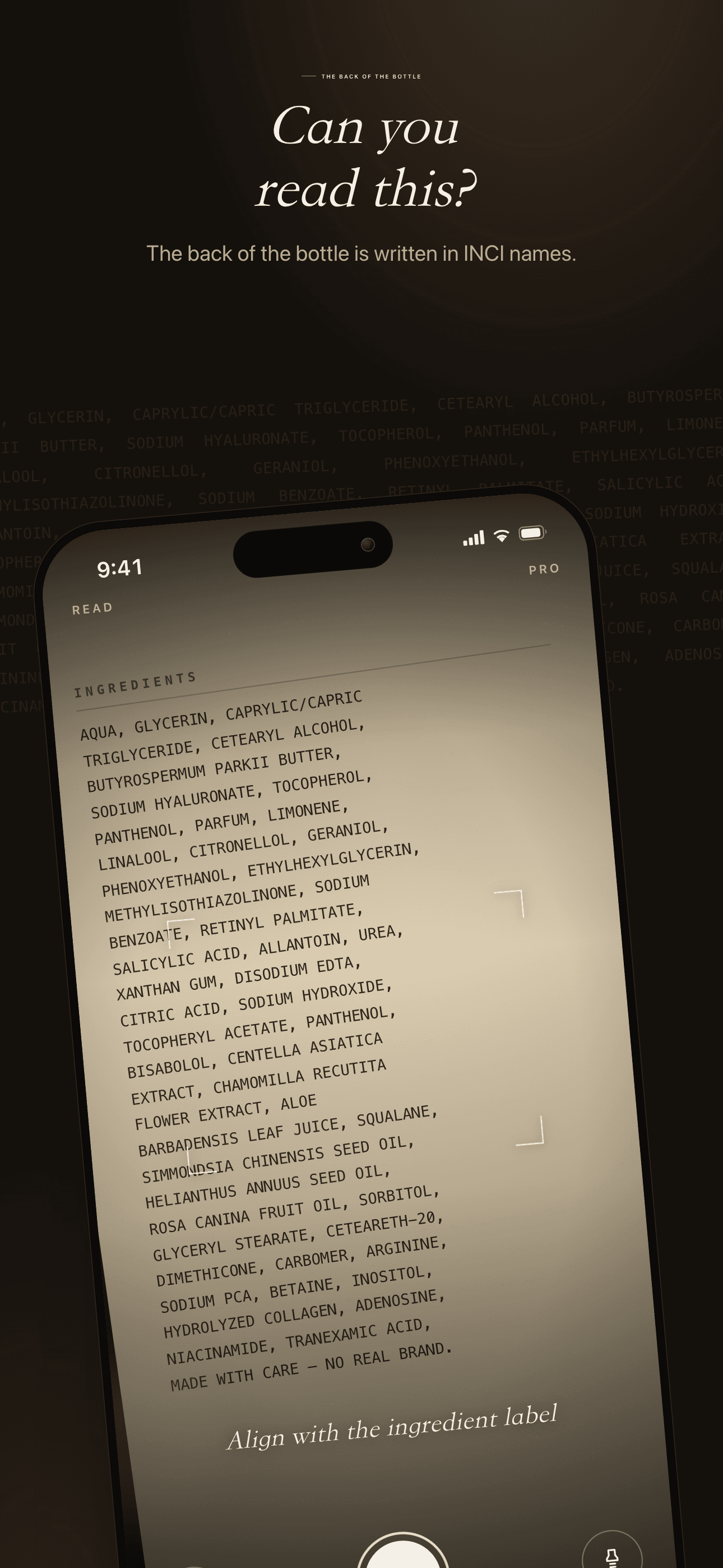
Ever turned a product over and stared at a wall of Latin ingredient names?
Point your camera at any ingredient list and watch it decode in seconds — built for sensitive skin, pregnancy, and anyone who actually reads the label.

Core Features
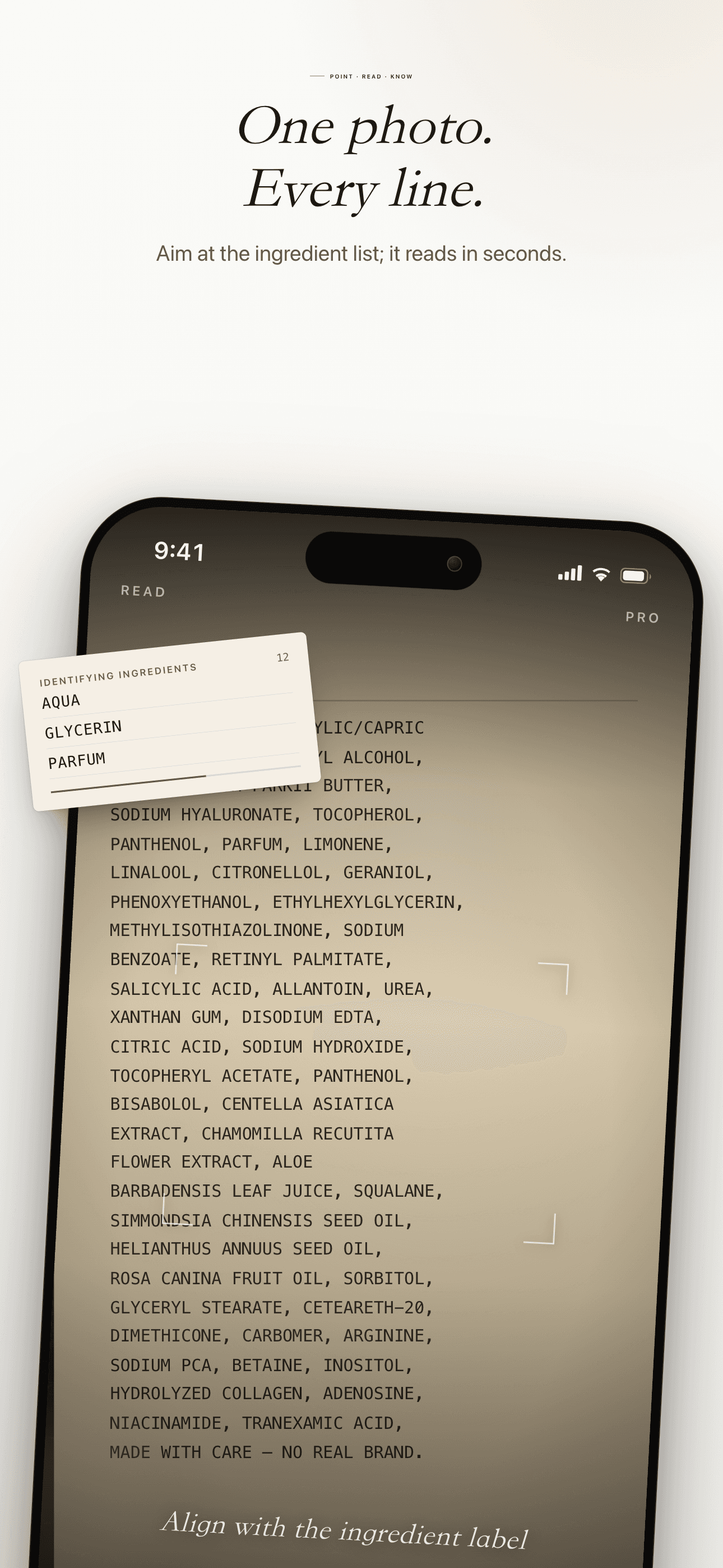
Read Any Ingredient List
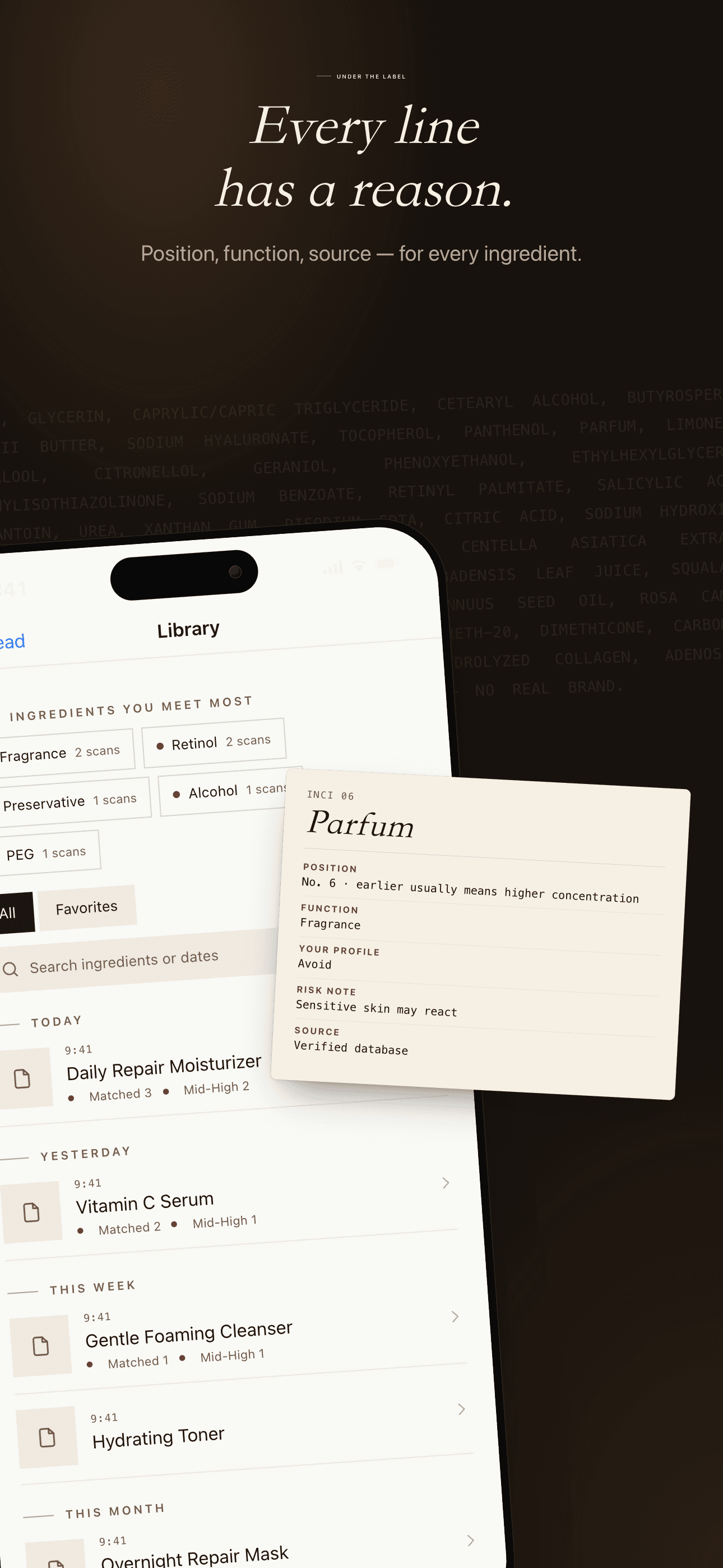
Point at any INCI list — on-device AI plus a backend model read it ingredient by ingredient, each with a risk level and its position (earlier usually means higher concentration).
Built Around Your Skin
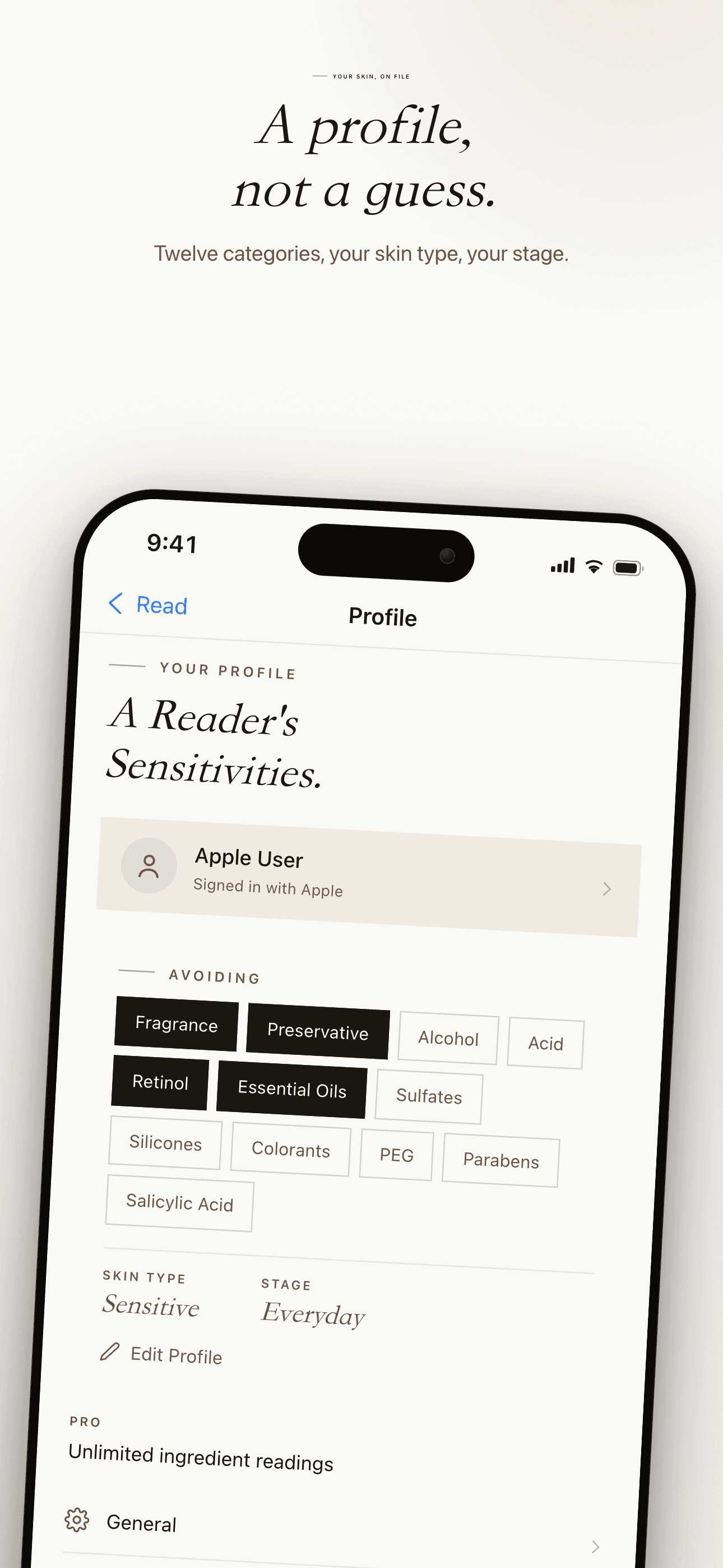
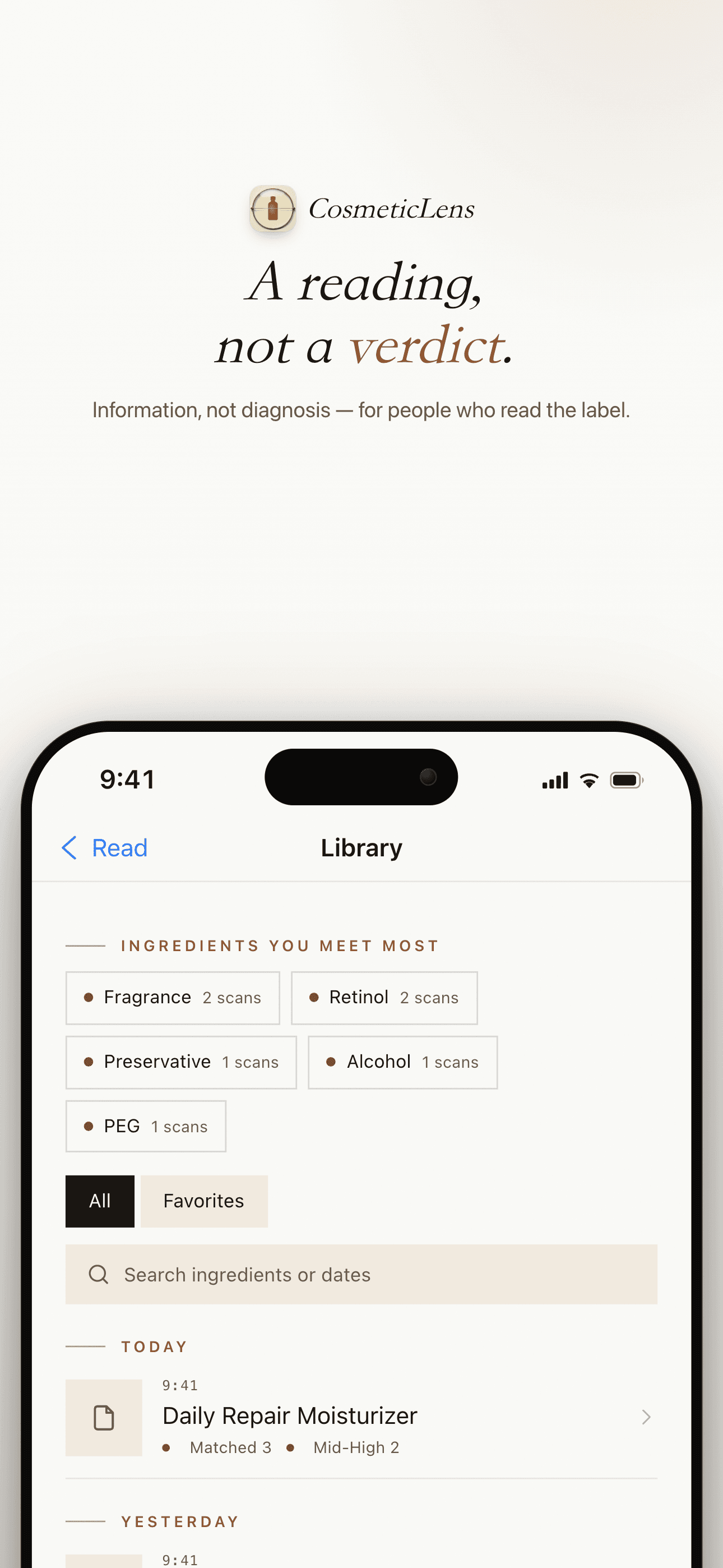
A sensitivity profile you control: skin type, life stage and 12 avoidance categories. Matches are flagged clearly as you scan — and the profile is never behind a paywall.
Honest by Design
CosmeticLens shows what it reads — never calling a product safe, suitable, or pregnancy-safe. It's an information companion, not a verdict; the decision is always yours.
On-Device Privacy
Your sensitivity profile stays on your device; label images travel over an encrypted channel for inference and aren't stored after the request. No ads, no data selling.
Plans
Monthly
Unlock unlimited scans for 1 month
Yearly
Unlock unlimited scans for 1 year — save 50%
FAQ
What is CosmeticLens?
CosmeticLens is an information-reference scanner for cosmetic ingredient labels. Point your camera at any ingredient list (INCI) and it reads the ingredients, then flags the ones that match your sensitivity profile — fragrance, preservatives, alcohol, acids, retinol, and more. It never tells you whether a product is "safe" or "suitable." It shows you what it reads; the decision is always yours, based on the actual label.
How does scanning work, and how accurate is it?
CosmeticLens uses on-device vision plus a backend LLM to read the ingredient list on the package. Ingredients stream in card by card, each with a risk level and its position in the list — ingredients listed earlier are usually present in higher concentration. It works best on clearly printed INCI labels. It is far less reliable on blurry, low-light, curved, or handwritten labels, and it can miss processed or derived ingredients. Every result carries a disclaimer — please verify against the actual label. CosmeticLens is a clue, not a verdict.
What is the sensitivity profile?
It is a profile you fully control: your skin type, life stage, and up to 12 avoidance categories — fragrance, preservative, alcohol, acid, retinol, essential oil, sulfate, silicone, colorant, PEG, paraben, and salicylic acid. When you scan, any ingredient that matches your profile is flagged clearly as the results stream in. The profile is never behind a paywall — it is yours from day one, and it stays on your device.
Does CosmeticLens tell me if a product is safe?
No. CosmeticLens will never call a product "safe," "suitable," or "pregnancy-safe." It is an information companion, not a medical or safety verdict. AI can misread a label or miss a derived ingredient, so the result is a starting point — not a conclusion. The decision is always yours; verify against the actual product before you use it.
I'm pregnant or have very sensitive skin — can I rely on it?
CosmeticLens helps you read a label faster, but it is not a substitute for professional advice. If you are pregnant or have a serious skin condition: • Treat the scan as an extra check, never the only check. • Read the actual ingredient label on the product. • When in doubt, ask a dermatologist or pharmacist.
Why does an ingredient show a particular risk level?
Tap any ingredient to see its INCI position, its function, and a plain-language note. You can also see whether the risk comes from an authoritative database or from AI inference — shown as a source label on each ingredient. Position matters: an ingredient near the top of the list is usually present in higher concentration than one near the end.
Where is my data stored?
Your sensitivity profile and scan history stay on your device. When a scan needs identification, the label image is sent to our backend LLM over an encrypted channel for inference, and the image is not stored after the request completes. No ads, no data selling. Only optional, anonymous analytics.
What does CosmeticLens Pro include, and how do I cancel?
The free tier includes a limited number of scans each day. CosmeticLens Pro unlocks unlimited scans, available as a monthly or yearly subscription — the yearly plan includes a 7-day free trial for new subscribers. To cancel: open iOS Settings → tap your Apple ID → Subscriptions → CosmeticLens Pro → Cancel. Your Pro features remain active until the end of the current billing period.
Guides & tutorials
- Reading a Skincare Label With No Barcode and No Product Database | CosmeticLensBarcode scanners can only read what is already in a product database. CosmeticLens reads the printed INCI list itself with on-device vision plus a backend model — what that changes, how it fails, and what it costs.
- Your Own Sensitivity Profile: Skin Type, Life Stage and 12 Avoidance Categories | CosmeticLensCosmeticLens matches every scan against a profile you build and edit yourself — skin type, life stage and 12 avoidance categories — and never puts the profile behind a paywall. What it changes, what it cannot know, and where the free tier actually ends.
- Will an Ingredient Scanner Ever Say a Product Is Safe? | CosmeticLensMost ingredient scanners quietly imply a verdict. CosmeticLens does not: it labels each risk as coming from a published source or AI inference, shows the failure modes, and leaves the call to you.