ReelCraft-크로마키·슬로우모션·속도조절
컷편집 브이로그 효과 필터 전환 템플릿 음악
ReelCraft는 주머니 속 프로급 영상 편집 앱입니다——릴스, 브이로그, 일상 편집을 위해 만들어졌어요. 워터마크 없이, 어렵지 않게.
일상 클립을 인기 영상으로——멀티 트랙 편집, 원탭 템플릿, 자막, 효과, 음악까지. 워터마크 없음.
Core Features
Multi-Track Timeline
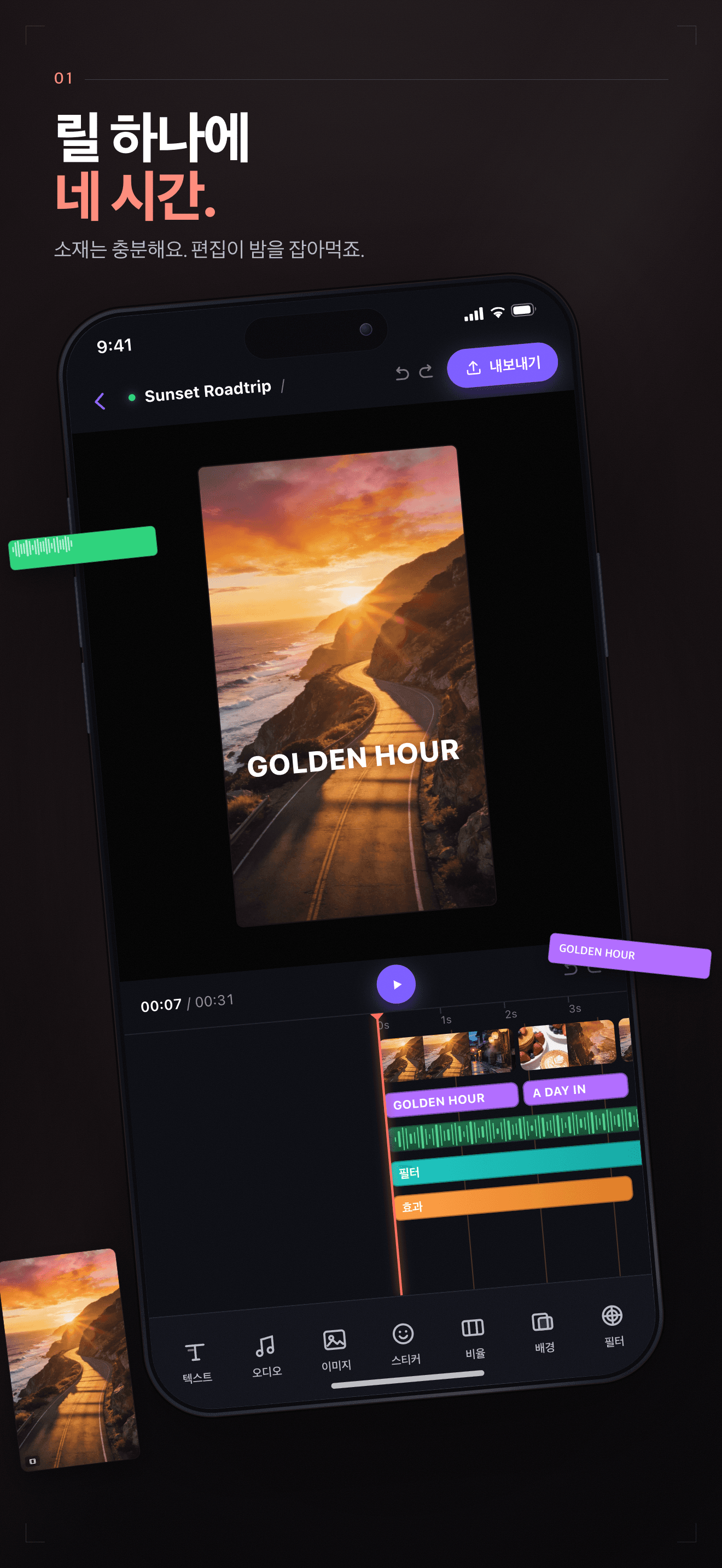
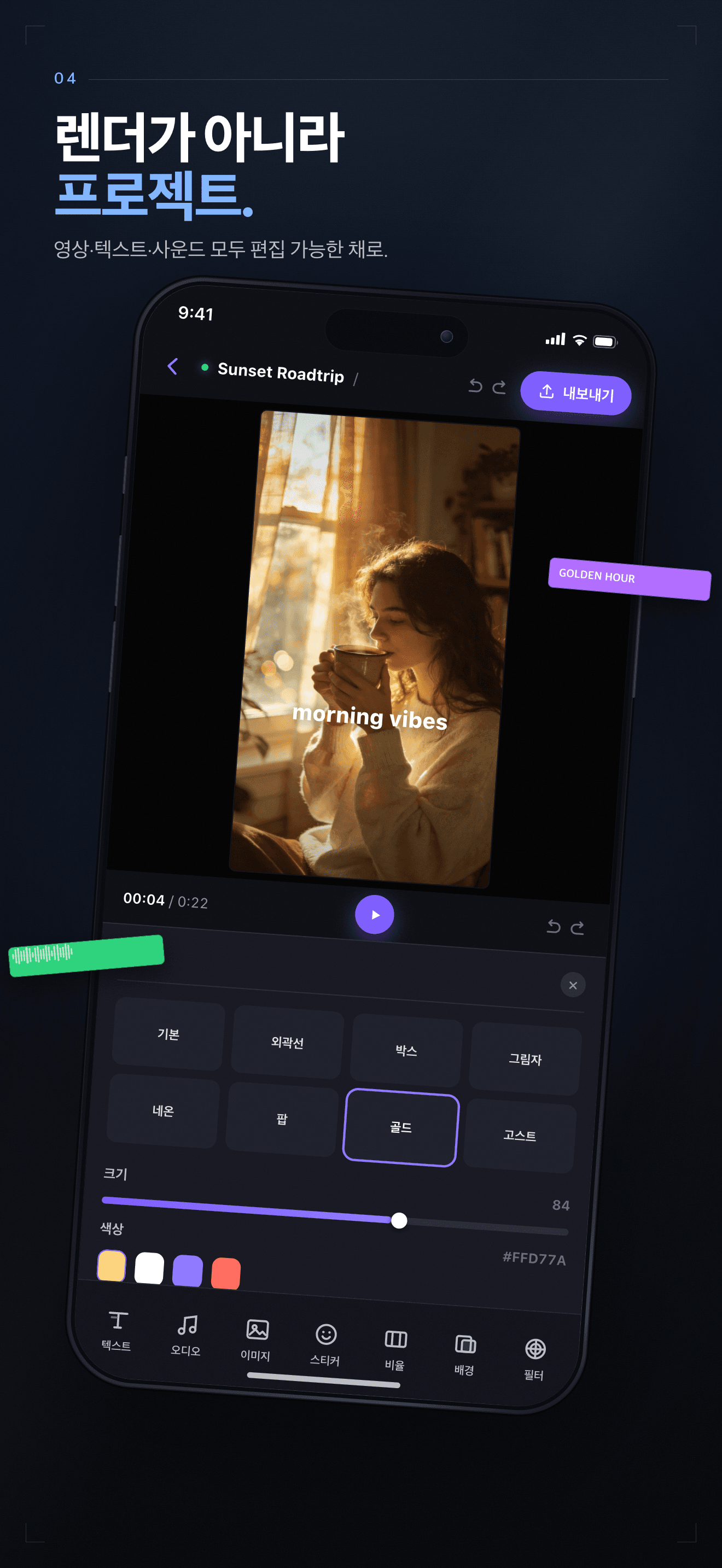
A CapCut-style timeline with split, speed, transitions, keyframes, and multi-track layering — pro power within reach.
One-Tap Templates
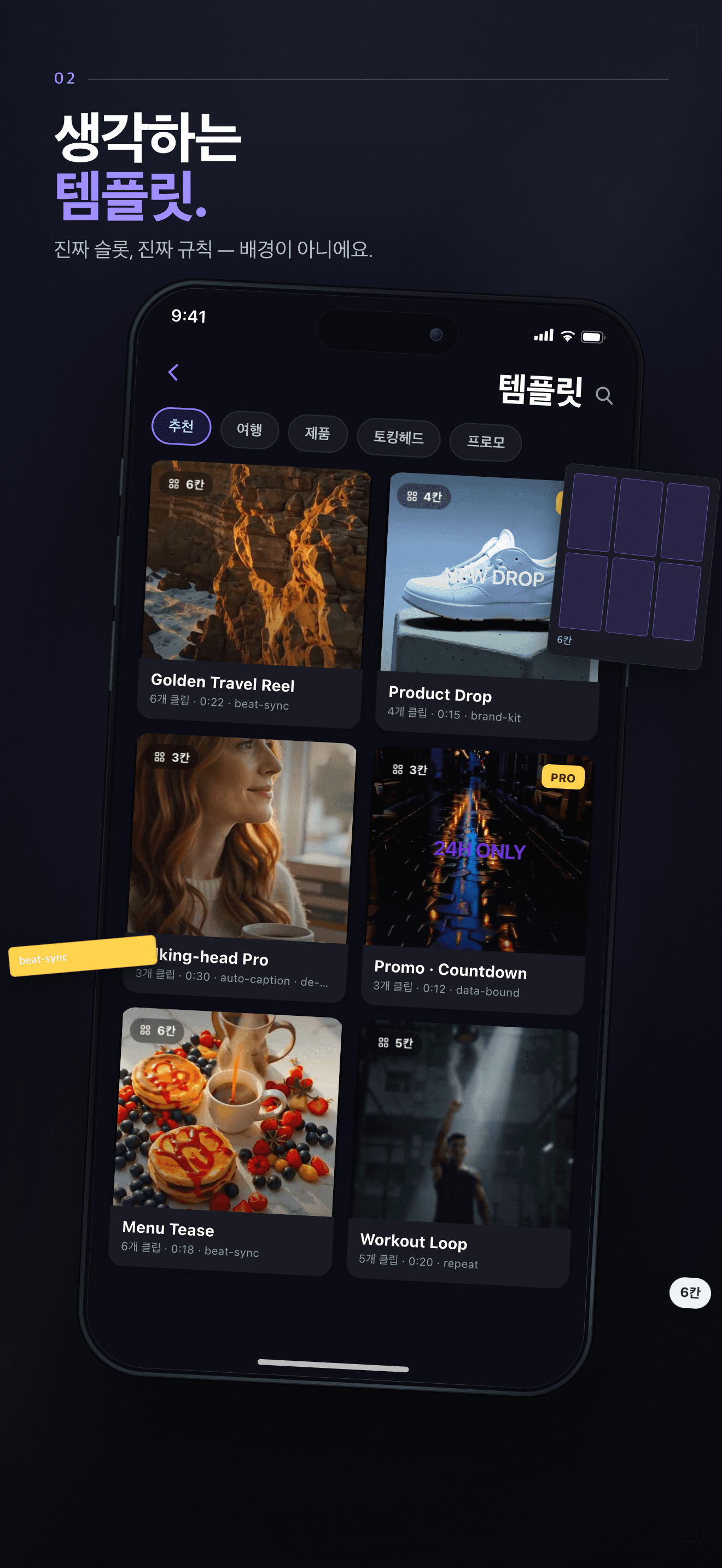
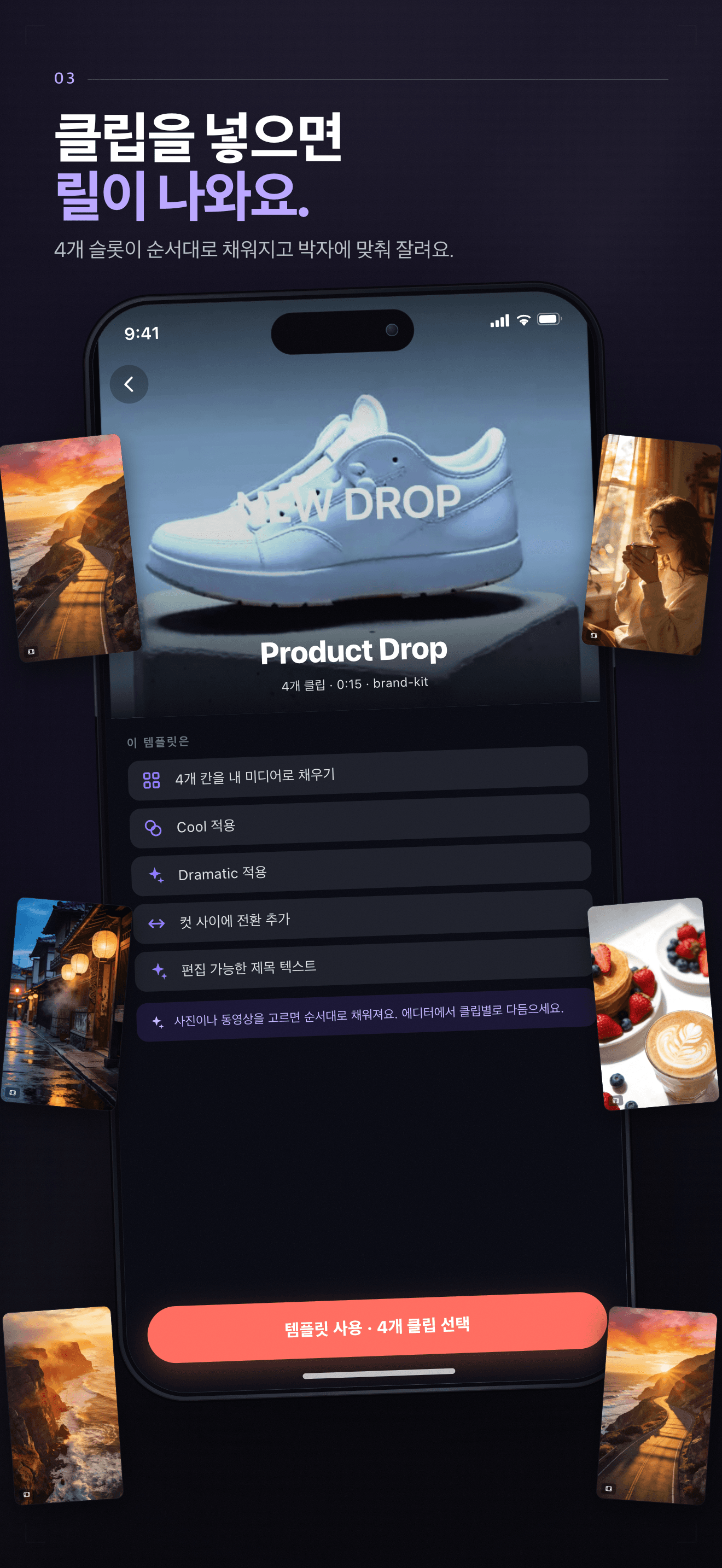
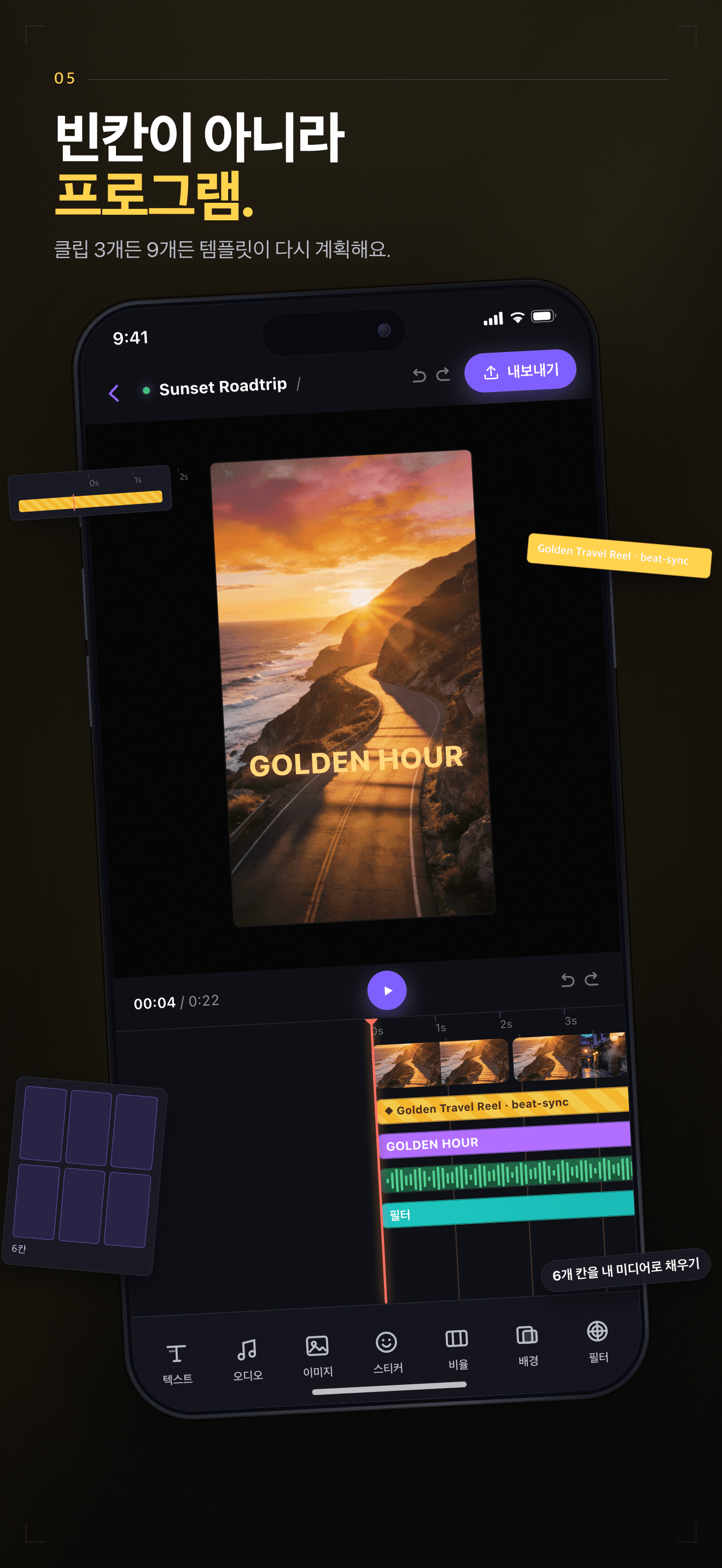
Pick a template, choose your clips — beat-sync cuts, speed ramps, and Ken Burns in one tap, then fine-tune in the editor.
HD Export, Watermark-Free
Pro unlocks high-resolution, watermark-free export plus premium templates and effects for a polished result.
Local-First Privacy
Footage, projects, and exports all live on your device — never uploaded by default, no account needed.
Plans
월간 구독
1개월 동안 모든 PRO 기능 이용
연간 구독
1년 동안 모든 PRO 기능 이용 — 50% 절약
FAQ
What is ReelCraft?
ReelCraft is a video editor for creators. It gives you a multi-track timeline, one-tap templates, playful effects, text, and music — all processed on your device and exported in a tap. Everything runs locally using Apple's AVFoundation and Metal frameworks, and no account is required to start editing.
How do I start a new project and import clips?
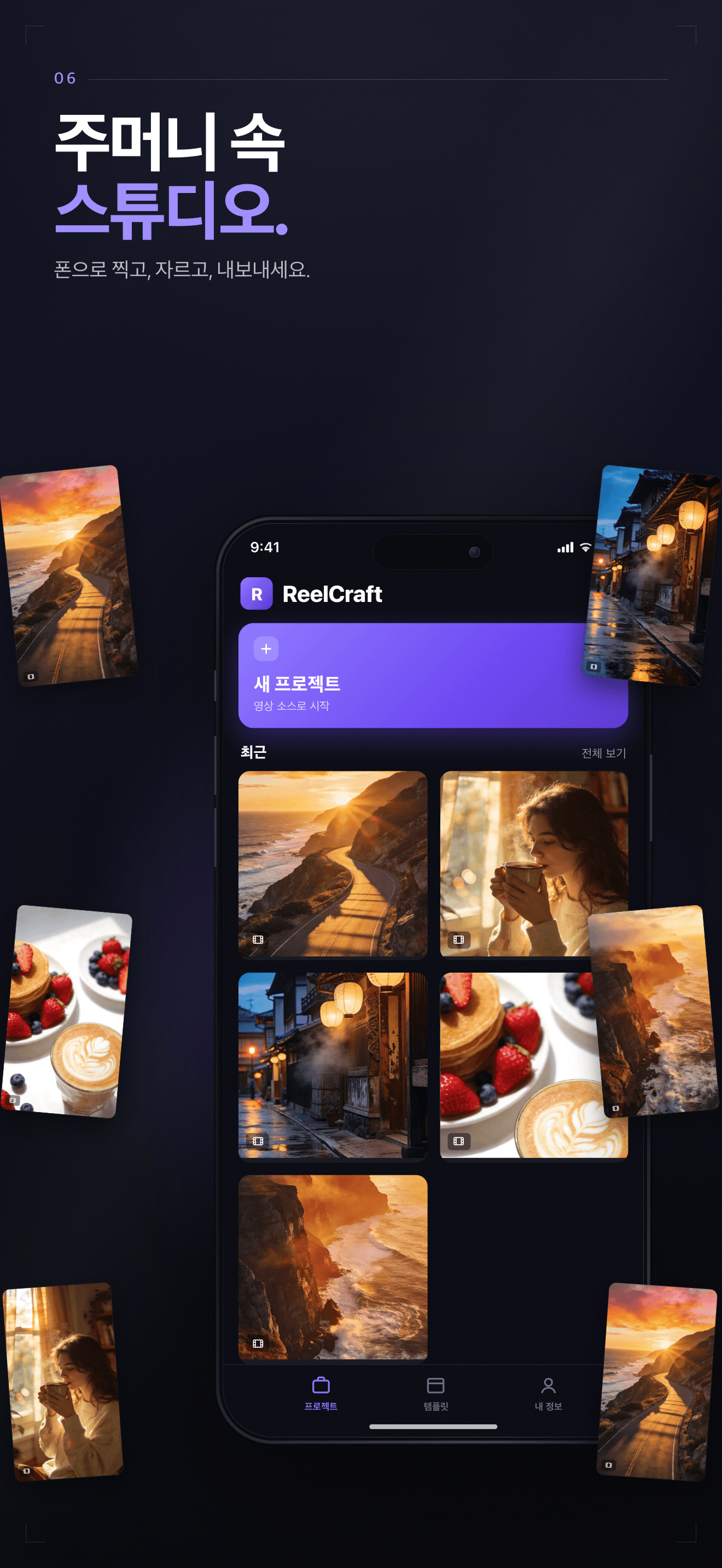
Open ReelCraft and tap “New Project”, then pick the videos and photos you want from the system media picker. ReelCraft copies only the items you select into the app — it never reads your entire photo library. Your clips land on the timeline, ready to edit.
What can I do on the timeline?
The multi-track timeline supports splitting, speed changes, transitions, and keyframes, and lets you layer video, text, music, and effects on separate tracks. Trim and arrange clips frame by frame, then preview the result in real time before exporting.
How do one-tap templates work?
Pick a template, choose a few clips, and ReelCraft assembles a finished edit — beat-synced cuts, speed ramps, and smooth transitions — automatically. You can share it as is, or open it in the editor to fine-tune every detail.
What does ReelCraft Pro include?
Editing and exporting are free to use. ReelCraft Pro unlocks high-resolution, watermark-free export along with premium templates and effects. Pro is an auto-renewing subscription billed through your Apple ID; you can manage or cancel it anytime in iOS Settings → Apple ID → Subscriptions.
Is my footage private?
Yes. ReelCraft is local-first: your footage, projects, and exports stay on your device and are never uploaded by default. Editing, rendering, and export all happen on-device, and the app works without an account. See the Privacy Policy for full details.
How do I get support or send feedback?
Email us at [email protected], or use the in-app feedback option to describe what happened and attach a screenshot. We read every message and use it to fix issues and improve the app.
Guides & tutorials
- How to Add Captions to a Video | ReelCraftAdd captions in ReelCraft two ways: generate them from a system-wide screen recording with speech recognition, or type them as styled text layers. Both stay editable on the timeline and ship inside the exported file.
- How to Sync Video Clips to the Beat | ReelCraftPut cuts on the beat in ReelCraft two ways: one-tap templates that are auto-timed to the music, or a frame-accurate playhead with pinch-to-zoom for placing every cut yourself.
- How to Edit a Video on Your Phone: What the Timeline Can Actually Do | ReelCraftReelCraft is a multi-track editor on the phone: split, trim, speed-ramp, reverse and keyframe under a frame-accurate playhead, import only the clips you pick, edit on-device with no account, and export up to 4K 60fps without a watermark.
- Make Reels Without a Watermark | ReelCraftReelCraft Pro exports up to 4K 60fps with no watermark straight to Photos, Share or Files. What the free tier actually adds, what Pro costs, and how to check before you export.