WaveCraft-Vocal Remover, Mixer
Record, Mix & Split Vocals
Your studio, wherever inspiration strikes.
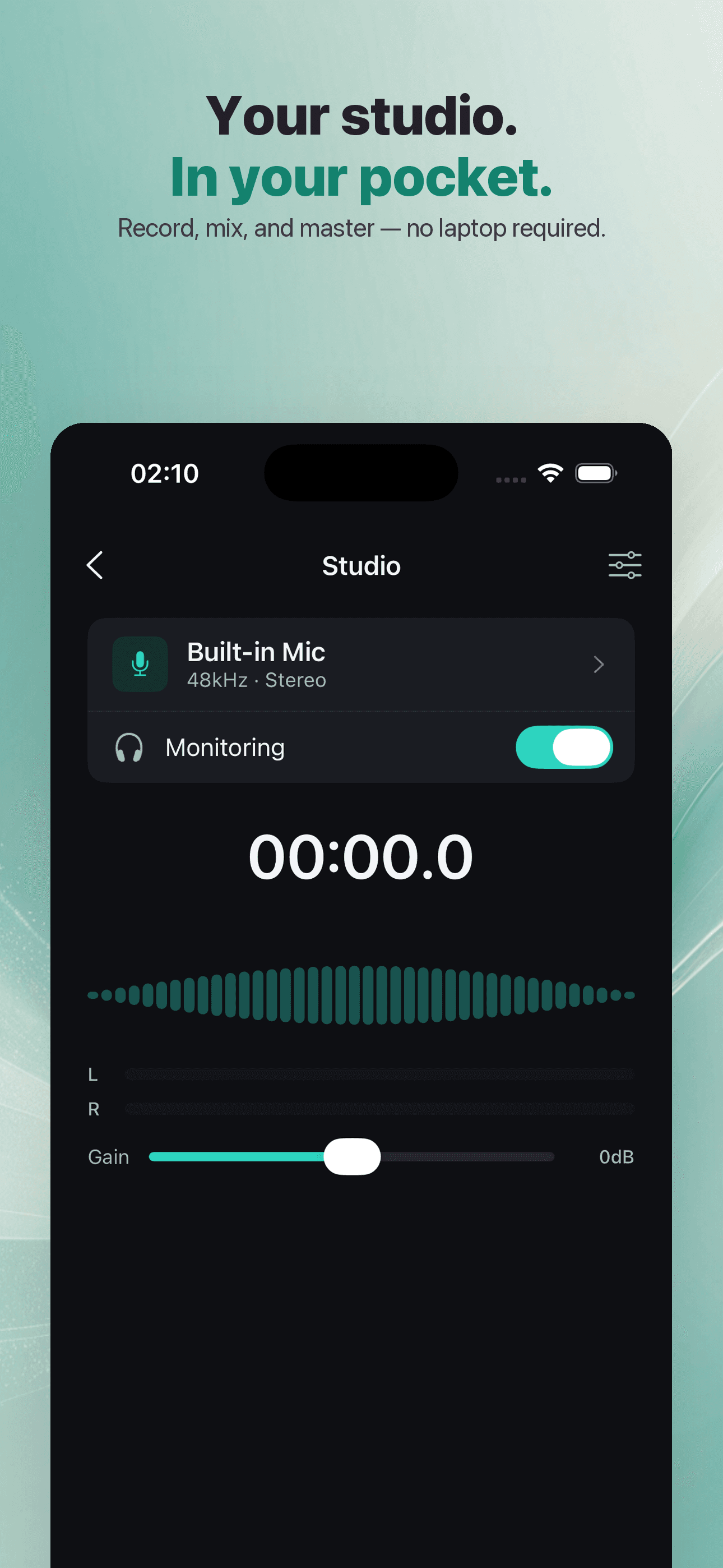
Record, split vocals with AI, and master your sound — a full studio, right in your pocket.


Core Features
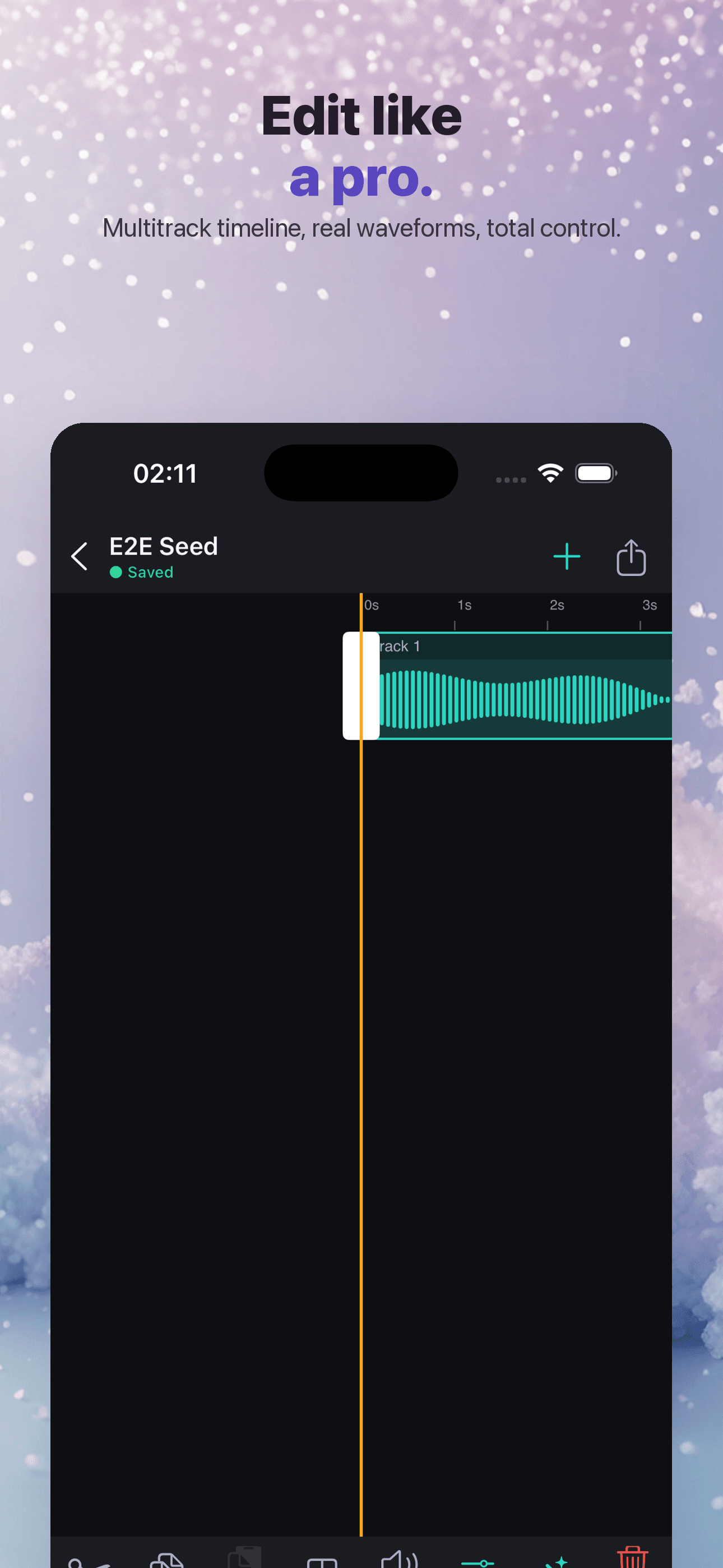
Multi-Track Recording & Mixing
Studio multi-track recording with timeline split, speed, fades, volume, and effects mixing — pro power within reach.
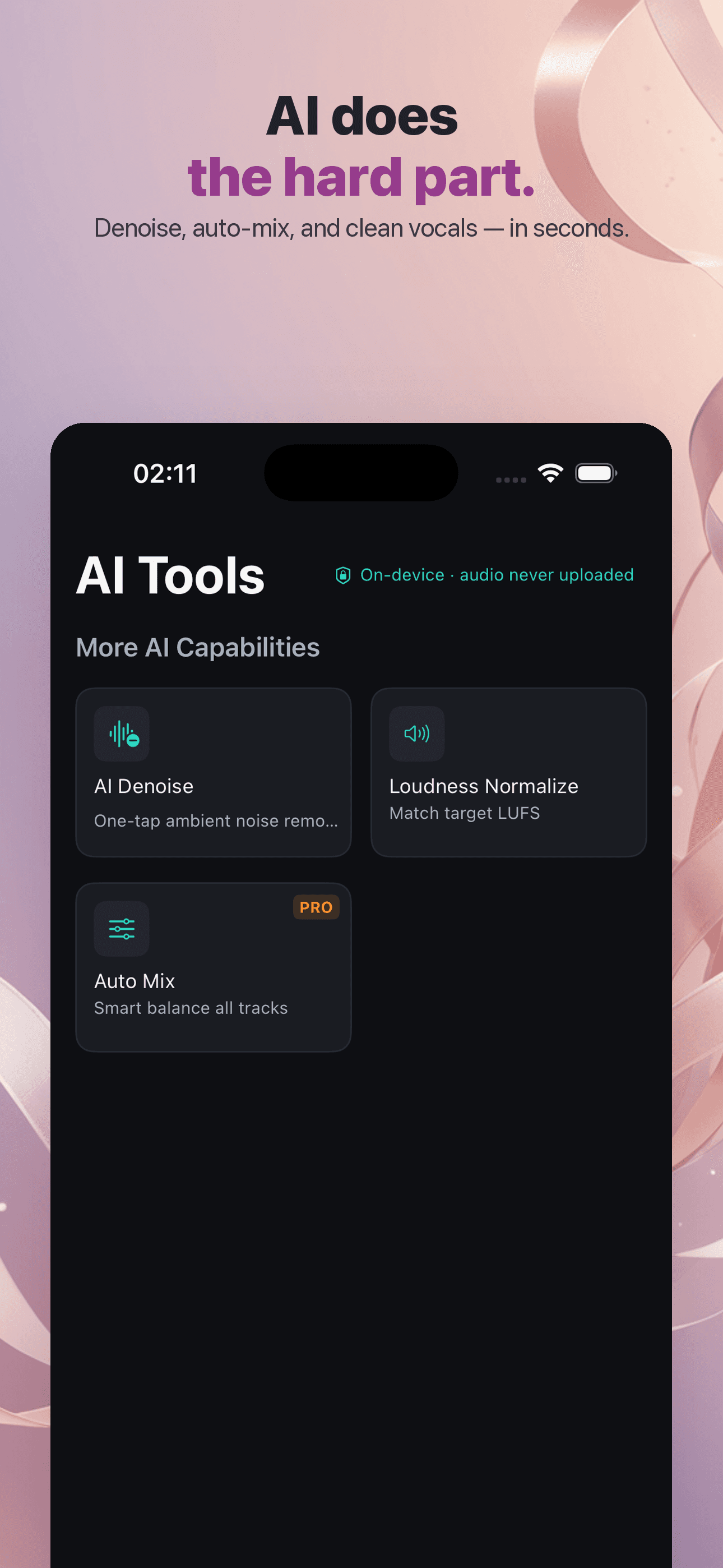
On-Device AI
AI vocal separation, denoise, vocal enhance, loudness normalization, and auto-mix — all on-device, your audio never leaves the phone.
Effects & Mastering
Effects — EQ, reverb, compression, limiting, modulation — plus mastering presets to polish your sound in a tap.
Local-First Privacy
Recordings, projects, and exports all live on your device — never uploaded by default, no account needed.
Plans
Lifetime Access
One-time unlock — yours forever
Monthly
Unlock all Pro features
Yearly
Unlock all Pro features
FAQ
What is WaveCraft?
WaveCraft is a multi-track audio editor and recording studio for creators. Record and layer tracks, split and time-stretch on the timeline, mix with 20+ effects and mastering presets, separate or denoise vocals with on-device AI, pull the audio track out of a video, and export losslessly (WAV / ALAC / FLAC). Everything runs locally on your iPhone or iPad.
Is my audio uploaded to the cloud?
No. WaveCraft is local-first: your recordings, projects, and exports live on your device, and the AI processing (vocal separation, denoise, mastering) runs on-device. Your audio is never uploaded by default, and no account or sign-in is required to use the app.
What do I get with WaveCraft Pro?
Pro unlocks the full studio: unlimited AI vocal separation / denoise / auto-mix, all 20+ audio effects, every mastering preset, multi-track mixing, lossless WAV/ALAC/FLAC export, and removes ads. The free tier lets you record and try the core editor so you can see how WaveCraft fits your workflow before subscribing.
How does the 7-day free trial work?
New subscribers can start a 7-day free trial on the Monthly or Yearly plan. You are not charged during the trial, and the paywall button and payment sheet always show whether a trial applies to you. If you keep the subscription, billing begins after the 7 days at the plan's price; cancel any time before the trial ends and you are not charged. If you have used the trial before, the app shows "Subscribe" (no trial) so there is never a surprise charge. Lifetime is a one-time purchase and does not include a trial.
How do I cancel my subscription?
Open iOS Settings → tap your Apple ID at the top → Subscriptions → WaveCraft → Cancel. Cancellation takes effect at the end of the current billing period, and Pro features stay available until then. Apple manages all subscription billing; WaveCraft cannot charge or refund you directly.
How do I restore a purchase on a new device?
On the paywall, tap "Restore". This re-checks your Apple ID and re-activates an active subscription or your Lifetime purchase — useful after reinstalling or switching devices. Because purchases are tied to your Apple ID, no account or password is needed.
Monthly, Yearly, or Lifetime — what's the difference?
Monthly and Yearly are auto-renewing subscriptions (Yearly costs less per month and can start with a free trial). Lifetime is a single one-time purchase that unlocks every Pro feature permanently with no recurring billing, and it supports Family Sharing. All three unlock the same Pro capabilities.
Which formats can I export, and can I pull audio from a video?
Pro exports lossless WAV, ALAC, and FLAC (plus standard compressed formats). You can also import a video and extract its audio track into a project to edit, clean up, or remix — all processed on-device.
I still need help — how do I contact support?
Email us at [email protected] with your question, your device model, and your iOS version, and we will get back to you. We typically reply within 1–2 business days.