YoloShell-SSH Terminal VNC RDP
Herdr, sshfs & remote desktop
Keep your servers and coding agents close. YoloShell brings SSH, Mosh, tmux, VNC remote desktop and Herdr sessions to iPhone and iPad.
Manage Herdr workspaces and coding agents from iPhone or iPad. Create panes and start agents on your server, alongside SSH, Mosh, tmux and VNC.



Core Features
Survives Roaming
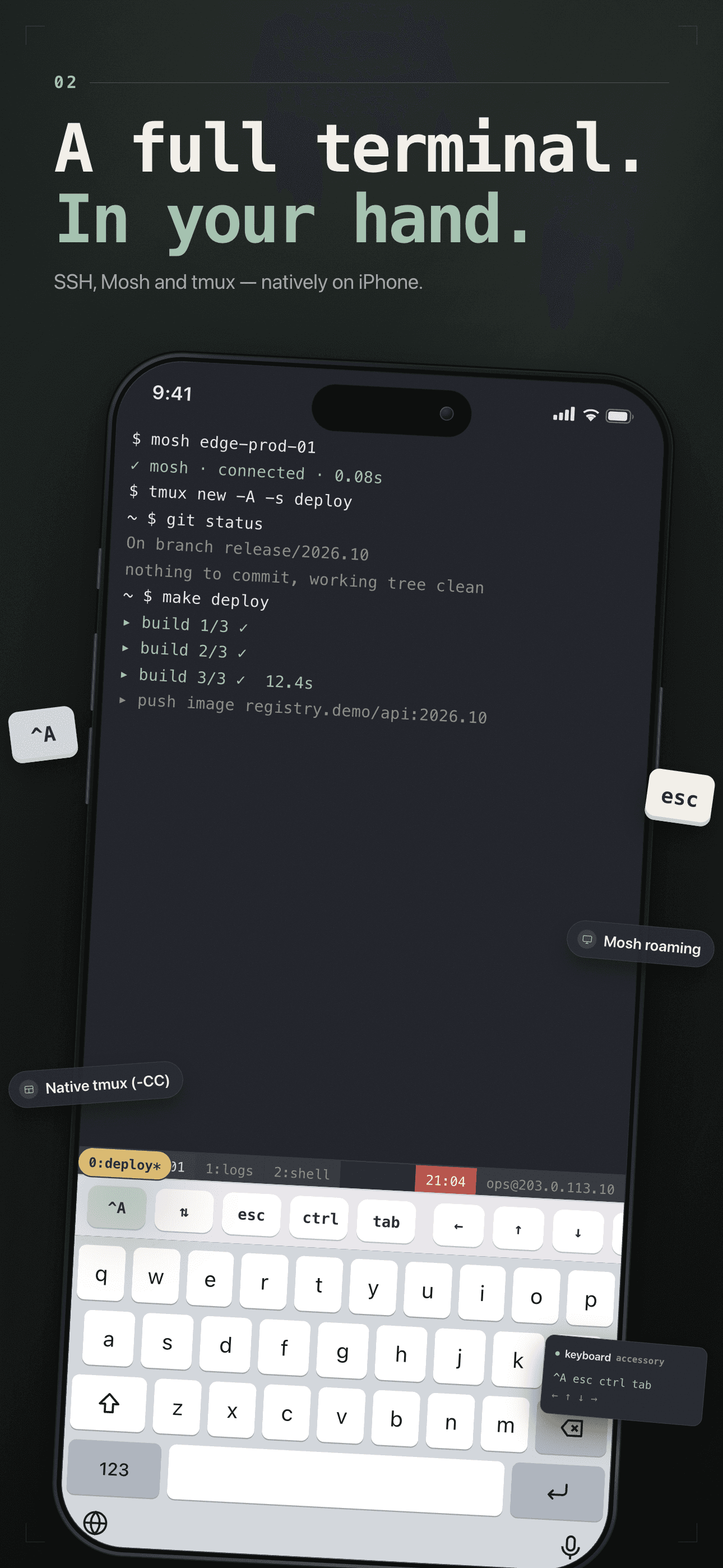
SSH, Mosh and tmux in one client; Mosh roaming keeps sessions alive across Wi-Fi, 5G and tunnel switches.
Full VNC Desktop
VNC into your Mac, Linux box or any server — pixel-perfect, with touch gestures and a full key bar. Built in and free, no extra app.
Multi-Tab on iPad
Run many hosts side by side with multi-tab terminals; live tab titles synced from OSC sequences, made for the big screen.
Keys Stay On Device
SSH keys are kept on device — never uploaded to the cloud.
Plans
Monthly
Pro monthly — iPad multi-tab · tmux -CC
Yearly
Pro 1 year — save 58% · 7-day trial
Guides & tutorials
- Keep an SSH Session Alive When the Wi-Fi Drops | YoloShellWhy SSH dies when your phone changes network, what Mosh roaming actually changes, where roaming stops working — UDP blocks, a missing mosh-server, iOS backgrounding — and what roaming costs in YoloShell Pro terms.
- Run a Coding Agent on Your Server from Your Phone | YoloShellYoloShell's Herdr panel lists every workspace, tab, pane and agent on a remote machine, starts an agent in a shell pane, shows its real status, and lets you observe read-only or take control explicitly.
- Use tmux Panes and Tabs on an iPad | YoloShelltmux on iPad is usually a text screen. YoloShell runs tmux in control mode (-CC) for a native tab and pane UI, adds Chrome-style tabs, live titles from OSC sequences, a prefix key bar, and the honest limits.