
SnapSweep-Clean Up Duplicates
Free Up Space & Storage
Drowning in thousands of screenshots you'll never open again?
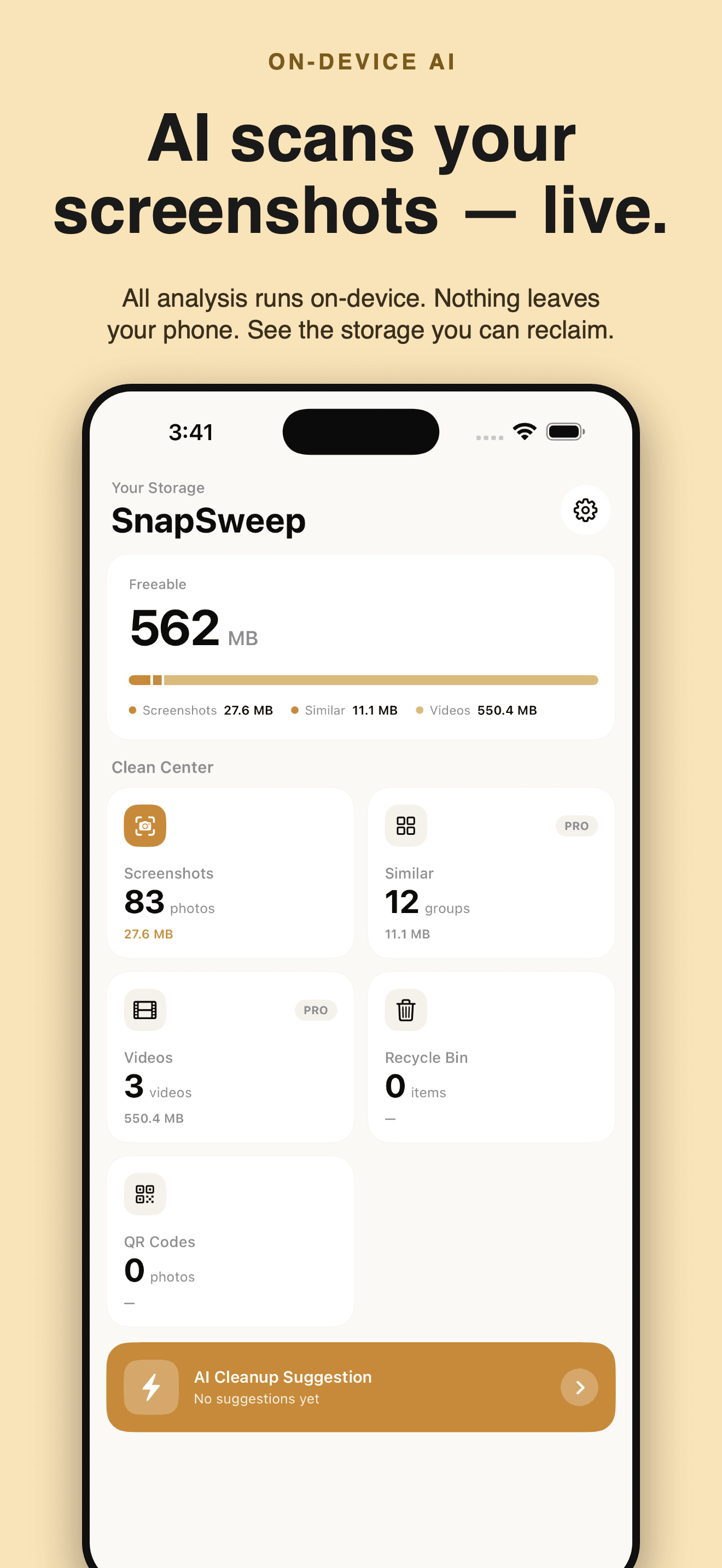
Let AI sort thousands of screenshots in seconds — reclaim GBs with a single swipe.
Core Features
Smart Cleanup
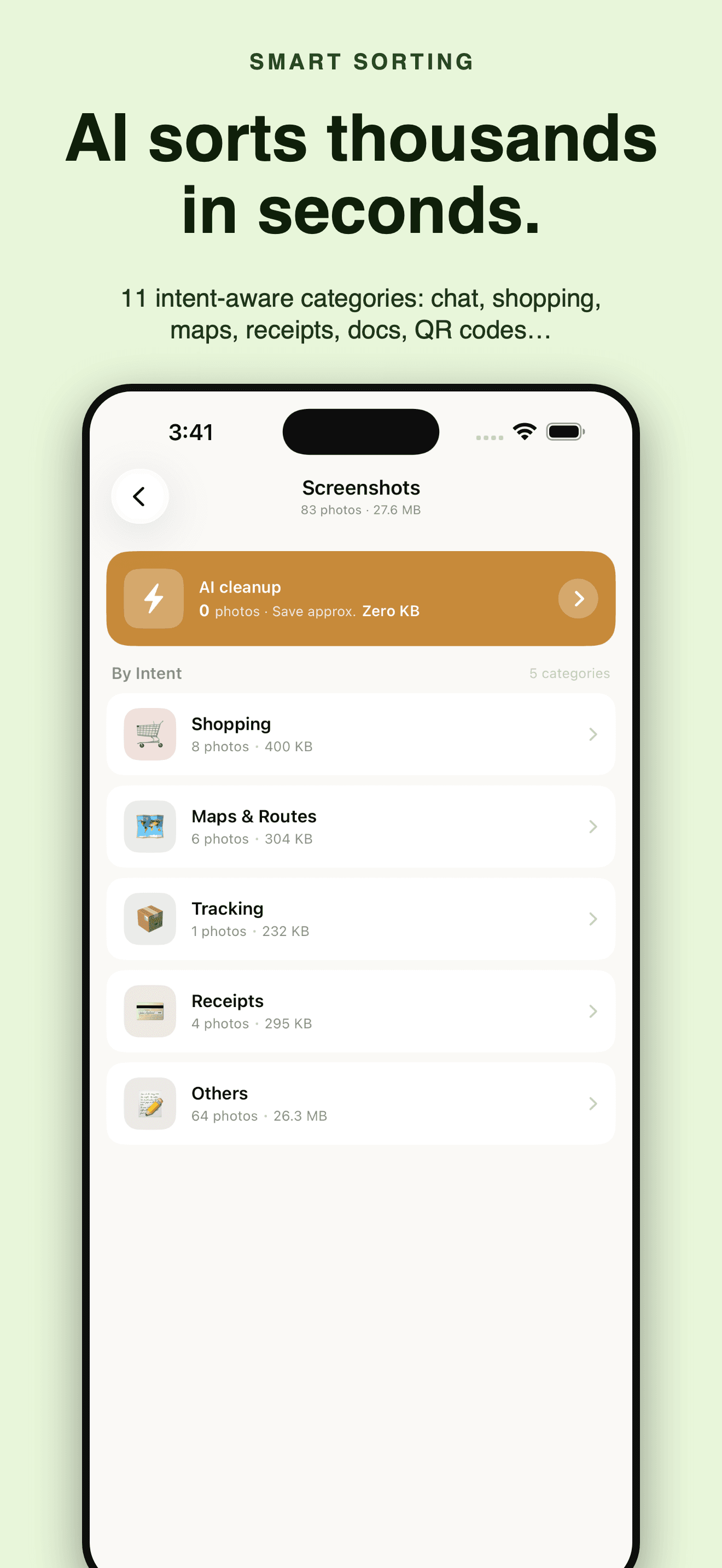
On-device AI sorts screenshots into 11 categories — chat, shopping, maps, web, documents, memes, QR codes, receipts and more — so the clutter is easy to spot.
Swipe to Decide
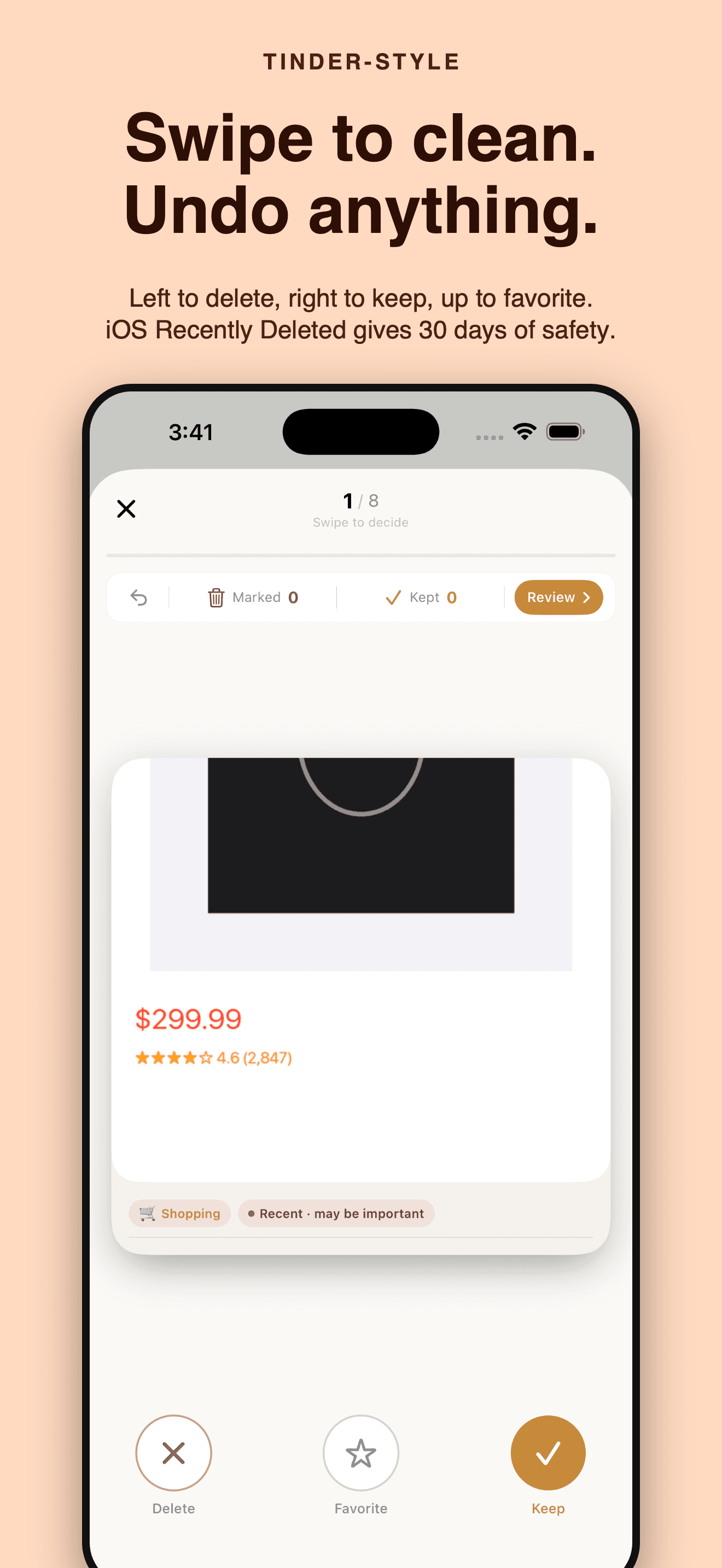
Tinder-style review: swipe left to delete, right to keep, up to favorite — undo anytime, commit deletes in one batch.
Reclaim Gigabytes
Sort thousands of screenshots in seconds and free up the storage those redundant images were eating.
30-Day Recycle Bin
Deletes go through iOS's native Recently Deleted with a 30-day window; everything runs on-device — your photos never leave it.
Plans
Lifetime Access
All PRO features forever, no subscription
Monthly
Unlock all PRO features for 1 month
Yearly
Unlock all PRO features for 1 year — save 45%
Guides & tutorials
- Bulk Delete Screenshots on iPhone: How SnapSweep Makes It SafeBulk-deleting screenshots only works when the app knows what each one is. SnapSweep classifies them into 11 categories on device, applies a per-category expiry rule, and lets you swipe left to delete, right to keep.
- Save the Info in a Screenshot Before Deleting It | SnapSweepSnapSweep's Info Vault pulls phone numbers, URLs, addresses, tracking numbers and verification codes out of a screenshot before you delete it, scores every candidate, and gives each one a button that does what it says.
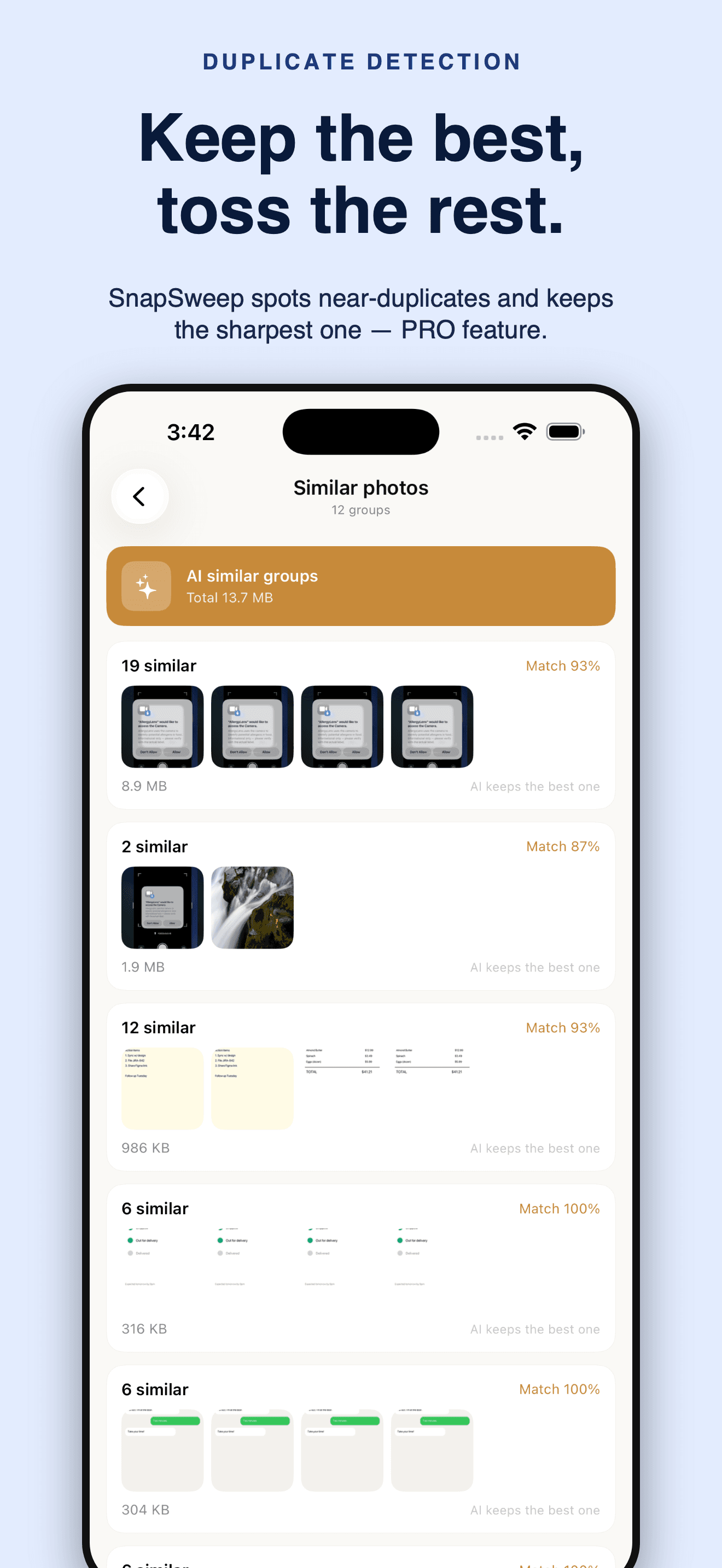
- Find Duplicate Photos: What Near-Duplicate Detection Actually Does | SnapSweepSnapSweep groups near-duplicate photos with a two-stage matcher, proposes the best shot by a quality score you can override in one tap, and suggests video compression only when the estimate says it is genuinely worth the re-encode.